Configuration of gateways
Wieland Electric GmbH | BA000970 | 11/2016 (Rev. F)
Work area
918246795
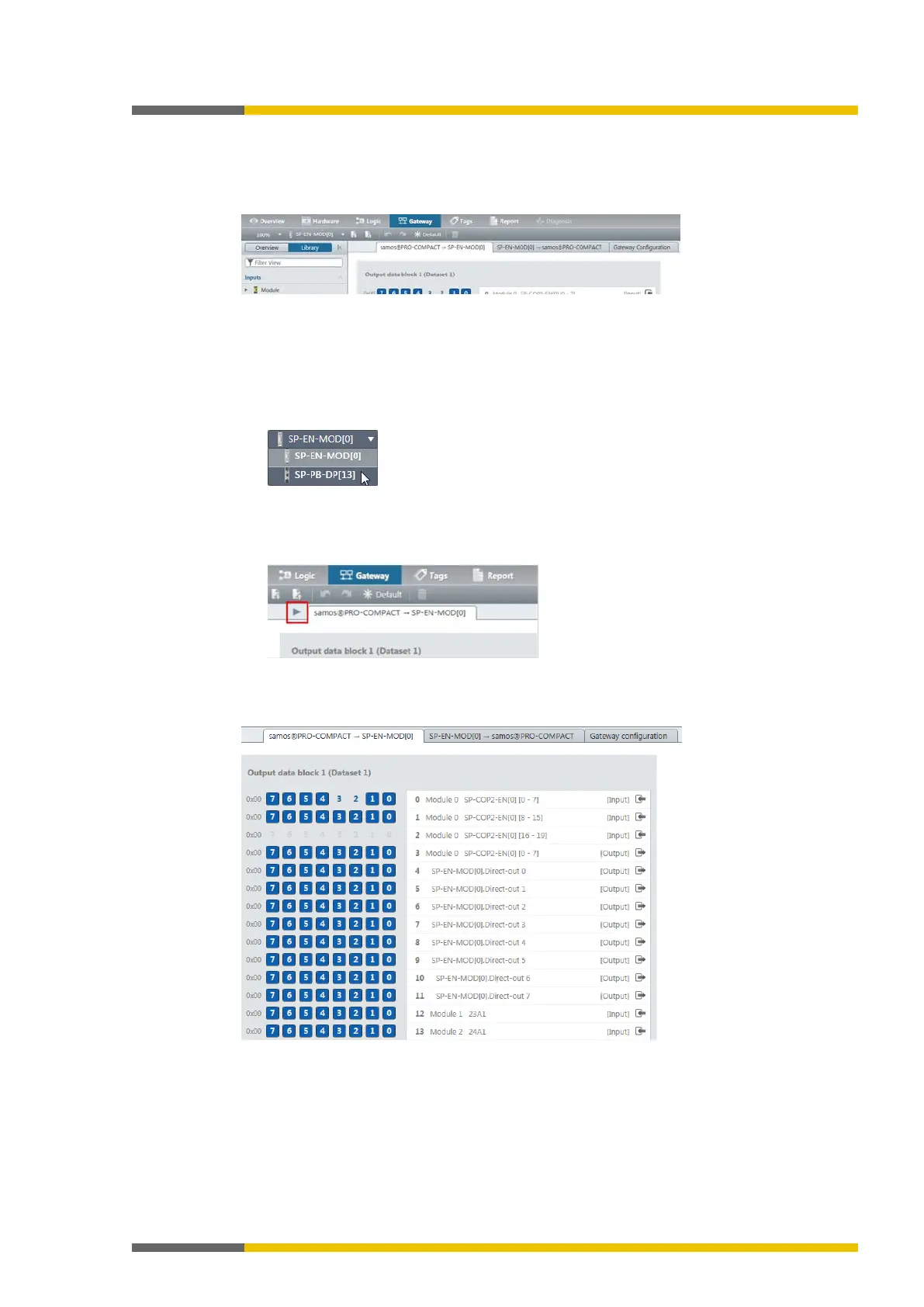
Depending on the hardware configuration, you can see two or three tabs in the work area of
the
view. You can configure the gateways in these tabs.
Illustration 3: Gateway configuration with three tabs
Display notes
•
When you are using several gateways
The work area only ever shows a single gateway configuration. If you are using several ga-
teways, you can toggle between the configurations by making use of the
menu:
•
When the program window is very small
If the window in which you have opened samosPLAN5+ is very small, not all tabs may be
shown.
In this case an arrow symbol will appear, allowing you to toggle between the tabs:
Tab 1: Routing table with output values (data bytes)
Transmission direction: samosPRO COMPACT -> Network/field bus
Illustration 4: Routing table with output values



 To Next Page