Configuration of gateways
Wieland Electric GmbH | BA000970 | 11/2016 (Rev. F)
Commands
918252427
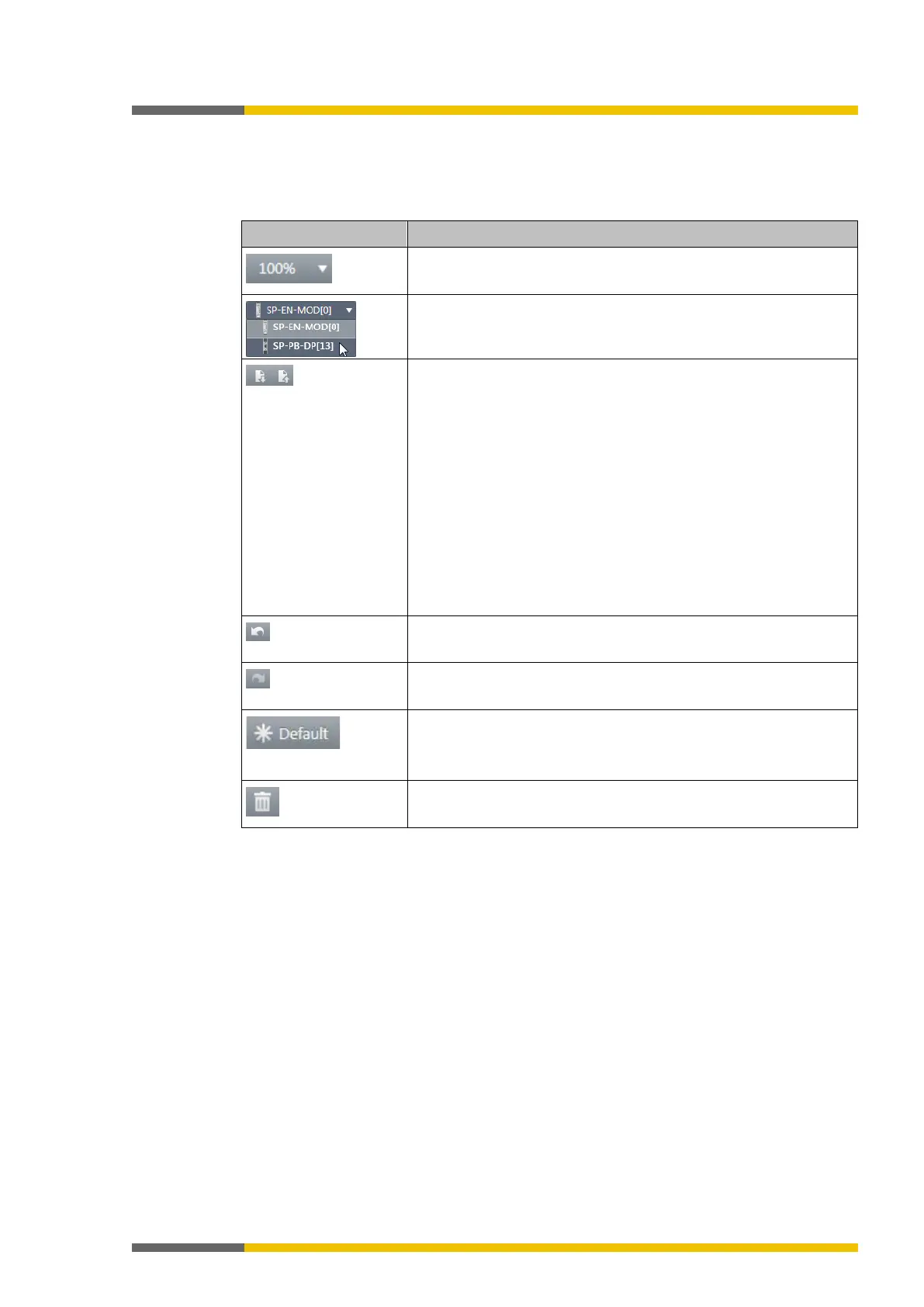
Via the command bar, you have access to the following view-specific functions:
Table 15: Key
This determines the size of the display in the work area.
When you are using several gateways: Changes between the gate-
Allows for the import/export of the configuration defined in the
view.
:
•
When you import a configuration, all changes made
before that have not been saved will be lost. You cannot undo
this command.
• Available storage formats: *SPG, *XML, *CSV
You can use the import/export function to import the tag names
used for a project into a PLC program or to export them from a
PLC program into samosPLAN5+.
• The
button is only available for the routing configuration
in the "network/field bus to gateway" direction.
This renders the last action undone.
This makes an action that has been undone redone.
This resets the configuration of the gateways to the basic settings.
Also see:
Basic settings for the operating data [ch. 5.2.2, p. 42]
This deletes the currently selected element.



 To Next Page