Modbus TCP gateway
Wieland Electric GmbH | BA000970 | 11/2016 (Rev. F)
Diagnosis and troubleshooting
910788363
You can find information on diagnosis of the samosPRO system in the software manual.
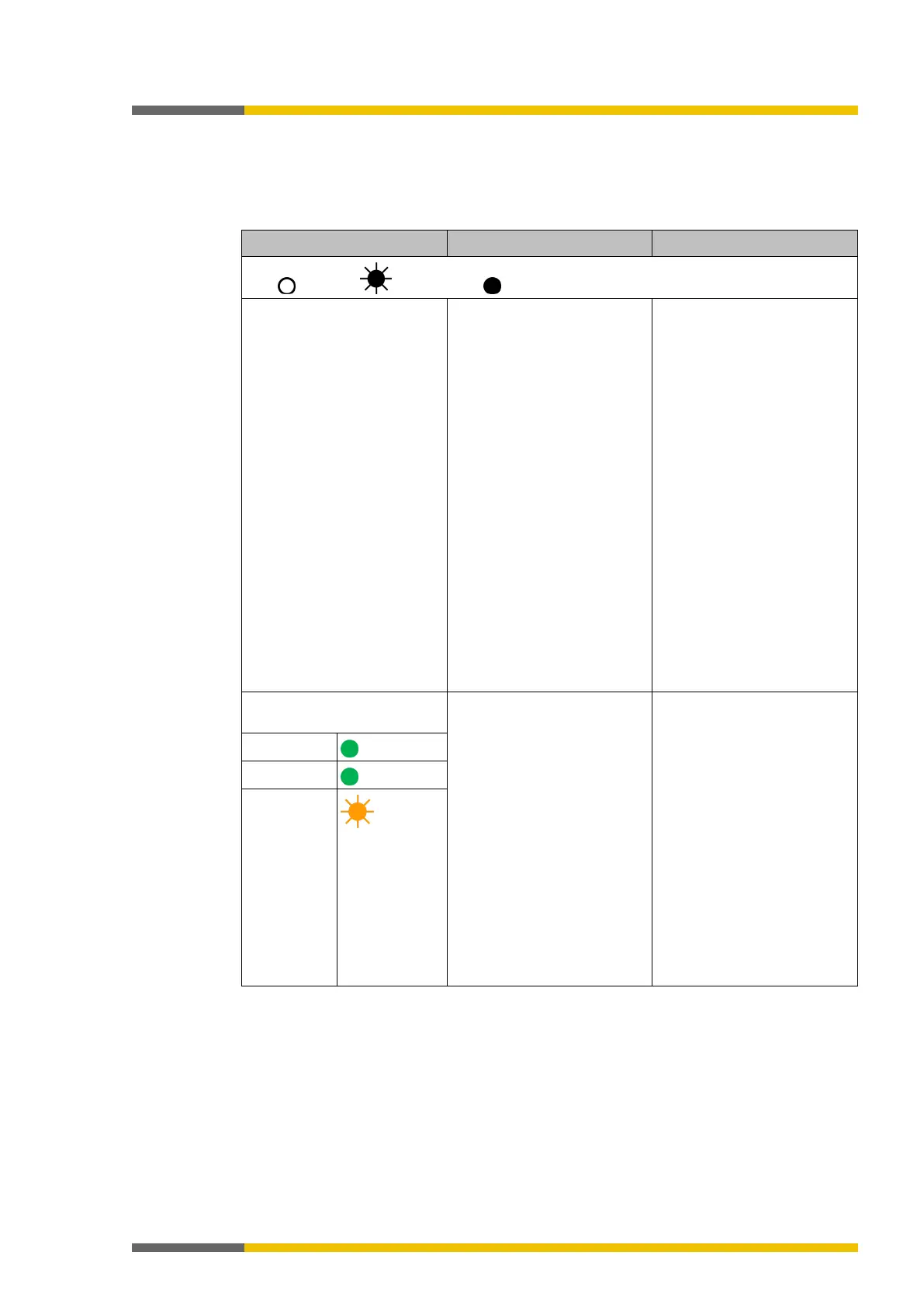
Table 28: Troubleshooting on the SP-COP2-ENI
Key: LED off / LED flashes / LED lights up
samosPLAN5+ cannot set up
a connection to the sa-
mosPRO gateway.
• The SP-COP2-ENI module
has no power supply.
• The SP-COP2-ENI module
is not in the same physi-
cal network as the PC.
• A different subnet mask
has been set in the TCP/IP
settings for the PC.
• The module was been
preconfigured and has a
permanently set IP
address or an IP address
allocated to a DHCP ser-
ver that has not been al-
located.
• Switch on the power
supply. Check the Ether-
net wiring and the net-
work settings of the P and
correct them where ne-
cessary.
• Set the PC to a network
address 192.168.1.0
(The delivery state of the
SP-COP2-ENI module has
the address 192.168.1.4,
which may not be used
for the PC).
• Alternatively activate
DHCP on the PC and link
the SP-COP2-ENI module
and the PC to a network,
using an active DHCP
server.
•
settings in samos-
The SP-COP2-ENI module
does not provide any data.
• The SP-COP2-ENI module
has been configured for
data transmission to the
PLC, but no Ethernet
communication has been
established or the com-
munication is faulty.
• Duplicate IP address de-
tected. Another network
device has the same IP
address.
At least one Ethernet link
must be established.
• Set up the Ethernet link
on the PC, check the
Ethernet wiring, check
the Ethernet settings in
the PLC and in samos-
PLAN5+.
• If no Ethernet communi-
cation is required, deacti-
vate the Ethernet connec-
tions / PLC interfaces on
the SP-COP2-ENI.
• Correct the IP address
and switch the system off
LED PWR/EC
LED LINK
LED ACT
Orange



 To Next Page