Configuration of gateways
Wieland Electric GmbH | BA000970 | 11/2016 (Rev. F)
Configuration of gateways
918186507
The
view in the samosPLAN5+ software has been provided for the configuration of
gateways.
This section explains
• how the graphic user interface for the gateway configuration in samosPLAN5+ is laid out,
• how you can carry out typical configuration tasks connected to gateways in samos-
PLAN5+.
You will find more detailed information about the graphic user interface in the software ma-
nual.
The graphic user interface (‘Gateway’ view)
918201995
When the "Gateway" view is active
918189195
There are two ways of making use of the gateway function in samosPLAN5+. The
view is only active, if you make use of one of these options in the
view.
Scenario 1: You are using a gateway module
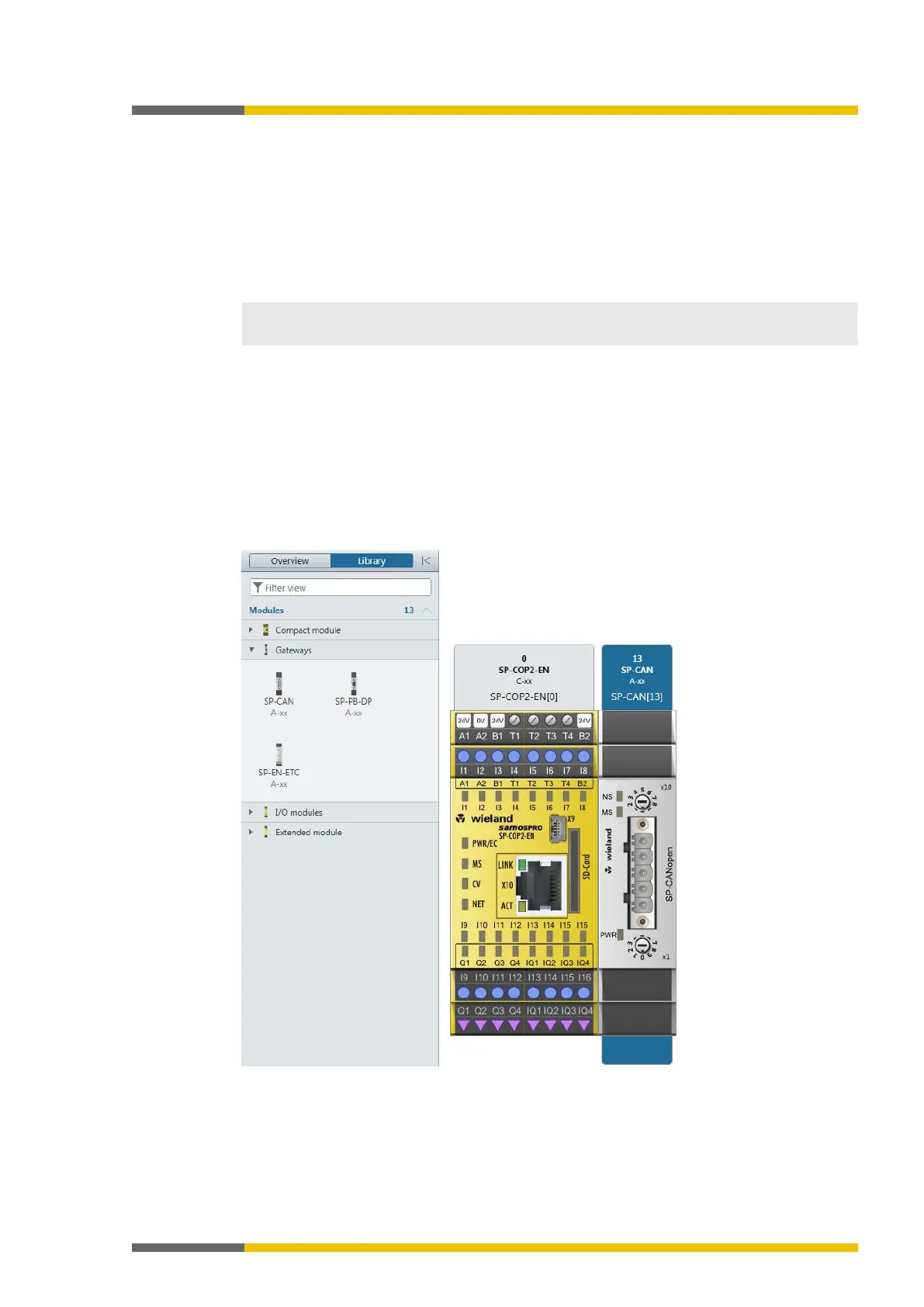
An SP-CAN module in the
view has been selected in this example:
Illustration 1: Hardware configuration with gateway module



 To Next Page