EtherCAT Gateway
Wieland Electric GmbH | BA000970 | 11/2016 (Rev. F)
Diagnostic LEDs on the gateway and troubleshooting
1039204747
You can find information on the diagnosis of the samosPRO system in the software manual.
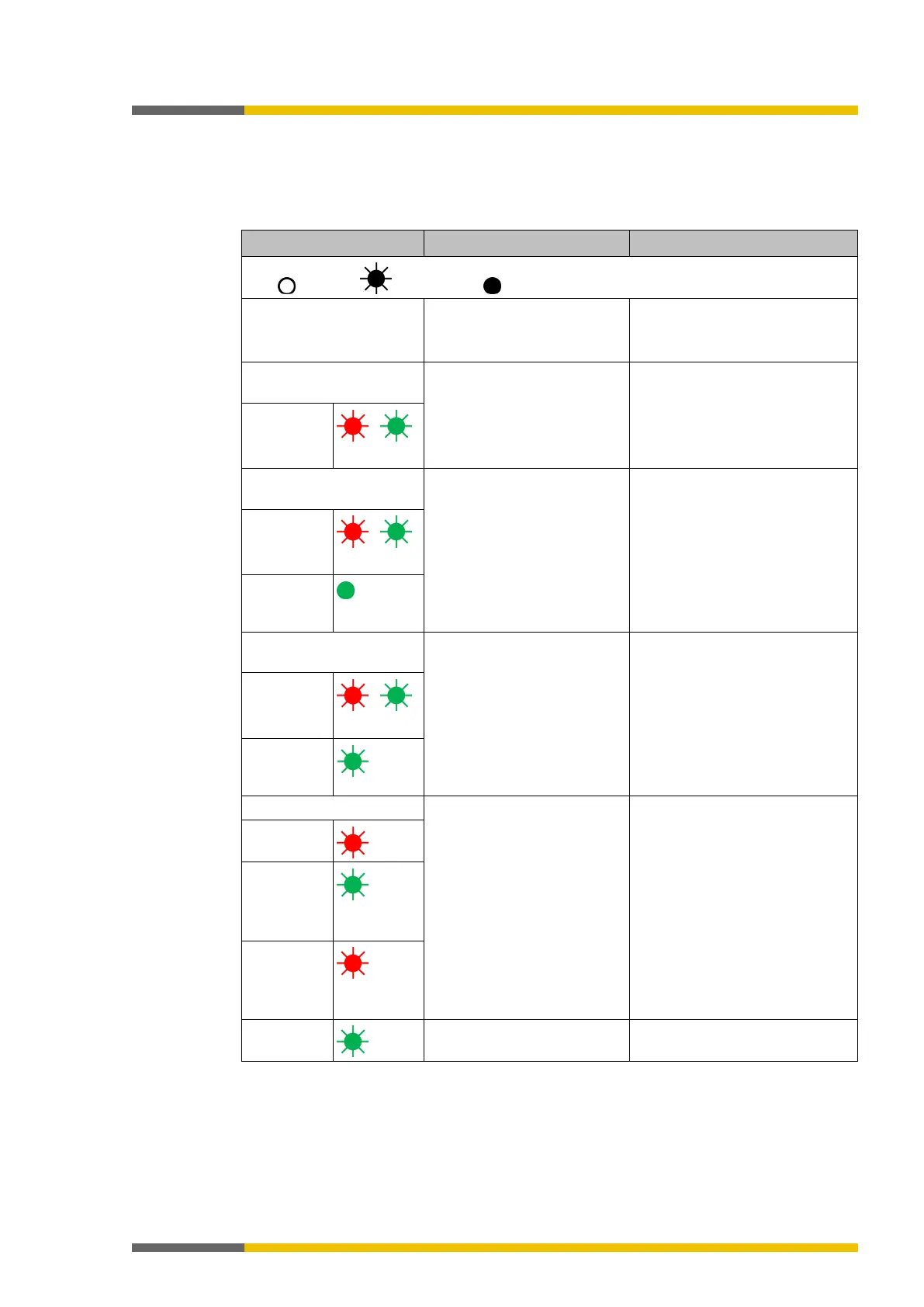
Table 127: Troubleshooting on the SP-EN-ETC module
Key: LED off / LED flashes / LED lights up
samosPLAN5+ cannot set
up a connection to the
controller module.
• Switch on the power supply.
• Check the communication
The SP-EN-ETC does not
After switch-on:
• EtherCAT not connected.
• Connect RJ45 cable to ECAT-
IN.
MS LED
/
The SP-EN-ETC does not
After switch-on:
• RJ45 is connected to the
port, no data on the
EtherCAT Net.
• Activate EtherCAT.
MS LED
/
LINK
(ETHERCAT-
IN)
Green
The SP-EN-ETC does not
After switch-on:
• RJ45 is connected to the
port, EtherCAT not active.
• Activate EtherCAT and initia-
lize Gateway.
state
MS LED
/
LINK
(ETHERCAT-
Green
• Incorrect EtherCAT confi-
guration, gateway is
addressed with incorrect
data.
• Gateway is in
state.
• Check network and device
configuration.
• Switch power off and back
on.
MS LED
RUN
Green /
ERR
Red /
LINK



 To Next Page