CANopen gateway
Wieland Electric GmbH | BA000970 | 11/2016 (Rev. F)
CANopen configuration of the gateway - how the data are
transferred
910824715
This documentation does not address the installation of the CANopen network or the other
components of the automation system project in the network configuration tool. It is assu-
med that the CANopen project in the configuration program, e.g. 3S Software CoDeSys 2.x,
has already been set up. The examples presented are based on configurations created with
The following steps are required to configure the communication between the PLC and the ga-
teway.
Step 1: Install the electronic data sheet (EDS file)
Before the SP-CANopen module can be used for the first time as equipment in the network
configuration tool, e.g. CoDeSys 2.3, the electronic data sheet (EDS file) of the gateway must
first be installed in the hardware catalog of the tool.
Download the EDS file and the equipment symbol from the product site of the SP-
CANopen module (https://eshop.wieland-electric.com/).
Follow the instructions for the installation of EDS files in the online help section or in the
user manual for the CANopen network configuration tool.
Example – How to install the EDS file with CoDeSys 2.3:
Open the window for editing the
.
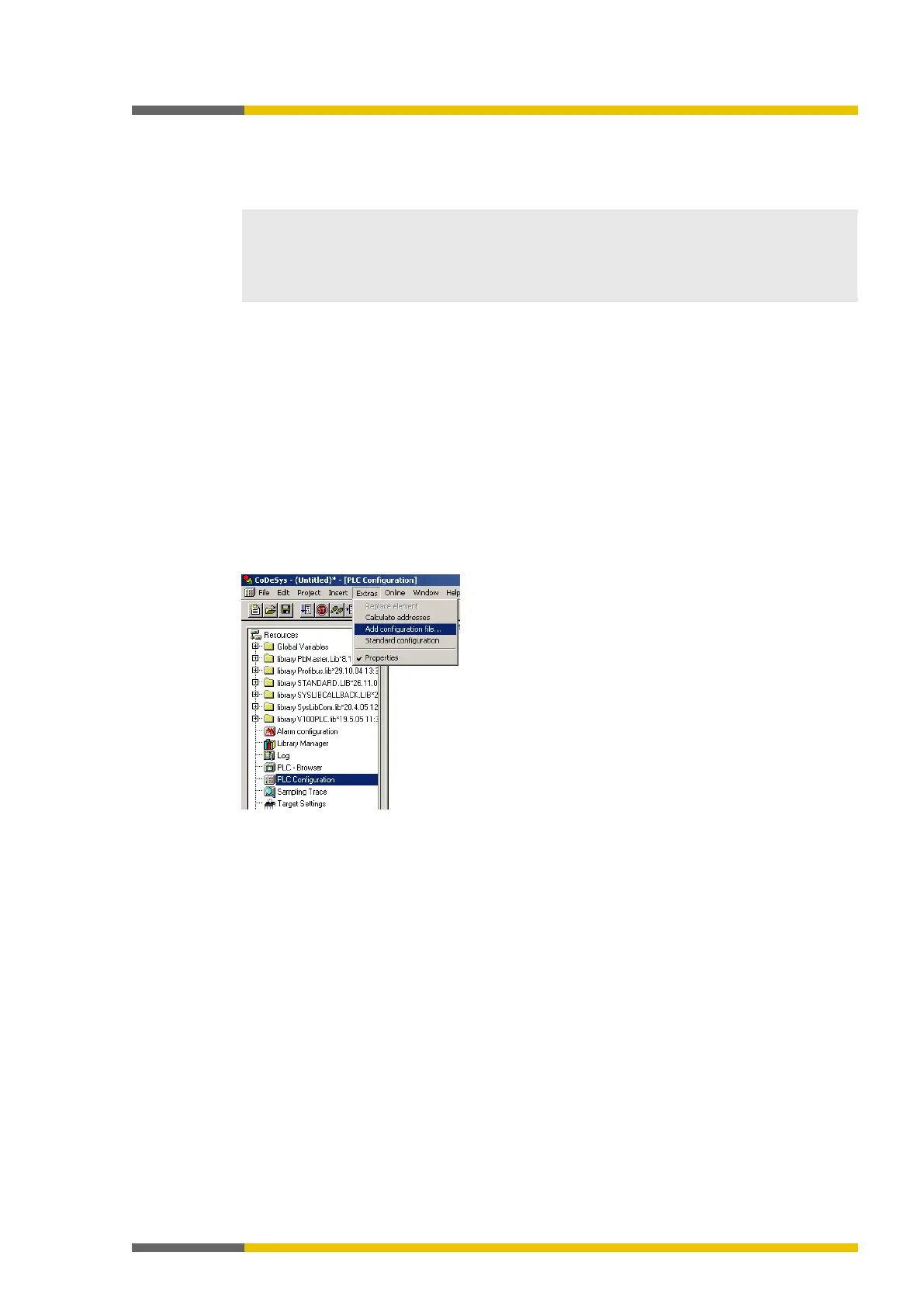
Illustration 49: CoDeSys editing window for control configuration
Choose the command
Add configuration file...
from the Extras menu. A file selection
window is opened.
Select the EDS file of the SP-CANopen module and click the
button.



 To Next Page