Configuration of gateways
Wieland Electric GmbH | BA000970 | 11/2016 (Rev. F)
Right sidebar
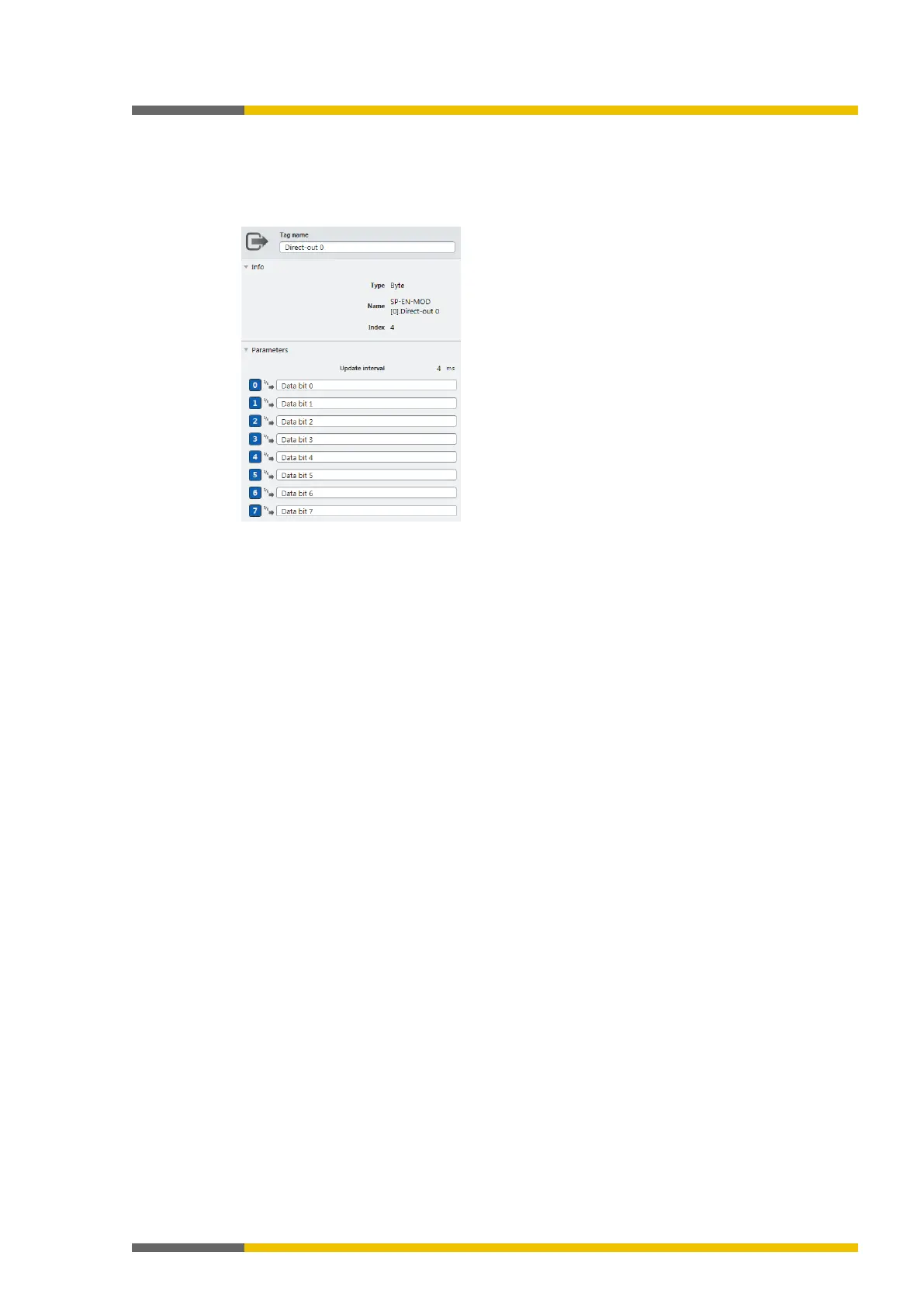
The right side bar shows the configuration dialog for the data byte you have selected in the
work area. Depending on the data byte, you can configure individual parameters.
You can also allocate tag names here.
Illustration 10: Configuration dialog in the right sidebar



 To Next Page