EtherCAT Gateway
Wieland Electric GmbH | BA000970 | 11/2016 (Rev. F)
Delete any bytes not required
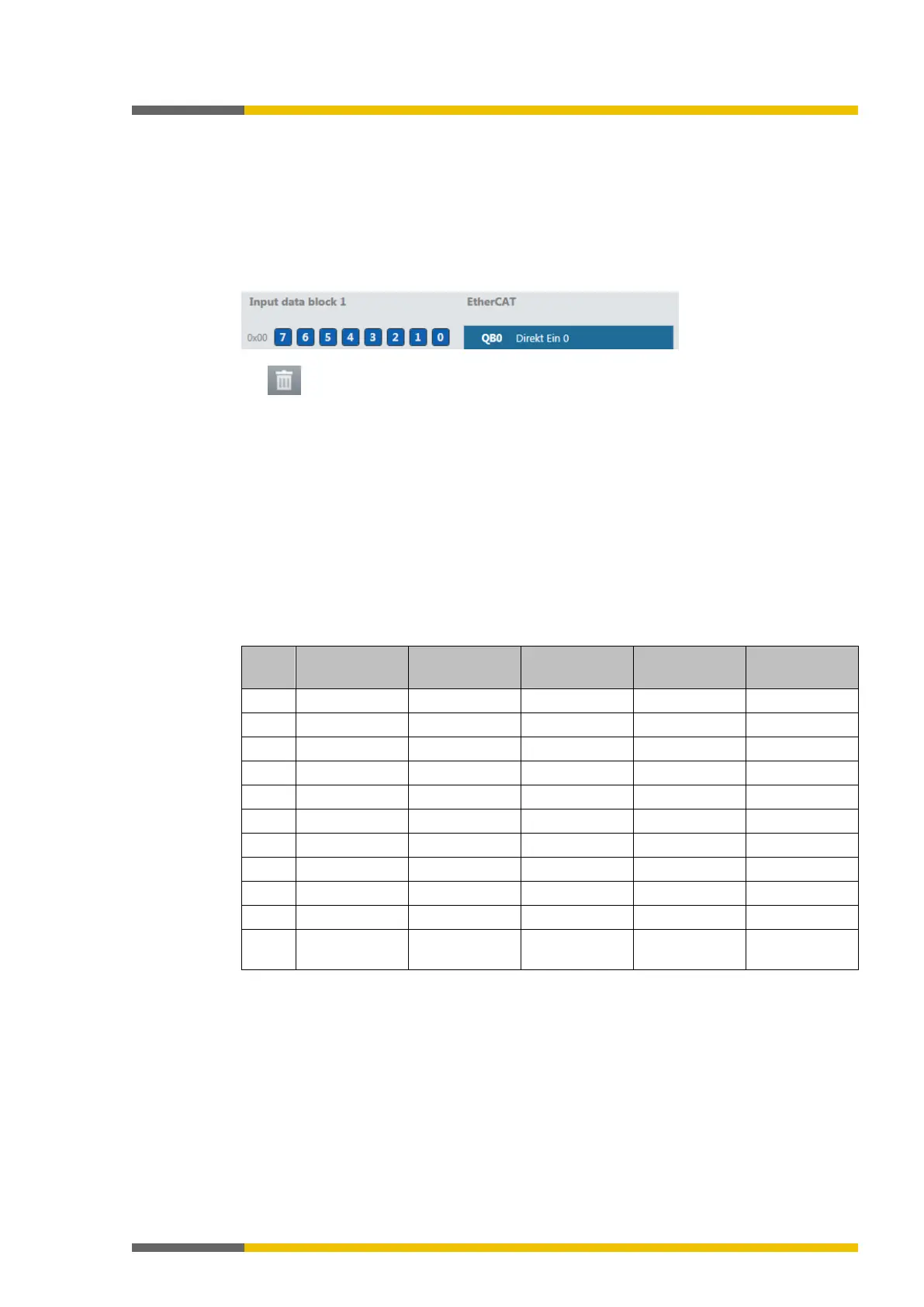
You can delete bytes pre-allocated by samosPLAN5+ that you do not require by clicking on
them with the mouse.
Launch samosPLAN5+.
Read the hardware configuration, including the SP-EN-ETC gateway.
Instructions: Software manual, chapter "Connect with the safety control"
Switch to the
view.
Click on the byte you do not need and wish to delete.
Click on the
icon in the command bar.
You will find further information about how to configure the process diagram here:
•
Configuration of gateways [ch. 5, p. 35]
• Software manual
Structure of the data block
The input data block consists of 50 bytes (byte 0 to 49) of data that is transferred from the
EtherCAT network to the SP-EN-ETC gateway. The content of the data bytes does not meet the
requirements of a safety system. The values are only current as long as the gateway to the
EtherCAT network is connected and the gateway status is
. As soon as the state
machine of the gateway adopts a state other than
, this data is set to zero.
Also see:
Gateway state machine [ch. 11.3, p. 172]
Table 125: Input data block 1–5 of the SP-EN-ETC module to --> samosPRO COMPACT
Byte 0 Byte 10 Byte 20 Byte 30 Byte 40
10 byte 10 byte 10 byte 10 byte 10 byte



 To Next Page