Operation9270−1/A1
Winterthur Gas & Diesel Ltd.
26/ 28
5.3 SCR Operation Mode − Change
5.3.1 General
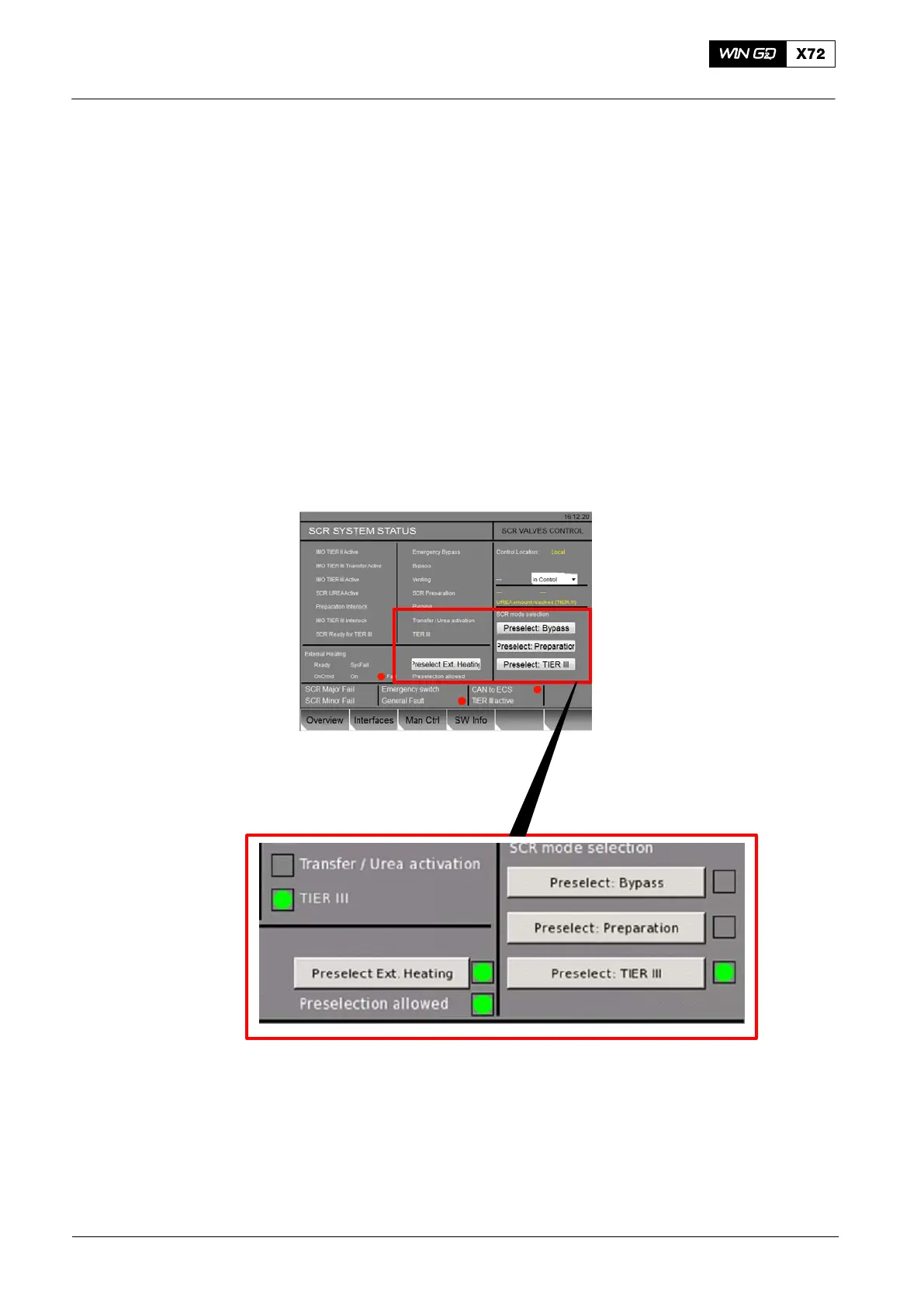
You can select the SCR modes at the SCR Overview page. You can select the
operation modes that follow:
D Tier II without SCR operation
D SCR Heating
D Tier III.
5.3.2 Procedure
1) Set the control location to the LDU where you operate.
2) Change to the system status page (Fig. 22).
3) Select the applicable SCR mode. A green indicator shows the mode that is on.
WCH03738
Fig. 22: SCR System − Mode Change
2016−11
Selective Catalytic Reduction System



 To Next Page