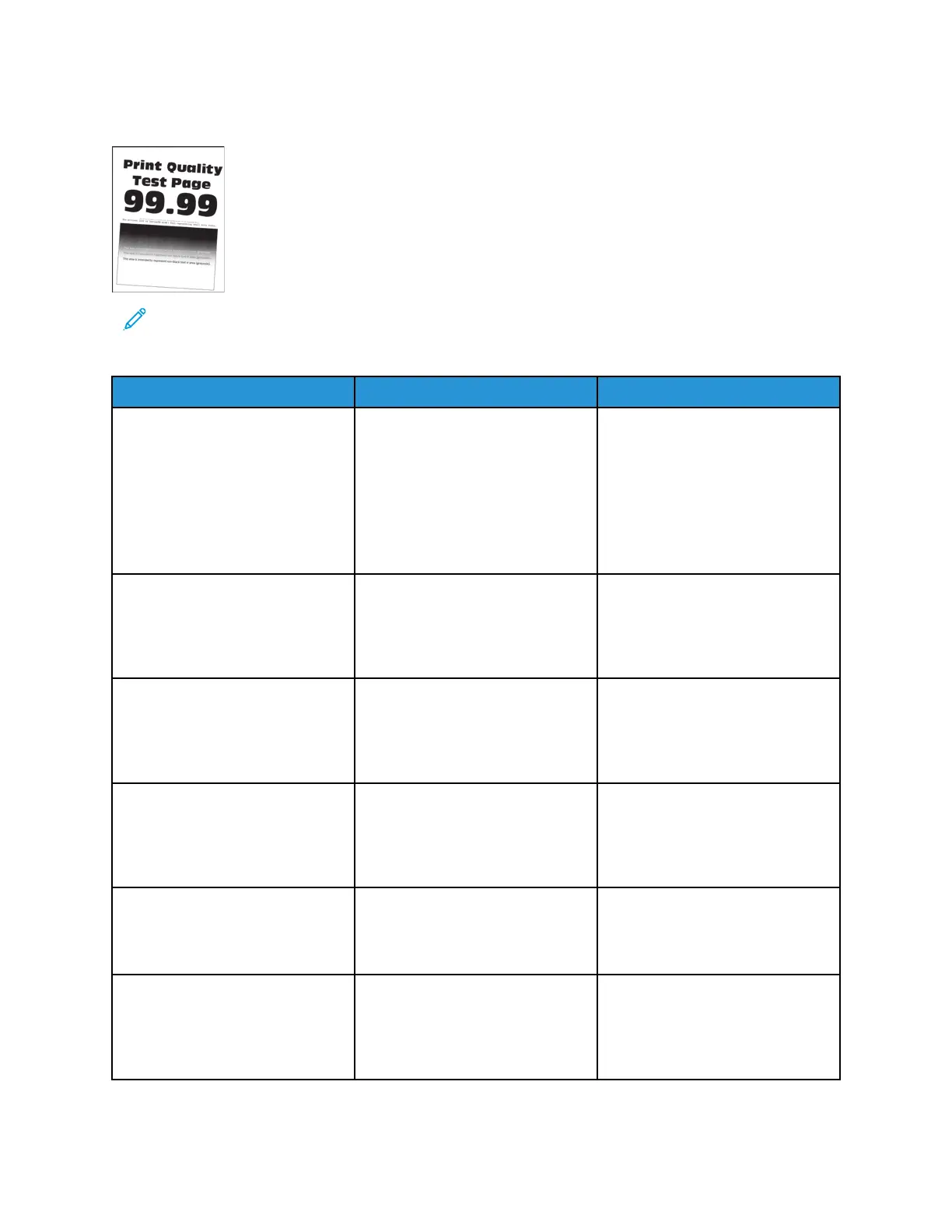
SSkkeewweedd PPrriinntt CChheecckk
Note: Before performing this print quality check, print the Print Quality Test Pages. From the
control panel, navigate to Settings > Troubleshooting > Print Quality Test Pages, and then
perform the initial print quality check. See Performing the initial troubleshooting check .
Action Yes No
Step 1
Check the guides in the tray where
the skewed prints are printed from.
If the paper source is the MPF,
then proceed to step 6.
Does the position of the guides
match the paper loaded?
Go to step 3. Go to step 2.
Step 2
Adjust the guides to match the
paper loaded.
Does the problem remain?
Go to step 3. The problem is solved.
Step 3
Check if the printer supports the
paper loaded.
Is the paper supported?
Go to step 5. Go to step 4.
Step 4
Remove the paper, and then load
a supported one.
Does the problem remain?
Go to step 5. The problem is solved.
Step 5
Perform a print test.
Does the problem remain?
Go to step 6. The problem is solved.
Step 6
Check the guides in the MPF tray.
Does the position of the guides
match the paper loaded?
Go to step 8. Go to step 7.
52
Xerox
®
B310 Printer
Service Manual
Diagnostics and Troubleshooting



 To Next Page