Analysis Protocols
Stratus OCT User Manual PN 2660021134133 A
6-32
• The thickest 5% of measurements fall in the light yellow area or above (95% < light
yellow 99%, suspect above normal)
• 90% of measurements fall in the green area (5% green 95%).
• The thinnest 5% of measurements fall in the yellow area or below
(1
% yellow < 5%, suspect below normal).
• The thinnest 1% of measurements fall in the red area. Measurements in red are
consider
ed below normal limits (red < 1%, below normal limits).
Note: Clinicians must exercise judgment in the interpretation of the macula
normative data. For any particular measurement, note that 2 out of 20 normal eyes
(10%) will fall either above or below green.
Note: Subject ethnicity was self-reported by the patients in the population
comprising the macula normative database but was NOT used as a variable in
constructing the normative database for retinal thickness. Normative data will not
appear for patients under 18 years of age. The macula normative data appears only
when you analyze a Fast Macular Thickness Map (Fast Mac) scan.
Export Results
The Export button enables you to export the results of the Retinal Thickness analysis. This
feature enables you to further analyze and manipulate the data using third party software.
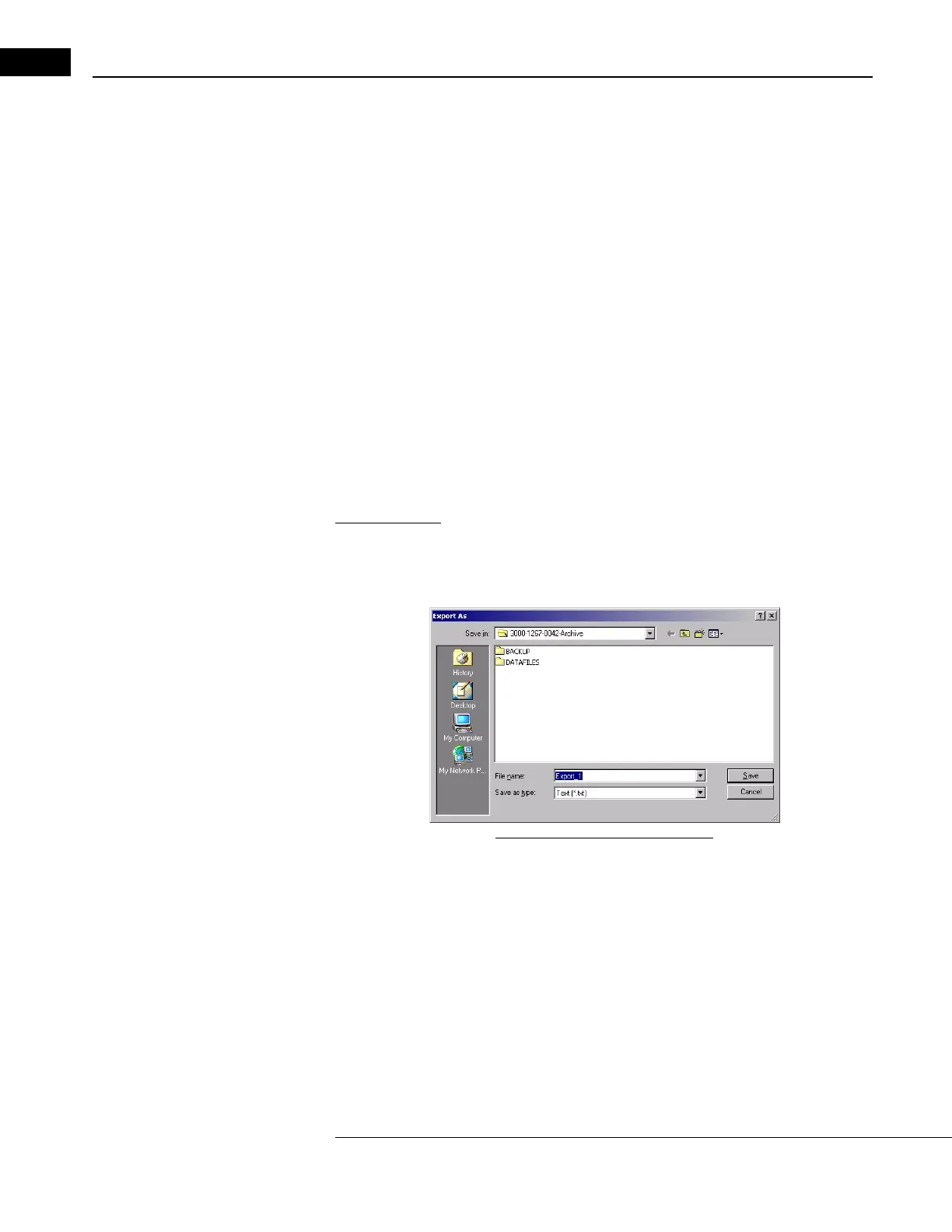
When you click Export, the Export As dialog appears as below:
Figure 6-17 The Export As Dialog
• The dialog prompts you for a filename. You can name the file and save it to any
available location. The default name is Export_1. The output is a set of six files with
the same name and different extensions, for example:
Export_1.txt(patient informatio
n in ASCII text format)
Export_1.raw(raw scan data in binary format)
Export_1.bmp(processed scan image in
bitmap format)
Export_1.vi1(fundus video im
age in bitmap format)
Export_1.spd(raw scan data in ASCII text format)
Export_1.rth(Retinal Thickness r
esult in ASCII text format)



 To Next Page