Stratus OCT User Manual PN 2660021134133 A
Configuration Guide
B-21
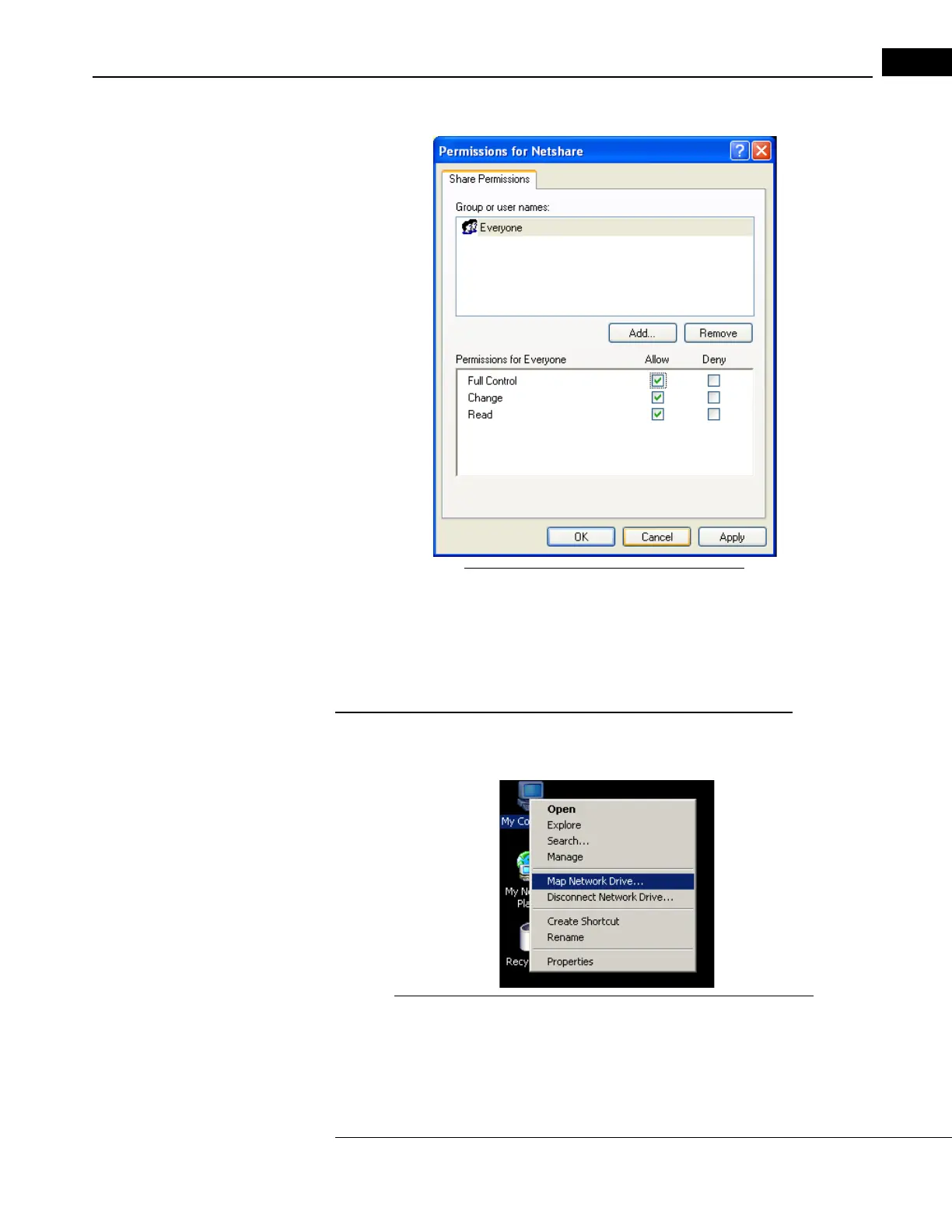
4. Click Permissions and the Permissions dialog appears (Figure B-23).
Figure B-23 Permission for Netshare Dialog
5. Make sure all the Allow checkboxes are selected to grant Full Control, Change and
Read permissions to everyone, as in Figure B-23.
6. Click OK to save your changes and close the P
ermissions dialog. Then click OK save
changes and close the Netshare Properties dialog.
On the Stratus OCT: Map a drive letter to the shared folder
1. Right-click on the My Computer icon, and then select Map Network Drive as in
Figure B-24.
Figure B-24 Right-click My Computer, select Map Network Drive



 To Next Page