Acquire Scans
Stratus OCT User Manual PN 2660021134133 A
3-10
Fixation can be challenging in patients with significant pathology or poor visual acuity. The
Landmark tool can aid in positioning the scan pattern relative to anatomical landmarks.
For example, it may be placed on the edge of the optic nerve head and used in centering a
Fast Macular Thickness Map scan pattern on the fovea. When using the Repeat Scan
function, the prior image shows the landmark position. The operator can align the new
scan with this position.
Disc and Fovea Buttons
In most cases, the fovea and/or the
optic disc are the primary points of clinical interest. Carl
Zeiss Meditec designed most of its scan acquisition protocols for scans on one or the other
location by default, although they may be used in other locations. Thus, the Stratus OCT
places the fixation target either centrally (fovea mode) or approximately 15° nasally (disc
mode), depending on the scan protocol. On the Scan Parameter Tab (o
n page 3-7),
you can click the Di
sc or Fovea button, seen at left, to select one or the other default
location.
Acquire Scans
With the scan image optimized and the scan placed accurately, you can begin to acquire
scans.
WARNING: Do not scan the same location on the retina with the same scan
pattern for more than 10 minutes per day. Failure to follow this guideline
c
ould result in overexposure of the patient’s eye.
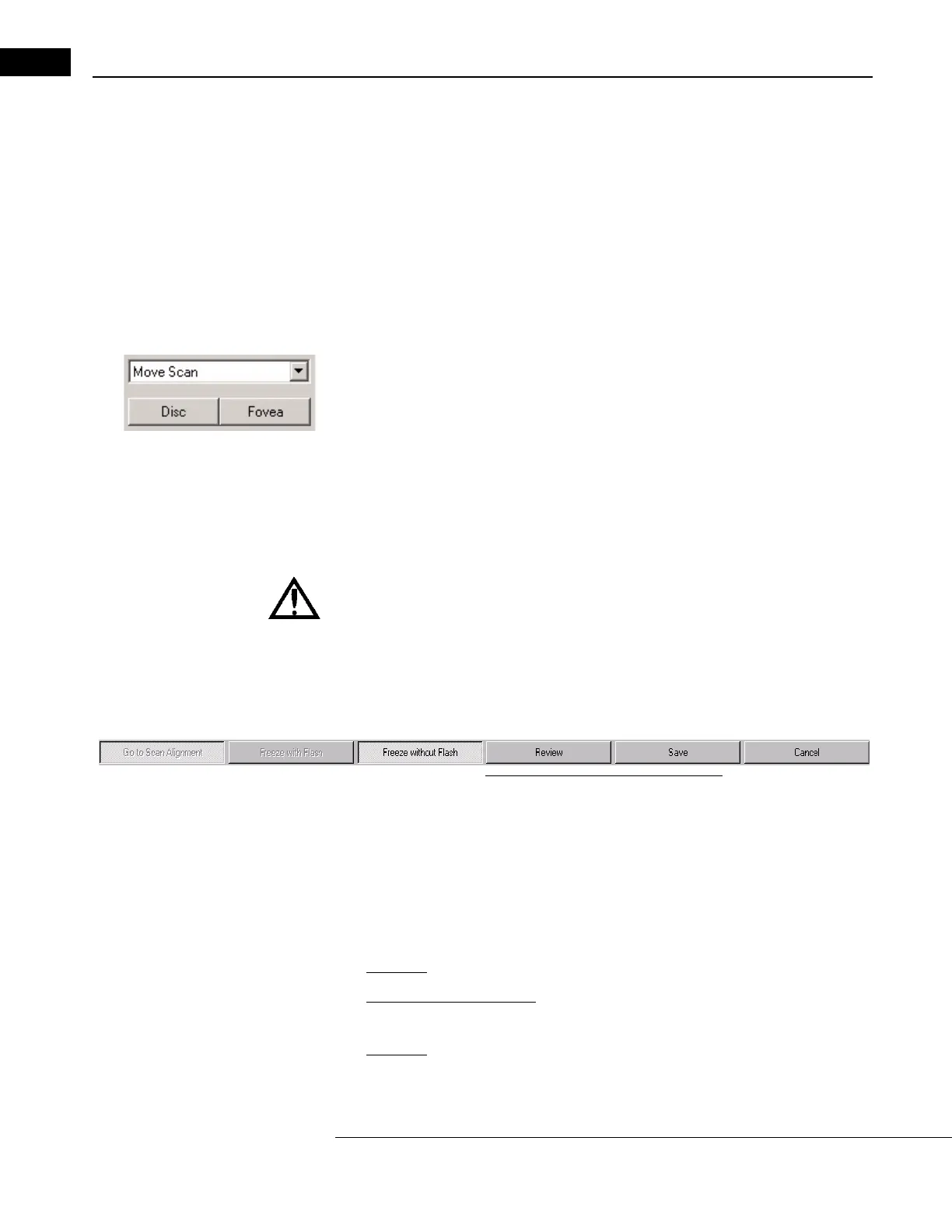
To acquire scans, you can use either:
•The Acquir
e Scan buttons along the bottom of the SCAN ACQUISITION WINDOW, seen
below;
Figure 3-6 The Acquire Scan Buttons
• Or the two blue function buttons on the patient module. These buttons are near the
joystick.
How to Acquire Scans
There are three steps to acquire Stratus OCT scans:
1. Switch to scan acquisition mode, if you have not already done so.
•
On-Screen: Click the Go to Scan Acquisition Mode button.
•
Blue patient module buttons: Press the left button
once
.
2. Freeze the scan, with or without flash.
•
On-Screen: Click the Freeze with Flash button, except with highly photosensitive
patients, for whom you should click the Freeze without Flash button.



 To Next Page