Stratus OCT User Manual PN 2660021134133 A
Acquire Scans
3-11
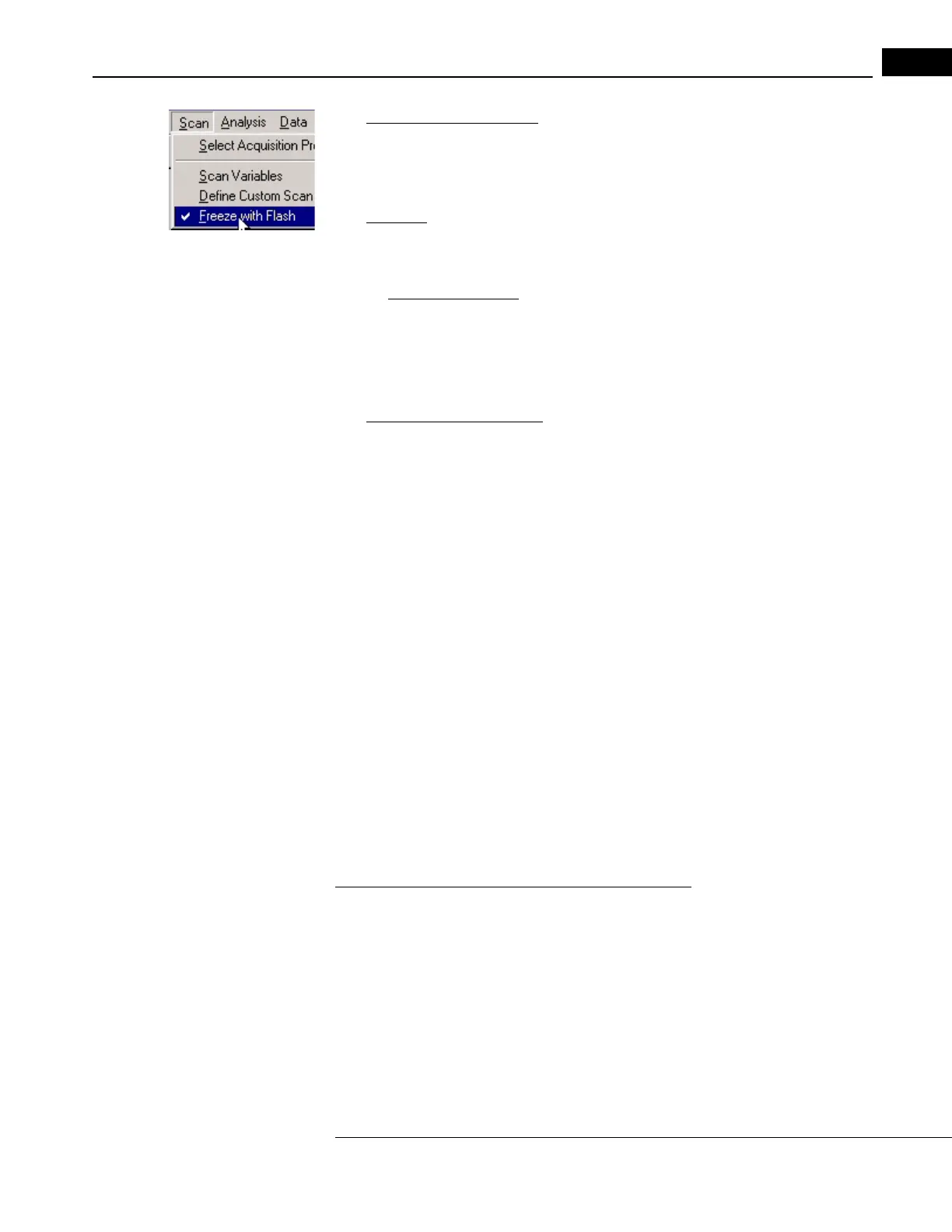
• Blue patient module buttons: Again, press the left button once. Flash is used unless
you uncheck the Freeze with Flash option in the Scan menu (click Scan > Freeze with
Flash, as at left).
3. Save the scan.
•
On-Screen: If you are satisfied with the quality of the scan image frozen on screen,
click the Save button. The video and scan images will be saved to the hard disk drive.
If not, click Cancel to return to scan acquisition mode and acquire another scan.
• Optional Scan Review: The Stratus OCT continuously scans and saves up to eight
scans in temporary memory. Therefore, you can review the last several scan
images and select which one to save. Click the Review button to go to the S
CAN
R
EVIEW WINDOW. See the detailed instructions for the Scan Review Window on
page 13.
• Blue patient module buttons: Press the right blue button to save the scan image
frozen on screen. The right blue button is only active when a scan is frozen, and
saving scans is its only use. Press the left blue button to cancel saving and return to
scan acquisition mode.
Note: If you click the Cancel button before saving, you will be asked if you want to
save.
Signal Strength Indicator and Scan Messages
The Stratus OCT evaluates the signal strength of
frozen or saved scan images and assigns a
number from 0 (worst) to 10 (best), which it displays in the signal strength field. The
Stratus OCT also analyzes the vertical placement and completeness of the scan image and,
if applicable, returns one of the messages “Scan too high,” “Scan too low” or “Scan
missing data” in the scan message field. The signal strength and scan message fields
appear on the S
CAN ACQUISITION WINDOW (Figure 3-3, page 3-4), the SCAN REVIEW
W
INDOW (Figure 3-7, page 3-13), the SELECTION WINDOW (Figure 5-4, page 5-4) and on
all analysis output windows and analysis printouts. The additional message “Analysis
Con
fidence Low” can appear in the scan message field on the analysis output windows
and printouts of all quantitative analysis protocols, except for the Optic Nerve Head
analysis.
Interpreting Signal Strength and Scan Messages
Signal strength provides a guideline for scan image quality. In general, greater signal
strength indicates a better image and thus higher confidence in the resulting analyses.
When acquiring a scan, the operator should try to optimize the OCT image to achieve a
signal strength of 7 or greater and a uniform brightness across the scan. In general, if the
signal strength is below 5, or if any scan message appears, the scan should be repeated. It
is important to note that whenever you analyze a scan, you should also check the analysis
results for the message “Analysis Confidence Low.” If this message appears, the results
could be unreliable.



 To Next Page