6253 DC Voltage Current Source/Monitor Operation Manual
3.2.1 MENU Key (Parameter Setting)
3-10
NULL SW Switches the NULL calculation ON or OFF.
ON: Executes the NULL calculation.
The NULL indicator goes ON.
OFF: Turns OFF the NULL calculation.
Max/Min View Reads out the MAX/MIN calculation data.
Maximum Maximum measurement value
Minimum Minimum measurement value
Total Total measurement value
Average Average measurement value
Sample Count Number of calculated measurement data
9) Const Sets calculation constants.
High Value Sets the upper limit value of the comparator calculation.
Low Value Sets the lower limit value of the comparator calculation.
Scaling Value A Sets constant A for the scaling calculation.
Scaling Value B Sets constant B for the scaling calculation.
Scaling Value C Sets constant C for the scaling calculation.
NULL Value Changes the NULL value when the NULL calculation is ON.
10) EXT Signal Sets the parameters related to the external control signals on the rear panel.
OPR Signal Selects the input or output function of the external control signals:
INTERLOCK and OPERATE IN/OUT.
Disable: Disables the input and output.
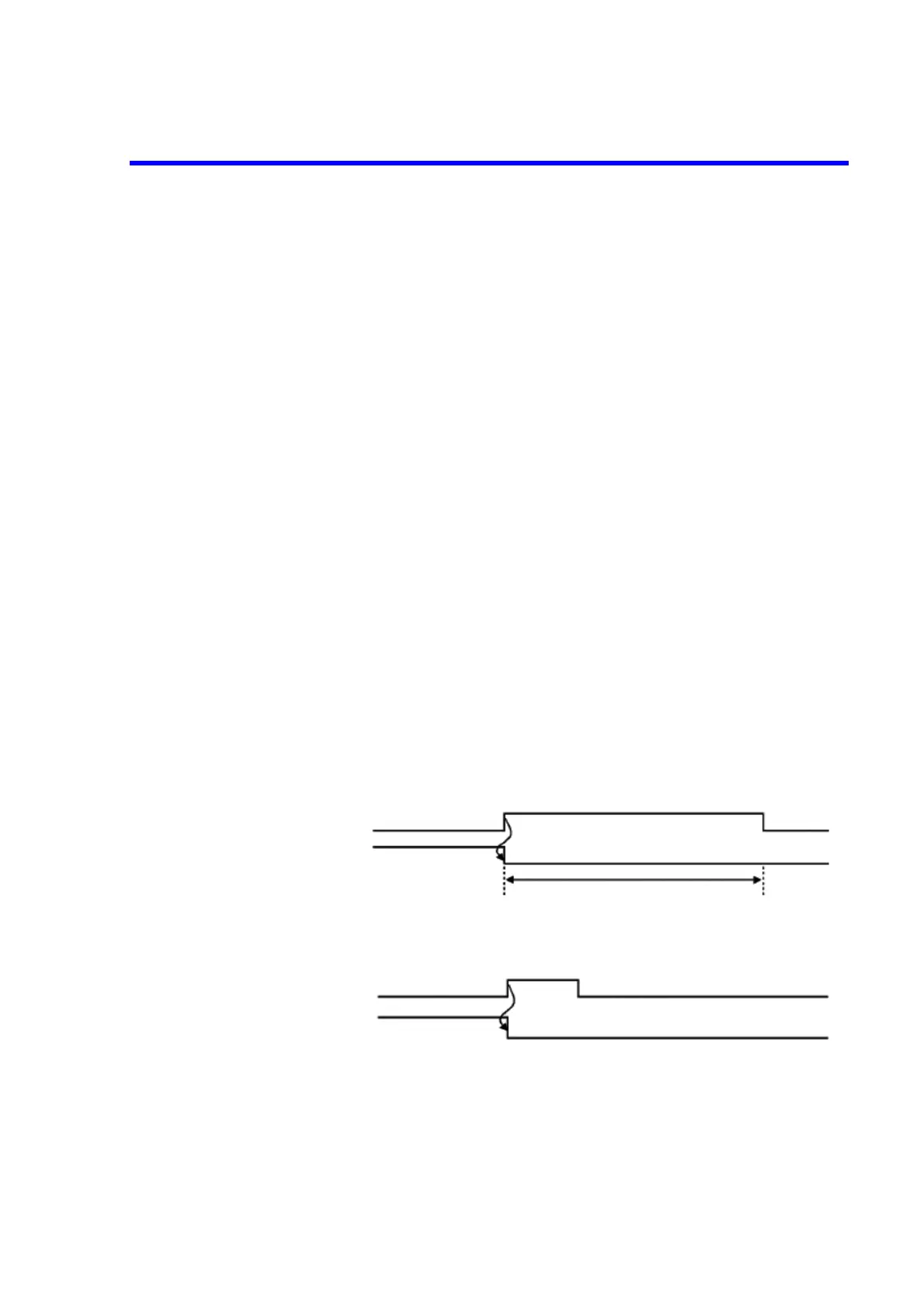
Interlock: Sets Standby when the signal level changes from LO to HI.
While the input signal is HI, Operate and Suspend are disabled.
STBY IN: Sets Standby when the signal level changes from LO to HI.
Set Operate by using the keys or remote commands.
Operate and Suspend are disabled.
Standby
Operate or
Suspend
Interlock signal input
Operate status
Standby
Operate or
Suspend
STBY IN signal input
Operate status



 To Next Page