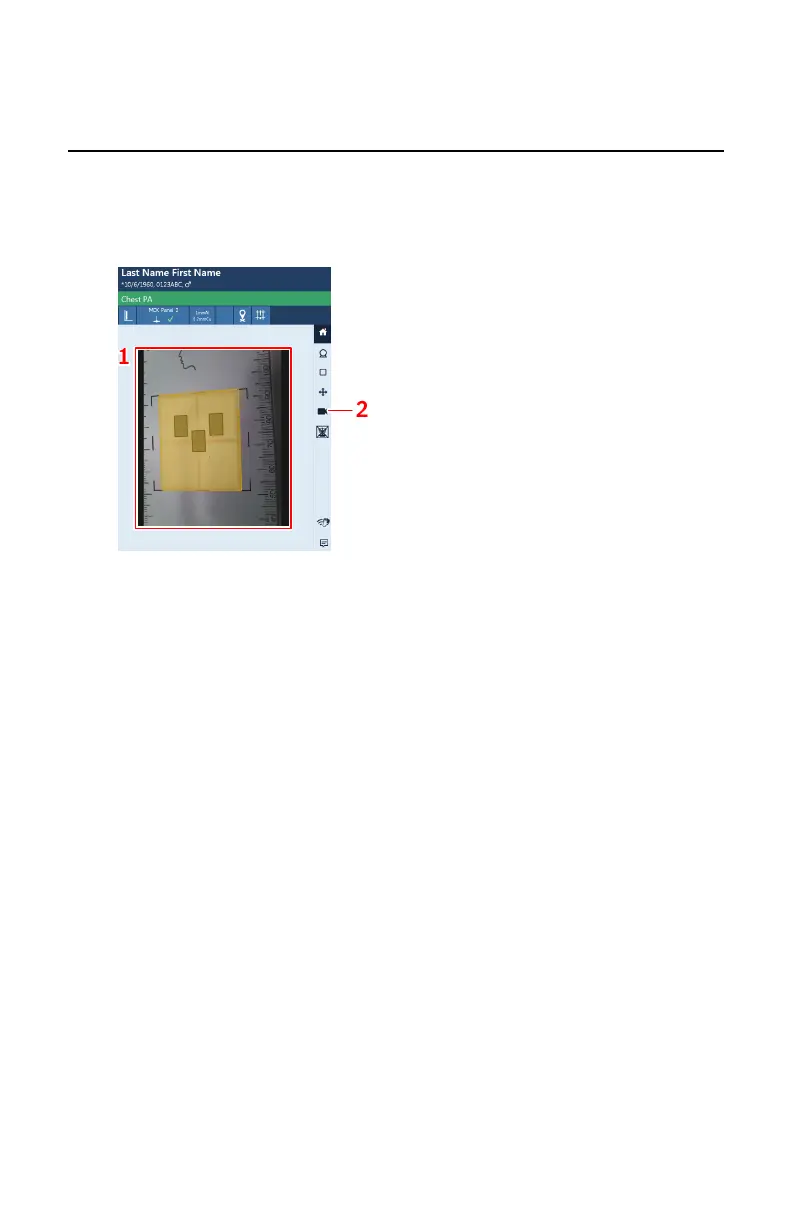
Live camera image on the tube head display
By clicking an empty thumbnail in the Image Overview pane of the
Examination window, the live camera image is displayed on the tube head
display.
To display the live camera image, push the Camera button.
1.
Live camera image
2.
Camera button
Figure 51: Live camera image on the tube head display
Topics:
• Previewing the position of the collimation area and the AEC fields
• Prerequisites for previewing collimation and AEC fields
• Non-perpendicular angles
128 | DR 600 | Software Console and Tube Head Display
3261K EN 20210708 0808



 To Next Page