Modality Position
The modality position is automatically selected, based on the selected
exposure.
To modify the position on the modality where the exposure will be made, click
the drop-down arrow and select the modality position from the list.
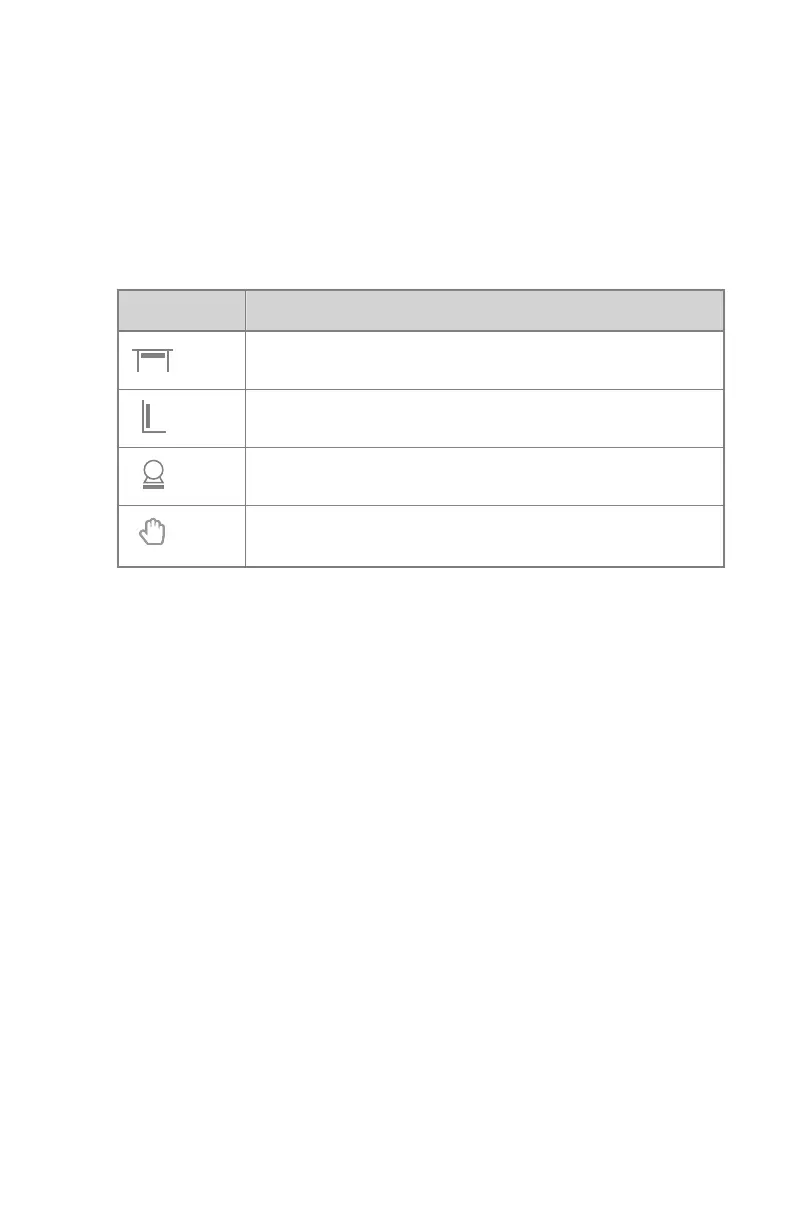
Table 10: Modality Position
Icon
Description
The image is planned for the radiographic table.
The image is planned for the radiographic wall stand.
The image is planned as a free exposure.
A manual X-ray exposure can be made. No image will be ac-
quired on the NX workstation.
The type and configuration of the X-ray system defines which modality
positions are available.
The available workstations depend on the modality type and configuration.
136 | DR 600 | Software Console and Tube Head Display
3261K EN 20210708 0808



 To Next Page