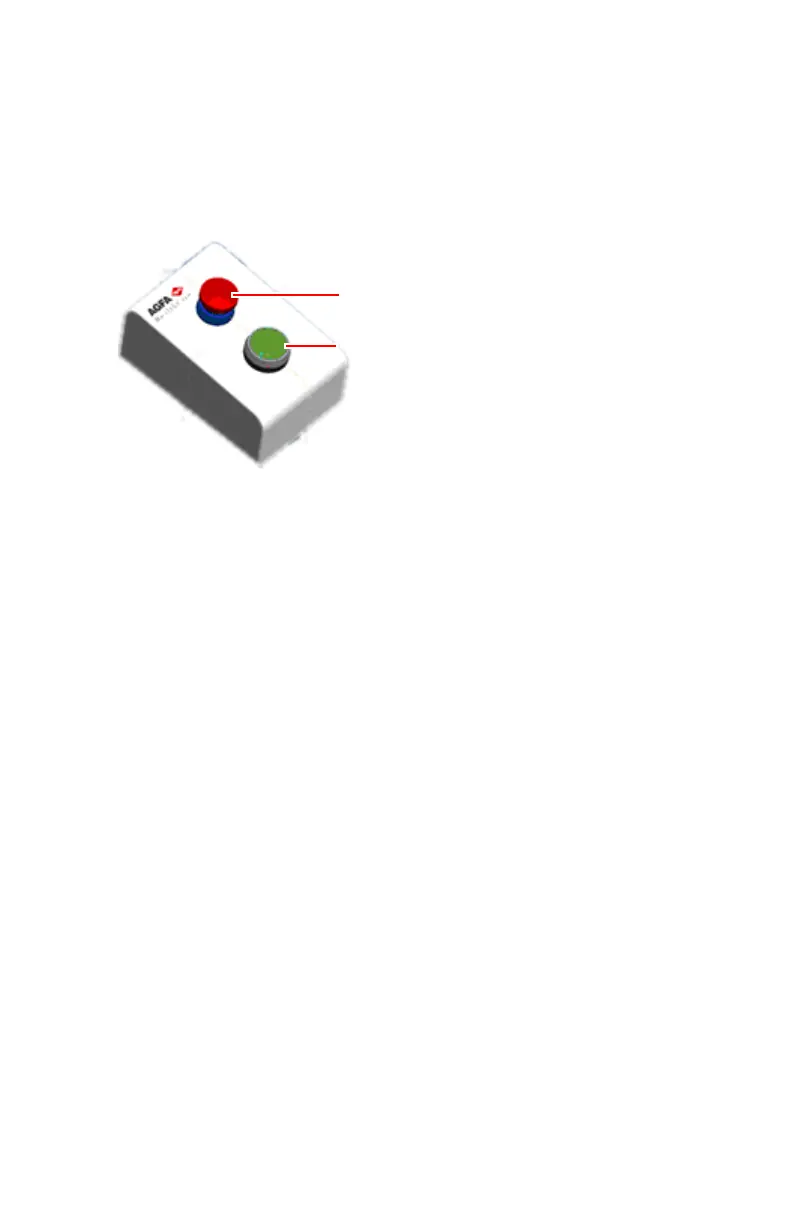
Automatic positioning button
Press and hold the automatic positioning button to activate the automatic
movement towards an automatic position or a center position.
The automatic positioning button is available in the operator room and in the
examination room.
1.
Emergency stop button
2.
Automatic positioning button
Figure 10: Automatic positioning button
Related Links
Moving to an Automatic Position on page 163
Automatically centering the X-ray tube head unit on page 171
Moving the system to parking position on page 165
Moving the system to cleaning position on page 165
32 | DR 600 | Introduction
3261K EN 20210708 0808



 To Next Page