Prerequisites for previewing collimation and AEC fields
Prerequisites for previewing the collimation area and the AEC fields:
• The SID is at least 100 cm.
If the body part is too thick, the preview may fail. Increase the SID.
• Automatic collimation is active
• The X-ray tube is centered
• The bucky of the wall stand is in vertical position
• On the radiographic table, the X-ray tube must not be rotated.
• On the radiographic wall stand, the X-ray tube must be in 90° position
• The collimator must not be rotated
• The patient's body is not covered by a material that is highly reflective,
highly absorbent (black) or transparant
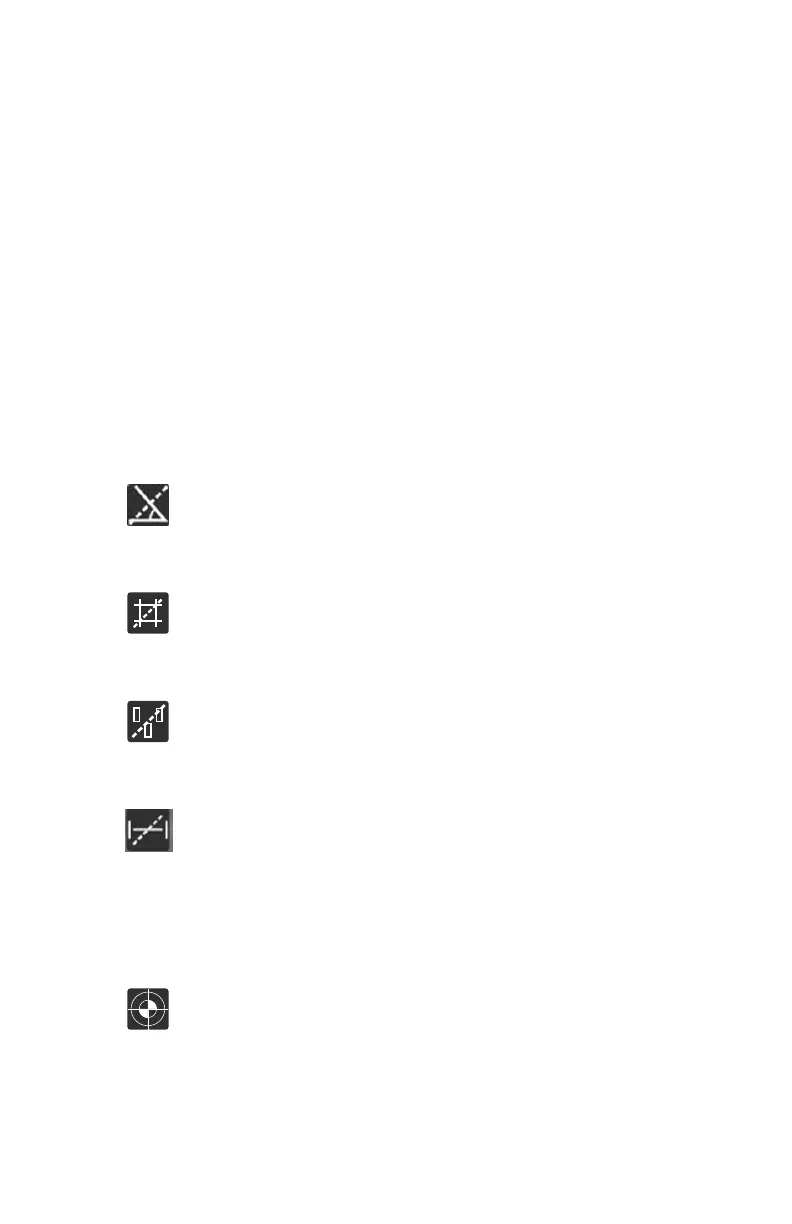
If there is no preview, an icon is displayed. If the visualization fails, try moving
the patient out of the field of view of the camera for an instant.
Figure 53: No preview because the X-ray tube is rotated
Figure 54: No preview, because the collimation area cannot be visualized
Figure 55: No preview, because one of the AEC fields cannot be visualized
Figure 56: No preview because the camera is not calibrated for the current
SID
The camera is calibrated by the service engineer. If the calibration icon is
displayed, contact your local service organization to calibrate the camera.
Figure 57: No preview, because the camera is not calibrated
130 | DR 600 | Software Console and Tube Head Display
3261K EN 20210708 0808



 To Next Page