Tracking the radiographic wall stand
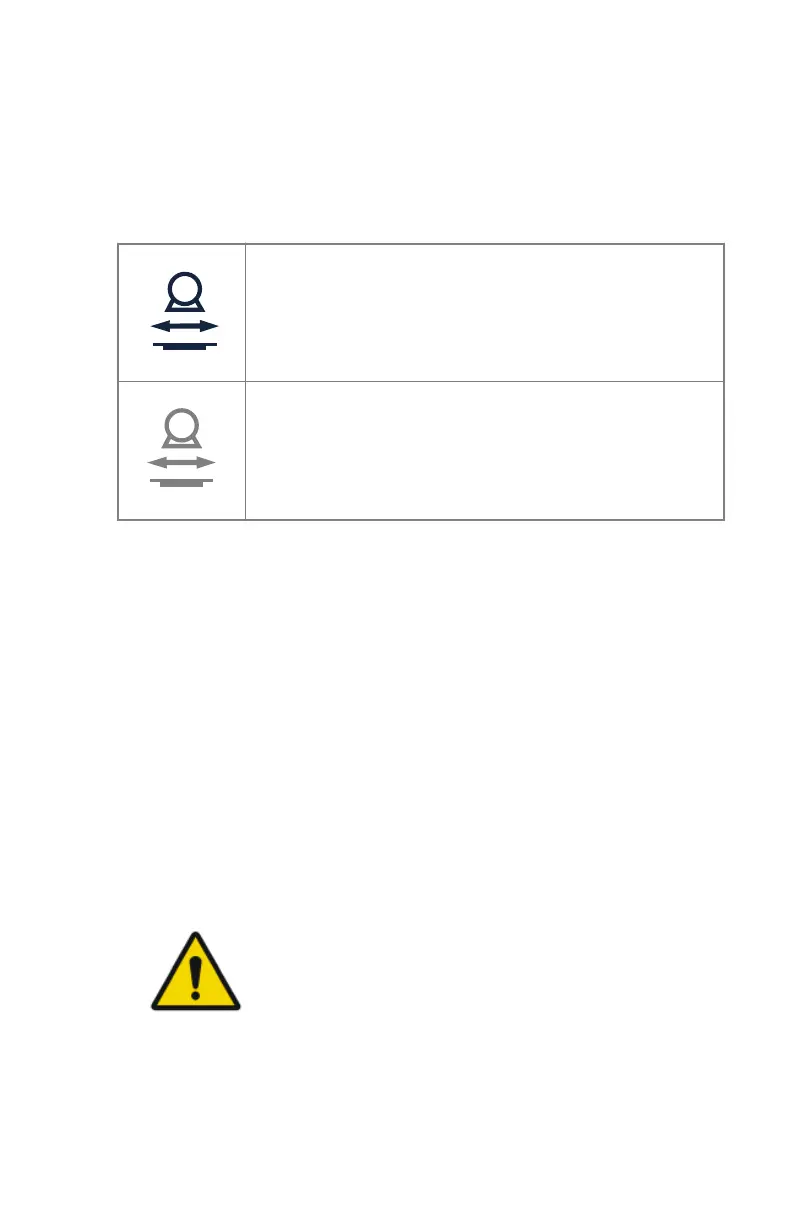
The position tracking button on the main screen of the tube head display
indicates if tracking can be performed.
Table 29: Tracking status
Tracking can be performed but is not activated.
Tracking cannot be performed.
Make sure that the distance between the tube head unit and
the tabletop is higher than 15 cm and that the tube head
unit is not in a collision zone.
Tracking synchronizes the movement of two components, without changing
the SID:
On a configuration with radiographic wall stand with motorization:
• Adjusting the wall stand bucky height drives the X-ray tube height.
• Adjusting the height of the X-ray tube drives the height of the wall stand
bucky.
• Adjusting the alpha rotation of the X-ray tube head drives the wall stand
bucky height.
On a configuration with radiographic wall stand without motorization:
• Adjusting the wall stand bucky height drives the X-ray tube height.
To enable tracking:
1. On the tube head display, press the position tracking button.
WARNING:
Do not use position tracking on the wall stand while the
patient is lying on the table.
DR 600 | Software Console and Tube Head Display | 169
3261K EN 20210708 0808



 To Next Page