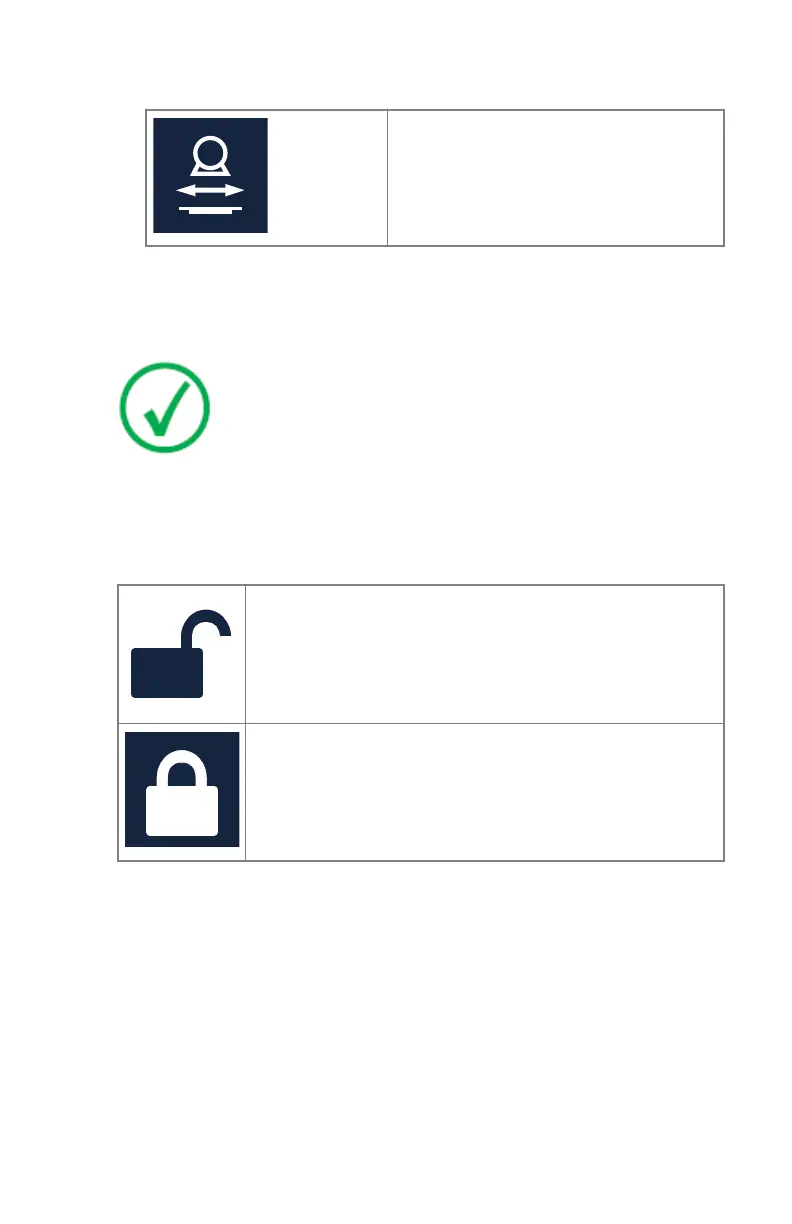
Table 30: Tracking status
Tracking is activated.
2. Adjust the wall stand bucky height, the height of the X-ray tube or the
alpha rotation of the X-ray tube head.
The corresponding component (X-ray tube or wall stand bucky) is moving
accordingly.
Note: The movement of the X-ray tube is automatically stopped
if the distance between the X-ray tube head and the table top
would become too small (less than 10 cm).
The lock button controls the behaviour of the position tracking after the
exposure is made.
Table 31: Locking the position tracking
Position tracking is not active for the next exposure. It can
be activated again by pressing the position tracking but-
ton.
Position tracking is kept active for the next exposure.
Related Links
Collision indicator on page 185
Emergency stop button on page 40
170 | DR 600 | Software Console and Tube Head Display
3261K EN 20210708 0808



 To Next Page