Tracking the radiographic table
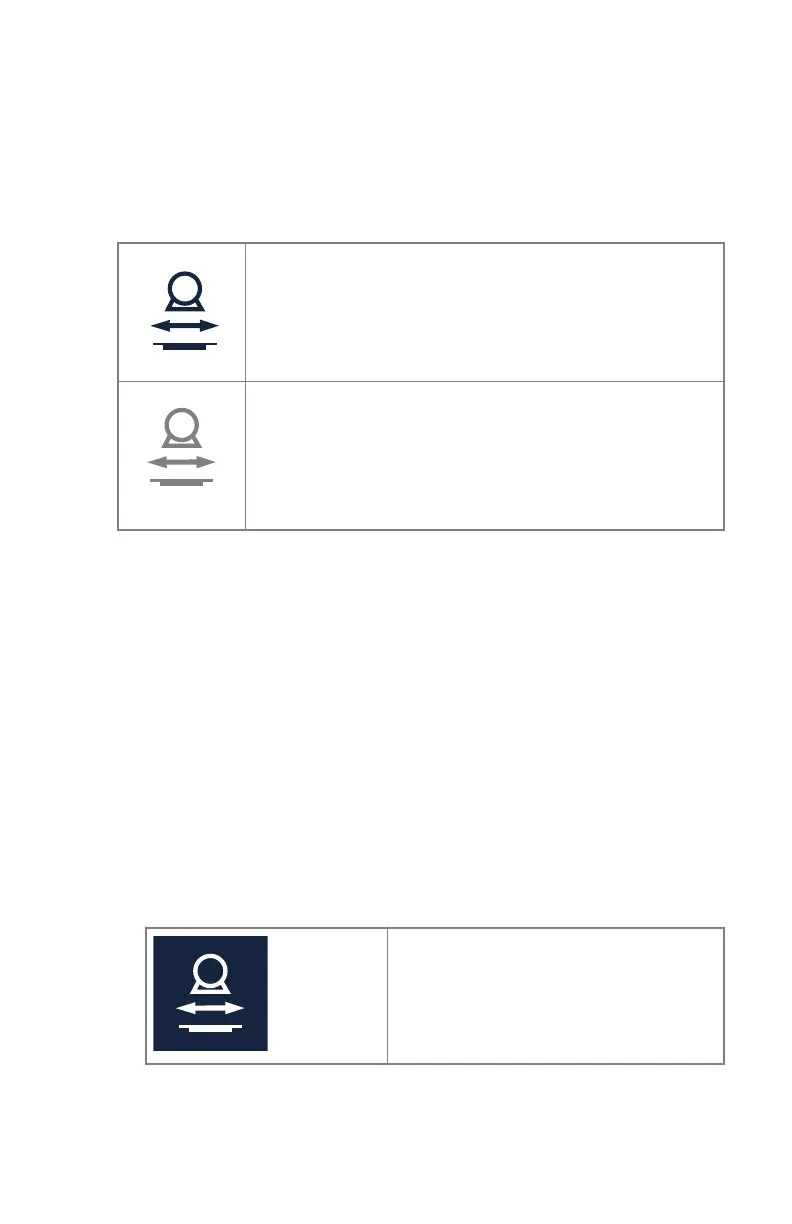
The position tracking button on the main screen of the tube head display
indicates if tracking can be performed.
Table 26: Tracking status
Tracking can be performed but is not activated.
Tracking cannot be performed.
Make sure that the X-ray tube is pointing to the detector and
that the distance between the tube head unit and the tab-
letop is higher than 50 cm and that the tube head unit is not
in a collision zone.
Tracking synchronizes the movement of two components:
• Adjusting the table height drives the X-ray tube height. The SID is kept
constant.
• Adjusting the position of the table bucky drives the X-ray tube longitudinal
position.
• Adjusting the longitudinal position of the X-ray tube drives the position of
the table bucky.
• Adjusting the alpha rotation of the tube head unit drives the position of
the table bucky.
To enable tracking:
1. On the tube head display, press the position tracking button.
Table 27: Tracking status
Tracking is activated.
2. Adjust the table height, the position of the table bucky, the longitudinal
position of the X-ray tube or the alpha rotation of the tube head unit.
The corresponding component (X-ray tube or table bucky) is moving
accordingly.
DR 600 | Software Console and Tube Head Display |
167
3261K EN 20210708 0808



 To Next Page