Rotating the bucky
The cassette or detector in the bucky can be rotated without removing it from
the clamping.
To change the orientation of the cassette or detector in the bucky:
1. Open the bucky drawer halfway by pulling the front handle.
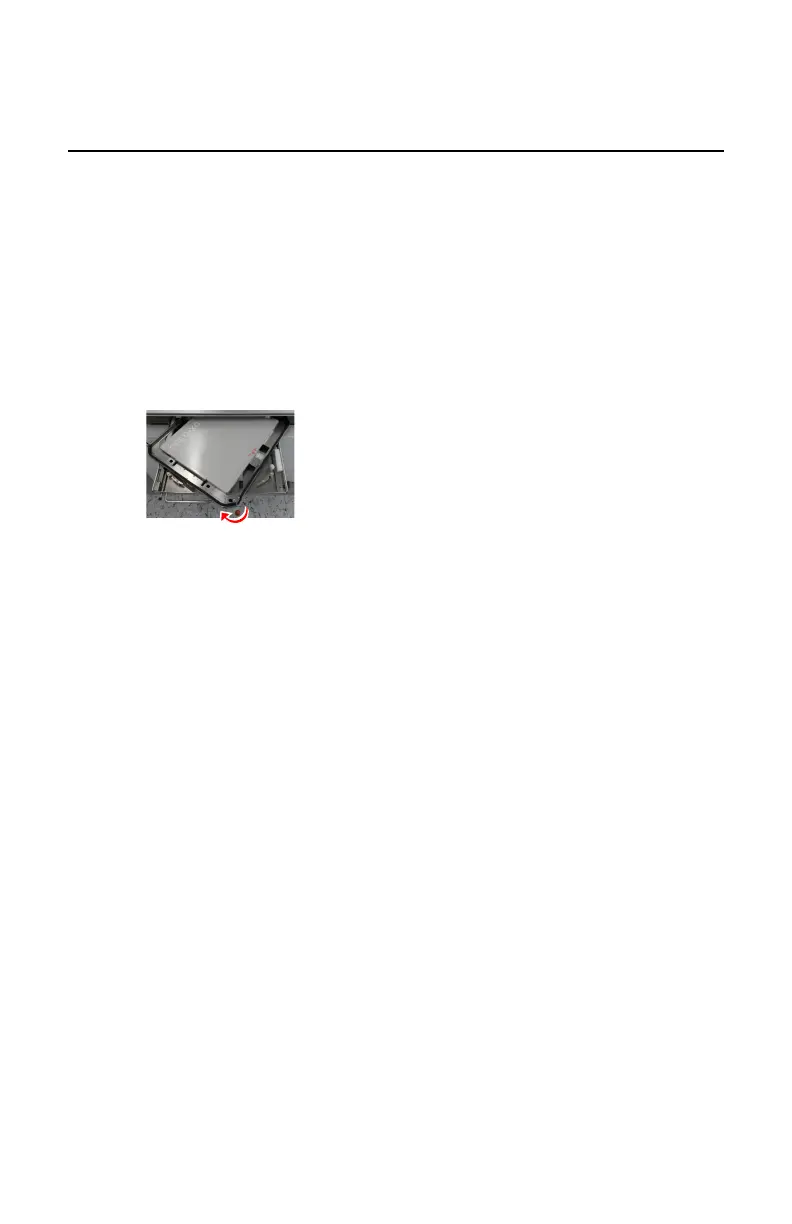
2. Rotate the bucky carrier with the clamped cassette or detector using the
rotation knob.
• Rotate clockwise to change from portrait to landscape position
• Rotate counterclockwise to change from landscape to portrait position
Figure 102: Example: rotate clockwise to change from portrait to
landscape position
Make sure the rotation is complete before closing the bucky drawer.
3. Close the bucky drawer using the front handle and pushing the button to
release the brake.
Make sure the bucky drawer is pushed up to the end to close completely.
DR 600 | Bucky | 221
3261K EN 20210708 0808



 To Next Page