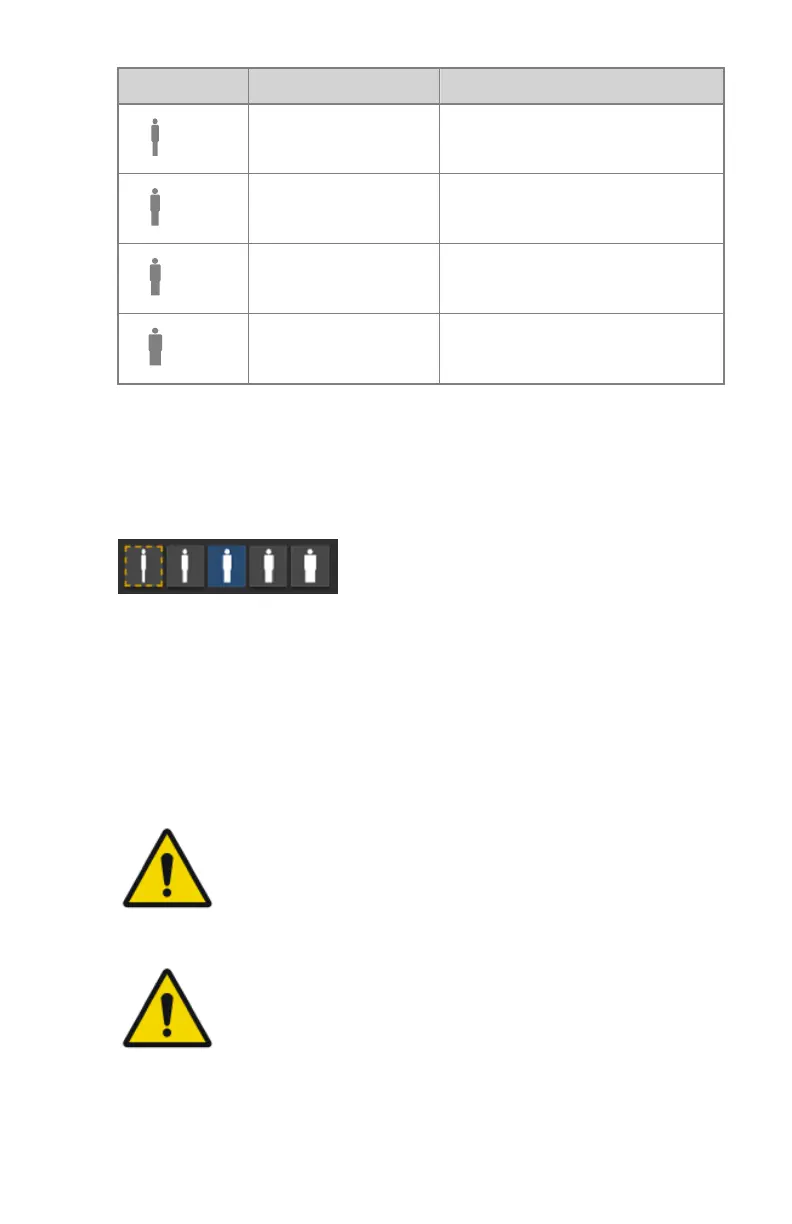
Patient size mAs
Small normal mAs * 0.5
Medium normal mAs
Large normal mAs * 2
Extra Large normal mAs * 4
Dose adaptation guidance
On a system with a 3D depth camera, the patient size is monitored
automatically. The optimal dose adaptation setting for the patient is indicated
by a blinking orange frame. To apply this setting, press the indicated patient
size icon.
Figure 66: Patient size "extra small" is indicated as recommended dose
adaptation setting
The indicated setting is a recommendation. The user has to confirm that the
setting is correct. If the setting is not confirmed by the user, the medium
patient size is applied.
If none of the icons is indicated by a blinking orange frame, dose adaptation
guidance is not available and the user must assess the patient size and apply
the correct setting.
WARNING:
Dose adaptation guidance overestimates the patient size if the
patient is not positioned flat against the surface of the
radiographic table or wall stand or if the patient is lying on a
matrass. Dose adaptiation guidance may be inaccurate if the
patient is moving.
WARNING:
Dose adaptation guidance is not accurate if based on a wrong
bodypart. Make sure the correct thumbnail for the exposure is
selected.
150 | DR 600 | Software Console and Tube Head Display
3261K EN 20210708 0808



 To Next Page