1. Open the CD, DVD or USB flash drive in File Explorer.
Press simultaneously the Windows key and E to open File Explorer.
Double-click the drive representing this documentation CD, DVD or USB.
2. Double-click the folder Install Online Help on NX.
3. Double-click the installer Install Online Help.exe.
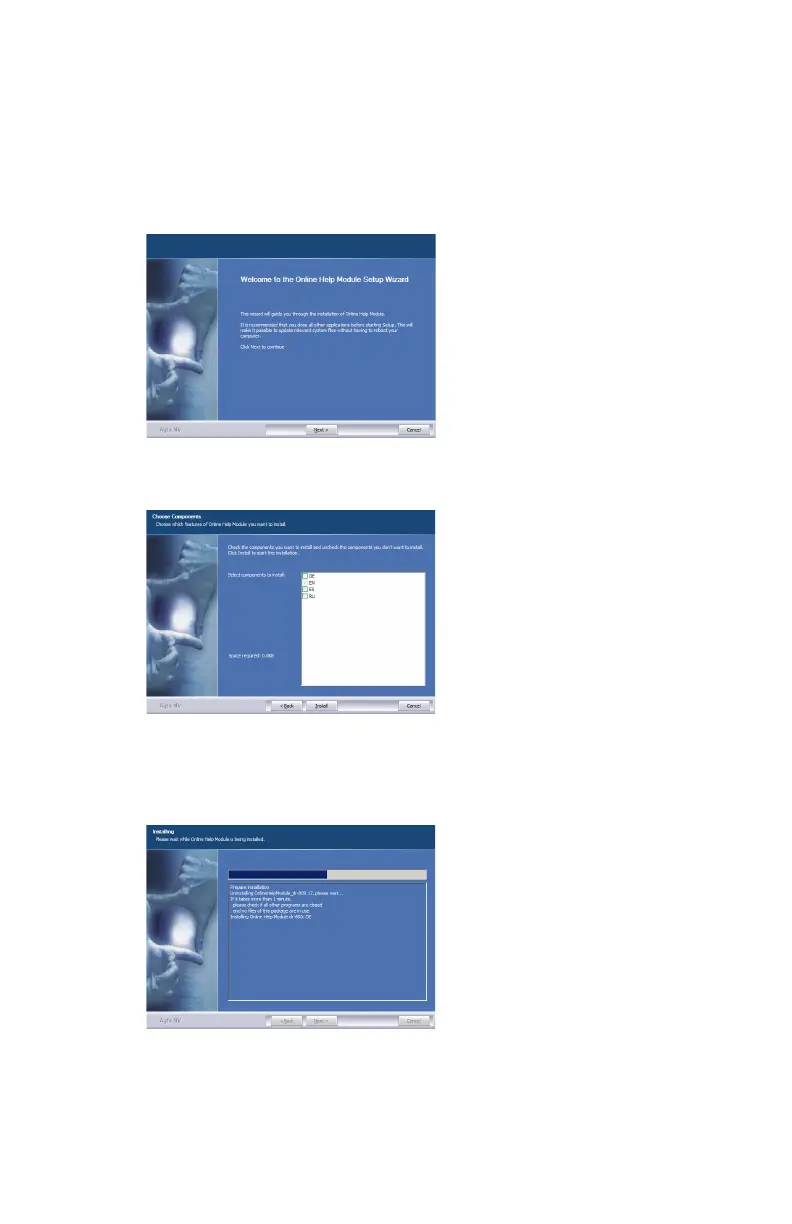
The installation wizard is started.
4. Click Next.
The list of available languages is displayed.
5. Select the required languages and click Install.
Only languages can be selected for which also the NX online help has been
installed on the NX workstation.
6. The online help is copied to the NX workstation.
7. After the process is finished, click Next and complete the installation.
The online help is now always available on the NX workstation and can be
accessed by pressing the Help button in the Main Menu of the NX application.
278 | DR 600 | Product Information
3261K EN 20210708 0808



 To Next Page