Virtual Leased Line Services
7750 SR OS Services Guide Page 261
Configuring SDP Bindings
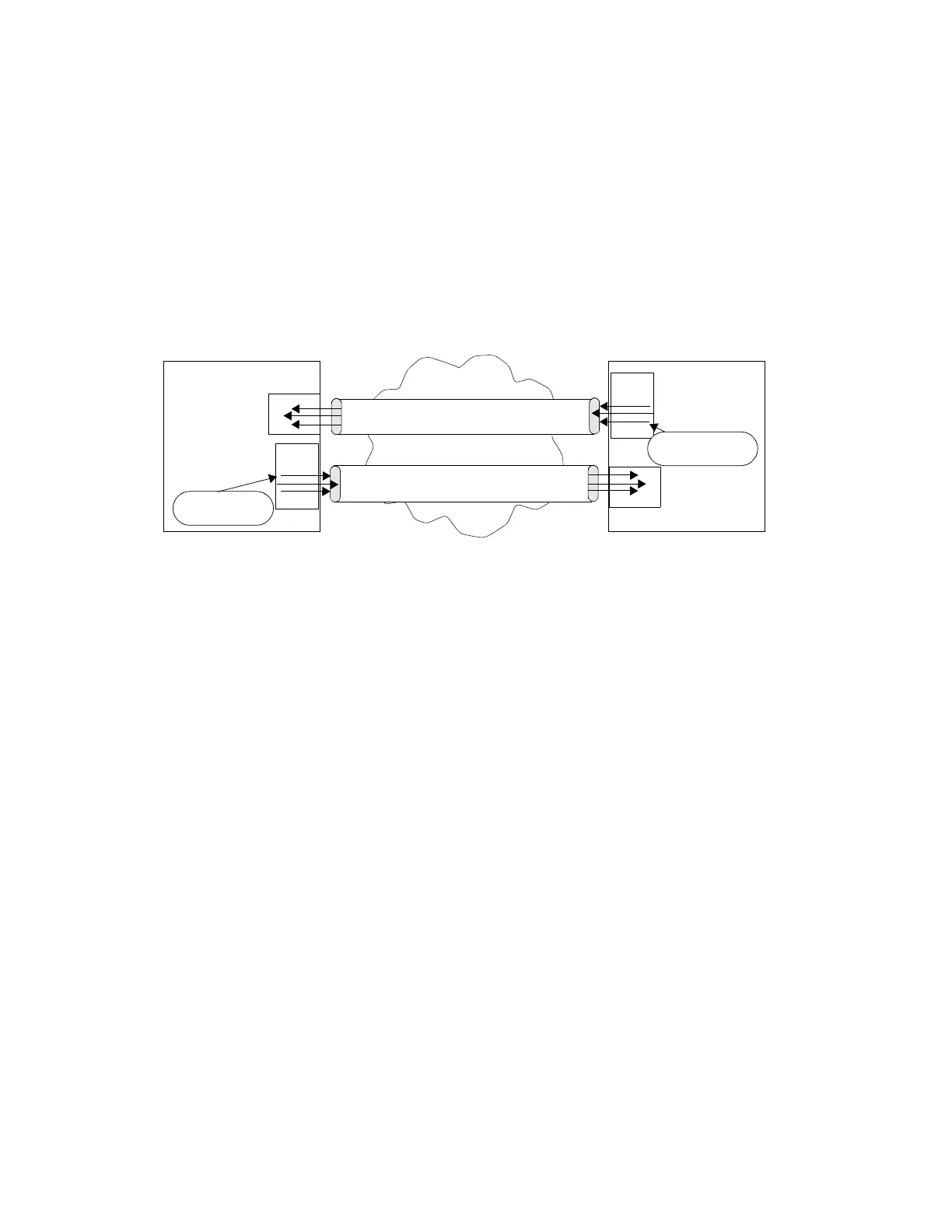
Figure 53 displays an example of a distributed Epipe service configuration between two routers,
identifying the service and customer IDs, and the uni-directional SDPs required to communicate to
the far-end routers.
A spoke SDP is treated like the equivalent of a traditional bridge “port” where flooded traffic
received on the spoke SDP is replicated on all other “ports” (other spoke and mesh SDPs or SAPs)
and not transmitted on the port it was received.
Figure 53: SDPs — Uni-Directional Tunnels
Use the following CLI syntax to create a spoke SDP binding with an Epipe service:
CLI Syntax: config>service# epipe service-id [customer customer-id]
spoke-sdp sdp-id:vc-id [vc-type {ether | vlan}]
vlan-vc-tag 0..4094
egress
filter {ip ip-filter-id}
vc-label egress-vc-label
ingress
filter {ip ip-filter-id}
vc-label ingress-vc-label
no shutdown
The following example displays the command usage to bind an Epipe service between ALA-1 and
ALA-2. This example assumes the SAPs have already been configured (see Distributed Epipe
SAPs on page 257).
ALA-1
ALA-2
SPOKE-SDP 3
SPOKE-SDP 2
SDP 3
SDP 2
EPIPE 2 FOR
CUSTOMER 6
demux
demux
EPIPE 2 FOR
CUSTOMER 6















 To Next Page