Appendix B – Patient Chair Instructions
Part Number: 0160-6411, Rev A, 02/2019 Page 291 of 314
Software Release: cOS 5.00
Chair Enable Feature
The patient chair manufactured before May 2013 is equipped with a “chair enable” feature to
protect against unintended chair motion. The patient chair joystick can be enabled in either of
two ways:
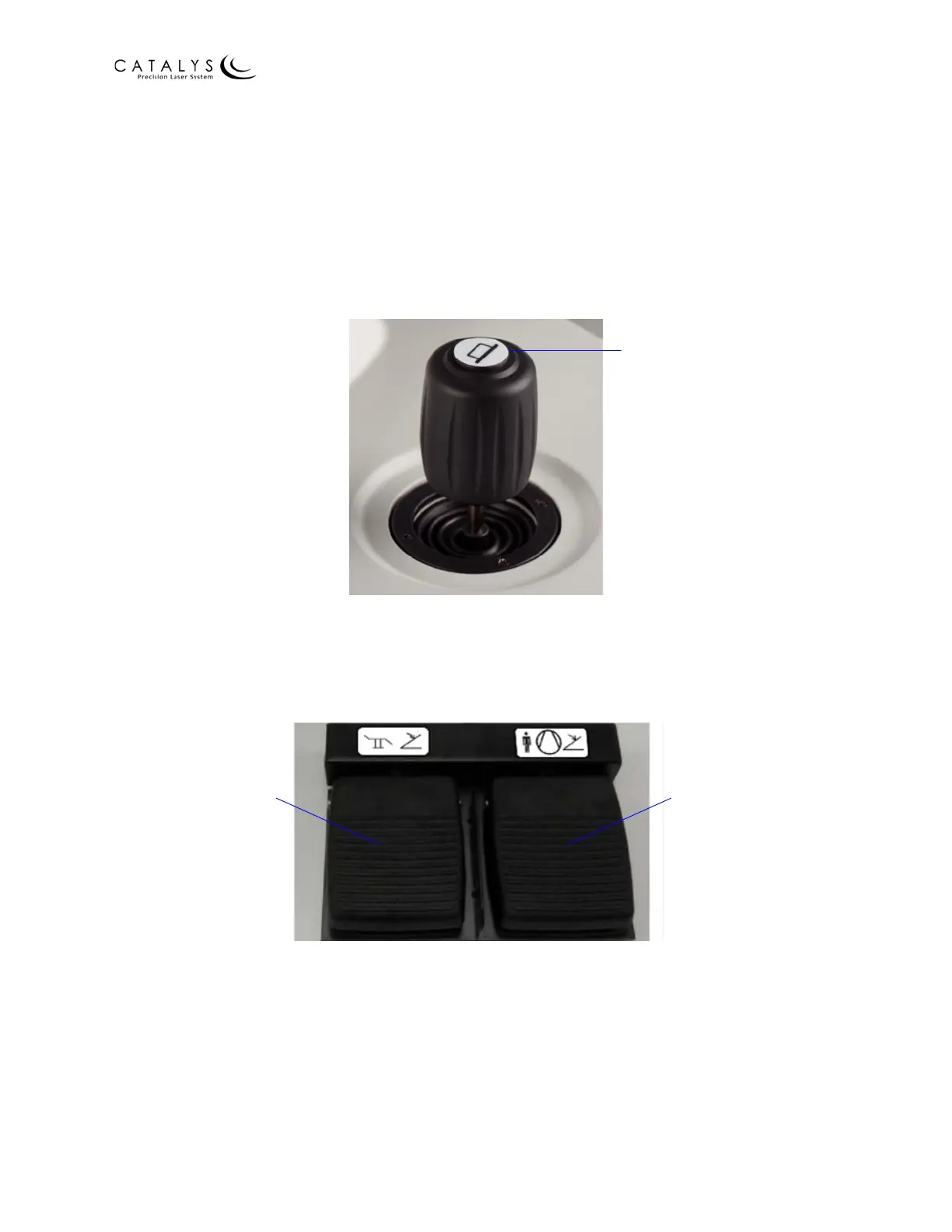
• The patient chair joystick incorporates a “chair enable” button located on the top of the
joystick. You must continuously press the “chair enable” button to enable joystick control
of the chair position.
Figure B.4 “Chair Enable” Button on Joystick
• The system has a dual function footswitch. The left footswitch is a “chair enable”
footswitch and must be continuously depressed to enable joystick control of the chair
position.
Figure B.5 System Dual Function Footswitch
Chair Enable
Footswitch
Patient Vacuum ON
Footswitch



 To Next Page