3-6 Over-the-Air Measurements W-CDMA/HSPA+ Signal Analyzer
3-22 PN: 10580-00234 Rev. T 3GPP MG
W-CDMA Summary Setup
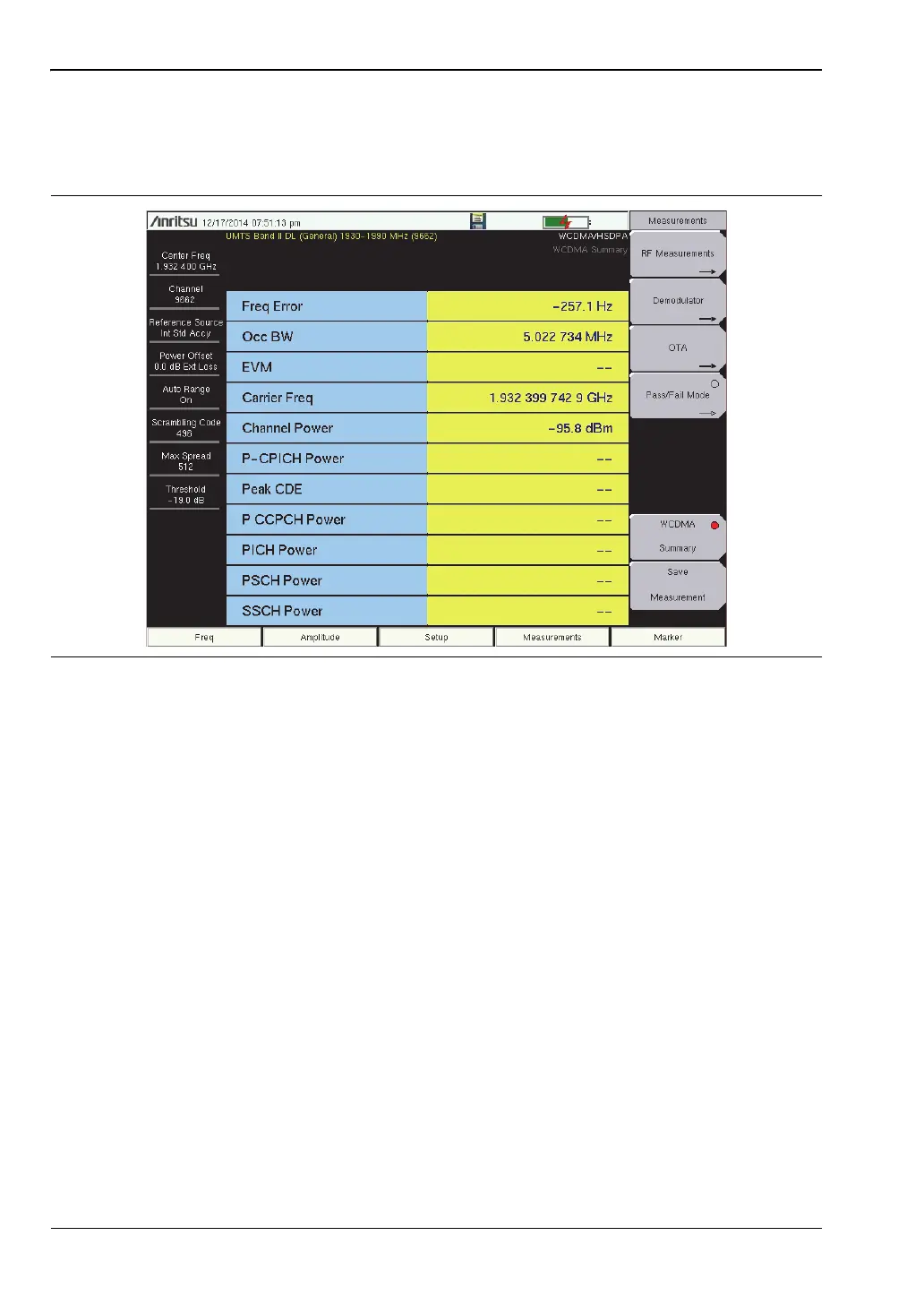
W-CDMA summary (Figure 3-12) displays the critical W-CDMA measurements from RF and
demodulation measurements.
W-CDMA Summary Procedure
1. Set the measurement frequency using one of the methods listed in the User Guide.
2. Press the Setup main menu key.
3. Press the Scrambling Code submenu key to select Auto so that the scrambling code is
automatically detected.
4. The instrument has automatic external reference frequency detection or, if equipped,
activate GPS and synchronize the instrument to High Internal accuracy.
5. Connect the external reference to the RF In BNC connector and wait for the unit to
recognize the external reference and lock to it.
6. Press the S-CCPCH Spread submenu key to manually set the S-CCPCH spreading.
The default S-CCPCH spreading factor of 256 will be displayed in all the views. Set the
S-CCPCH spreading factor to show accurate results.
7. Press the S-CCPCH Code submenu key to enter the correct S-CCPCH code. The default
S-CCPCH code of 3 will be displayed in all the views. Set the S-CCPCH code to show
accurate results.
8. Press the PICH Code submenu key to enter the correct PICH code. The default PICH
code of 16 will be displayed in all the views. Set the PICH code to show accurate results.
9. Press the Threshold submenu key to manually set the Threshold level to determine
which codes are active. The default value is –30dB.
Figure 3-12. W-CDMA Measurement Summary














 To Next Page