3-9 Freq (Frequency) Menu W-CDMA/HSPA+ Signal Analyzer
3-26 PN: 10580-00234 Rev. T 3GPP MG
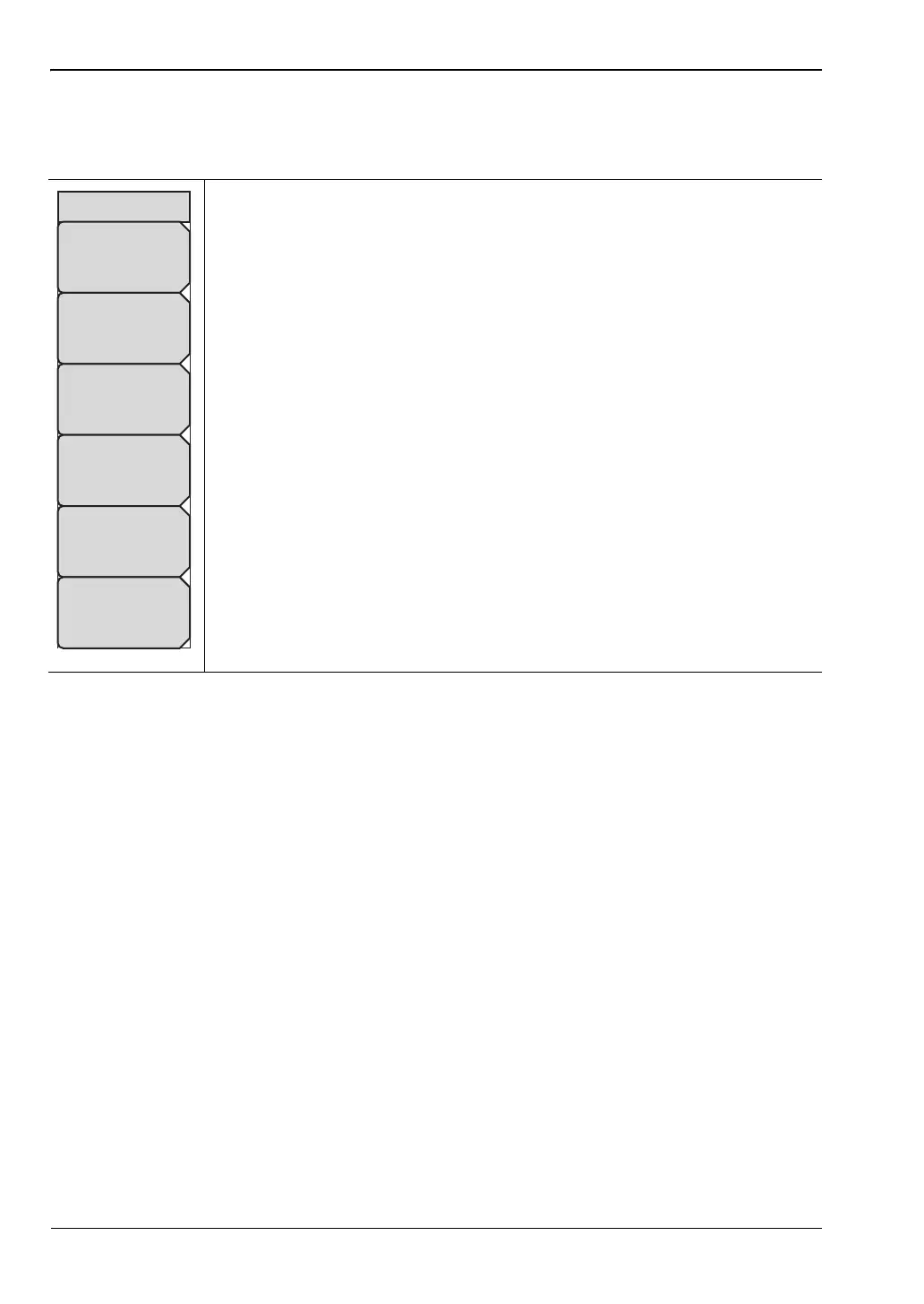
3-9 Freq (Frequency) Menu
Key Sequence: Freq
Center Freq: Press the Freq key followed by the Center Freq submenu key
and enter the desired frequency using the keypad, the arrow keys, or the
rotary knob. If entering a frequency using the keypad, the submenu key
labels change to GHz, MHz, kHz, and Hz. Press the appropriate units key.
Pressing the Enter key has the same effect as pressing the MHz submenu
key.
Signal Standard: Use the Up/Down arrow keys or the rotary knob to
highlight a signal standard and press Enter to select. When a signal standard
is selected, the center frequency and span for the first channel of the
selected standard is automatically tuned. Other settings, such as channel
spacing and integration bandwidth, are also automatically entered. Appendix
A contains a table of the signal standards that are in the instrument firmware.
Channel: Use the Up/Down arrow keys, the keypad, or the rotary knob to
select a channel number for the selected signal standard. The center of the
channel is automatically tuned to the center frequency of the selected
W-CDMA channel.
Set CF To Closest Channel: Changes the center frequency to the closest
channel.
Decrement Channel: Decreases the channel number by one.
Increment Channel: Increases the channel number by one.
Figure 3-16. W-CDMA/HSPA+ Freq Menu
Freq
Center Freq
871.400 MHz
Signal
Standard
Channel
4357
Set CF
To Closest
Channel
Decrement
Channel
Increment
Channel














 To Next Page