3-11 Setup Menu W-CDMA/HSPA+ Signal Analyzer
3-28 PN: 10580-00234 Rev. T 3GPP MG
3-11 Setup Menu
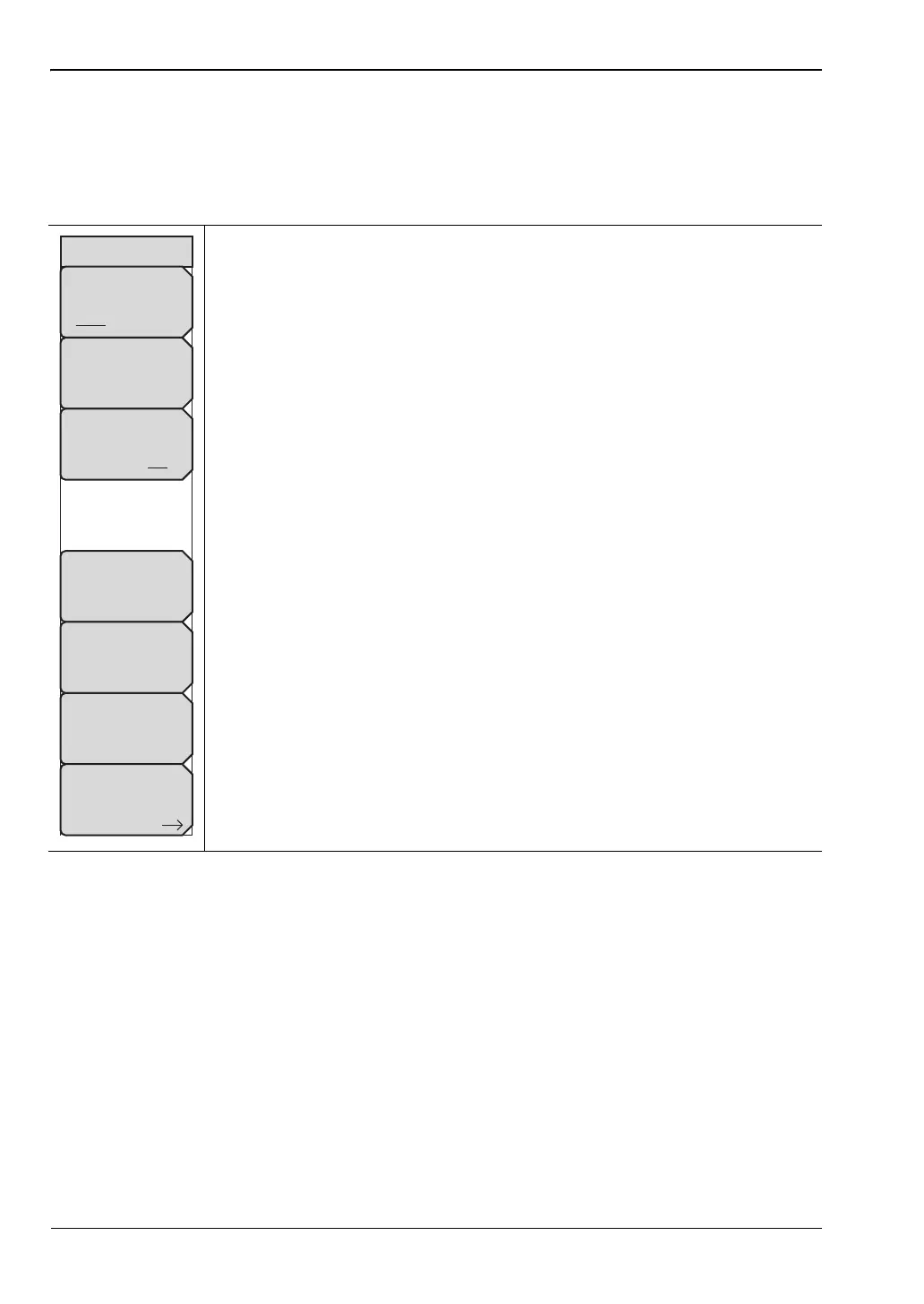
Setup 1/2 Menu
Key Sequence: Setup
Scrambling Code: Press the Scrambling Code submenu key to toggle
between Auto and Manual Scrambling Code.
Manual Scrambling Code: Press the Manual Scrambling Code submenu
key to manually enter the scrambling code using the arrow keys, rotary knob,
or numeric keypad.
Max Spreading Factor: Press the Max Spreading Factor submenu key to
toggle between 256 codes and 512 codes.
S-CCPCH Spread: Press the S-CCPCH Spread submenu key to enable the
S-CCPCH spreading factor and enter the desired code. The default value is
256.
S-CCPCH Code: Press the S-CCPCH Code submenu key to enable and
enter the S-CCPCH code. The default value is 3.
PICH Code: Press the PICH Code submenu key to activate Paging
Indicator Channel and enter the desired code. The default value is 16.
More: Lists the “Setup 2/2 Menu” on page 3-29 to continue measurement
setup.
Figure 3-18. W-CDMA/HSPA+ Setup Menu (1/2)
Setup 1/2
Scrambling Code
Auto Manual
Manual Scrambling
Code
283
Max Spreading Factor
256 512
S-CCPCH Spread
256
S-CCPCH Code
3
PICH Code
16
More














 To Next Page