3-12 Measurements Menu W-CDMA/HSPA+ Signal Analyzer
3-36 PN: 10580-00234 Rev. T 3GPP MG
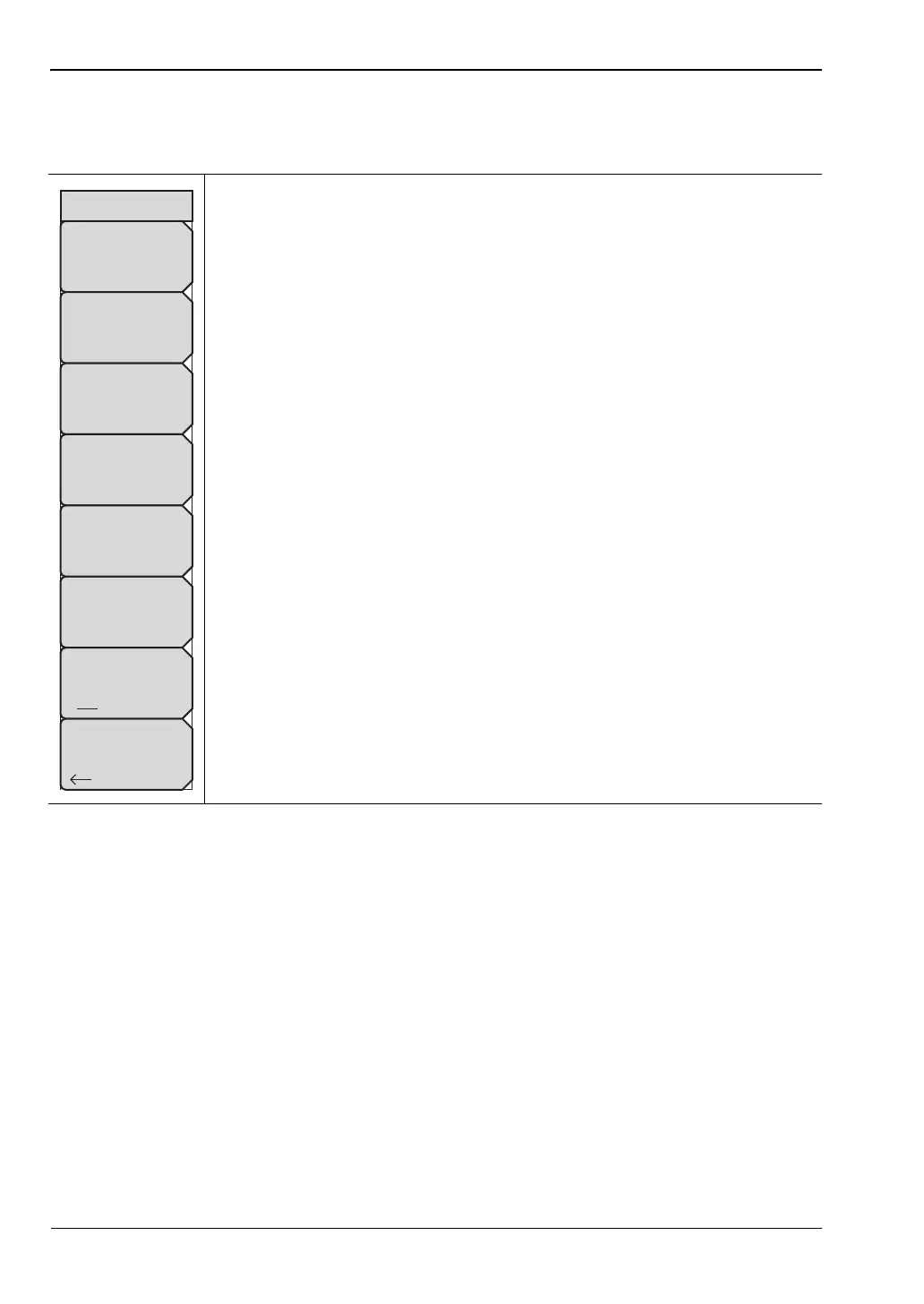
HSDPA Menu
Key Sequence: Measurements > Demodulator > HSDPA
Selected Code: Press this submenu key to select the active code, using the
arrow keys, rotary knob, or numeric keypad. The range is 0 to 255 or 0 to 511
depending on the Max Spreading Factor set under the Setup main menu.
Refer to “Setup 1/2 Menu” on page 3-28.
Next Active Code Left: Select the next active code to the left of the selected
code.
Next Active Code Right: Select the next active code to the right of the
selected code.
Total Time: Set the time for the power versus time screen. The maximum
total time is 72 hours.
Single Sweep Time: Set the single sweep time. The instrument
automatically calculates the total time.
IQ Persistence: Set the number of samples before displaying the screen
(maximum 48).
Control Channels: Select a control channel mode between Rel, Abs, and
Delta.
Back: Returns to the “Demodulator Menu” on page 3-34.
Figure 3-27. HSPA+ Menu
HSDPA
IQ Persistence
1
Back
Next Active
Code
Left
Total Time
240 s
Single Sweep Time
5 s
Control Channels
Rel Abs Delta
Next Active
Code
Right
Selected Code #
2














 To Next Page