TD-SCDMA/HSPA+ Signal Analyzer 4-2 General Measurement Setups
3GPP MG PN: 10580-00234 Rev. T 4-3
Channel Spectrum
1. Press the Setup main menu key.
2. Press the More submenu key.
a. Press the Number of Carriers submenu key so that the desired number is
underlined.
b. Press the Spreading Factor submenu key so that the desired Spreading Factor is
underlined: Auto, 16, or 1.
c. To set the Modulation Type, press the Modulation Type submenu key. The
Modulation Type selection window opens. Select the desired setting: Auto, QPSK,
8PSK, 16QAM, or 64QAM.
d. If the channel in use has a known DwPTS signal, select On. If the channel in use
does not have a DwPTS signal, select Off. If the presence of the DwPTS is
unknown, select Auto.
e. If necessary, press the Ta u O ff se t submenu key to specify a Tau Offset value. The
maximum value is 5 sec.
f. Press the Back submenu key to return to the Setup menu
3. Press the Measurements main menu key.
4. Press the RF Measurements submenu key.
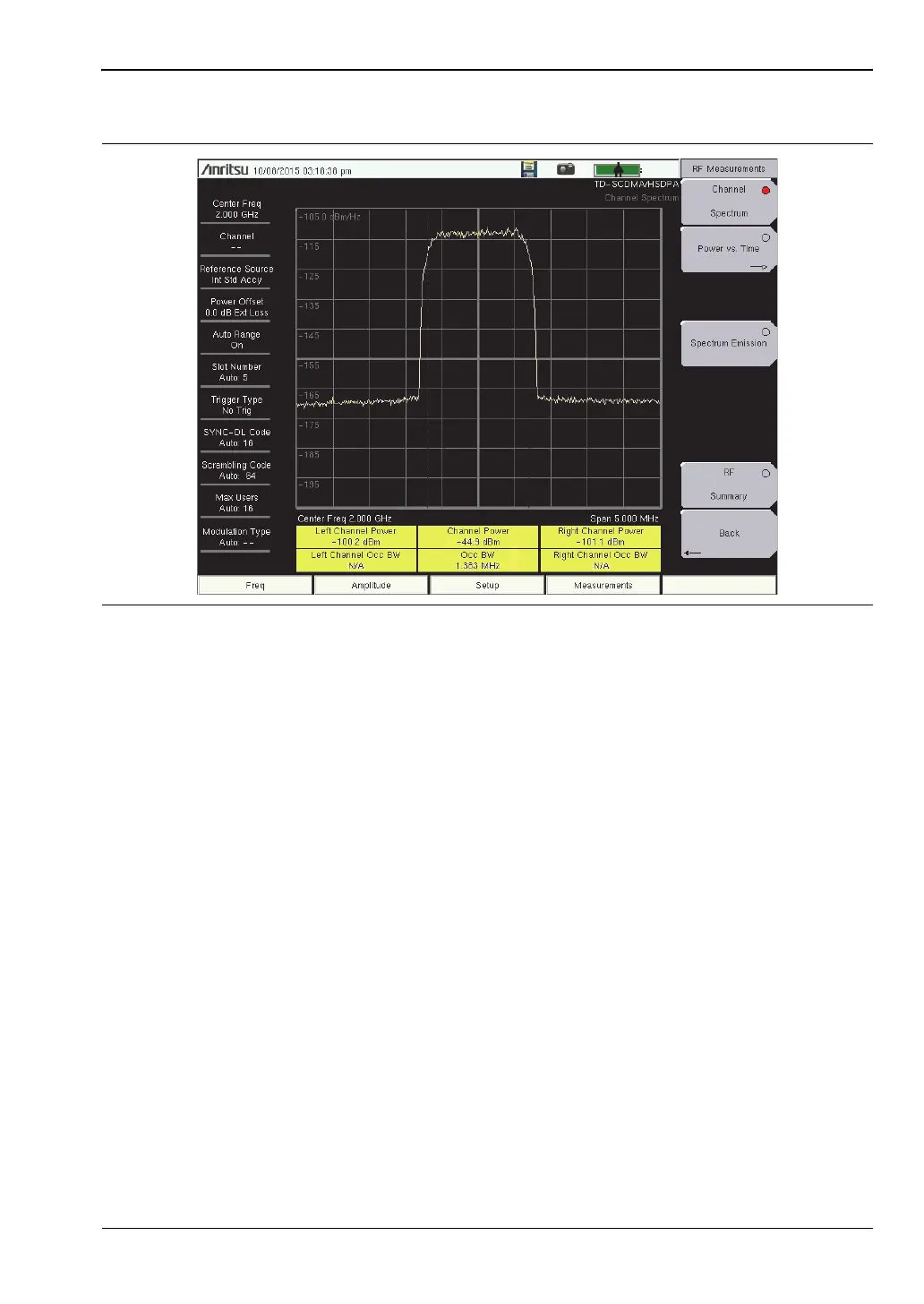
5. Press the Channel Spectrum submenu key to activate this RF measurement view (see
Figure 4-1).
6. Press the Back submenu key again to return to the Measurements menu.
Figure 4-1. TD-SCDMA/HSPA+ Channel Spectrum














 To Next Page