4-11 Measurements Menu TD-SCDMA/HSPA+ Signal Analyzer
4-24 PN: 10580-00234 Rev. T 3GPP MG
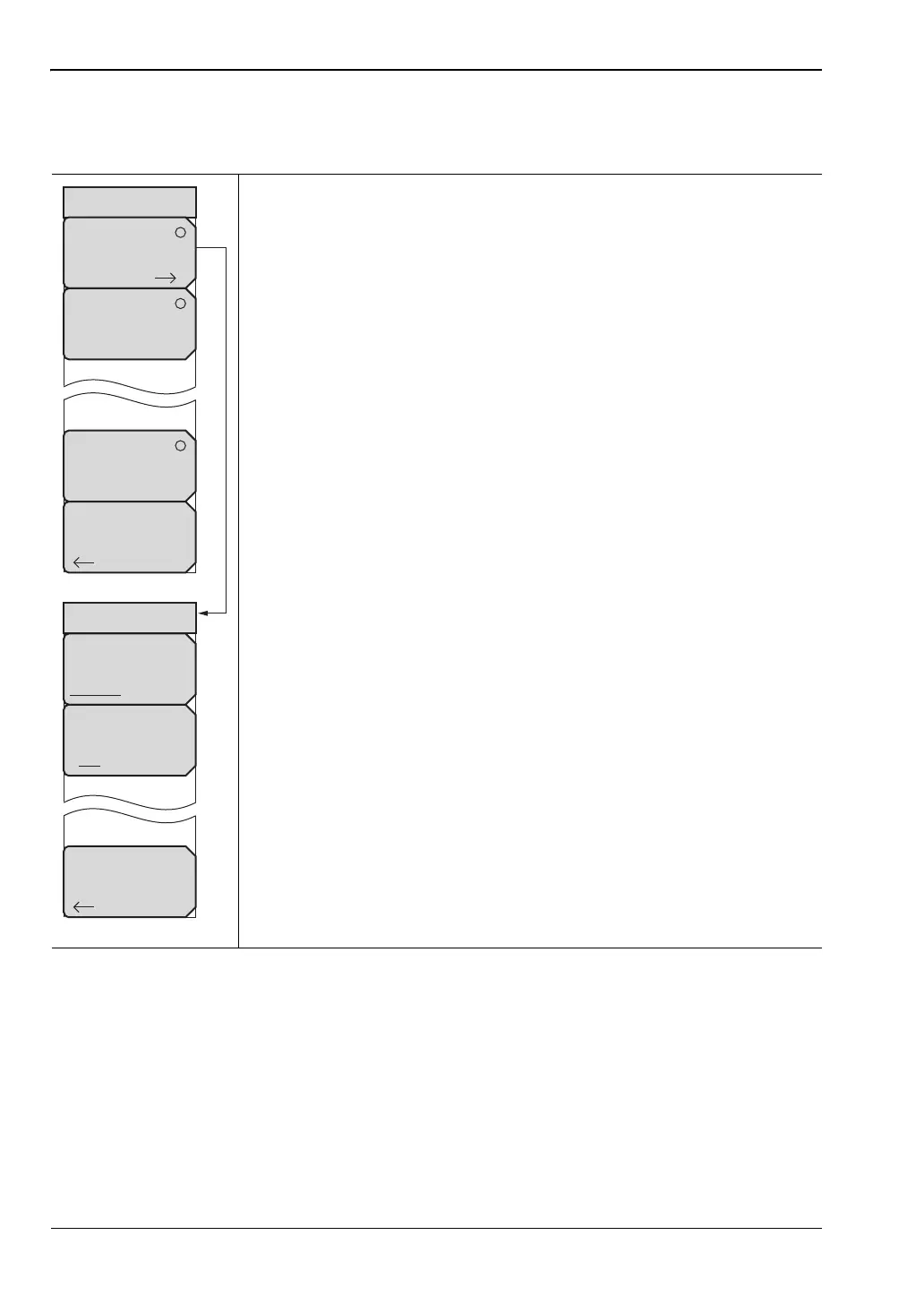
Demodulator Menu
Key Sequence: Measurements > Demodulator
CDP Data: Press this submenu key once to activate this test. Press this
submenu key again to display the CDP Data menu and further set up the
measurement.
CDP Units: Select either Relative units (dB) or Absolute units
(dBm).
CDP Marker: Press this submenu key to toggle the CDP markers
On or Off.
Back: Returns to the Demodulator menu.
CDP Table: Press this submenu key to display a table of the
CDP Code, Mod Type, Power (dB), and Power (dBm).
Modulation Summary: Press this submenu key to view the
performance of the transmitter demodulated TD-SCDMA/HSPA+ signal
in table format. The following parameters are displayed in the table:
Slot Power (dBm)
EVM
Peak EVM
Freq Error
Freq Error PPM
Tau
Noise Floor
Carrier Feed Through
Peak CDE
Back: Press this submenu key to return to the “Measurements Menu” on
page 4-21.
Figure 4-23. TD-SCDMA/HSPA+ Demodulator Menu
Demodulator
CDP Data
Modulation
Summary
CDP
Table
Back
CDP Data
CDP Units
Relative Absolute
Back
CDP Marker
Off On














 To Next Page