TD-SCDMA/HSPA+ Signal Analyzer 4-11 Measurements Menu
3GPP MG PN: 10580-00234 Rev. T 4-25
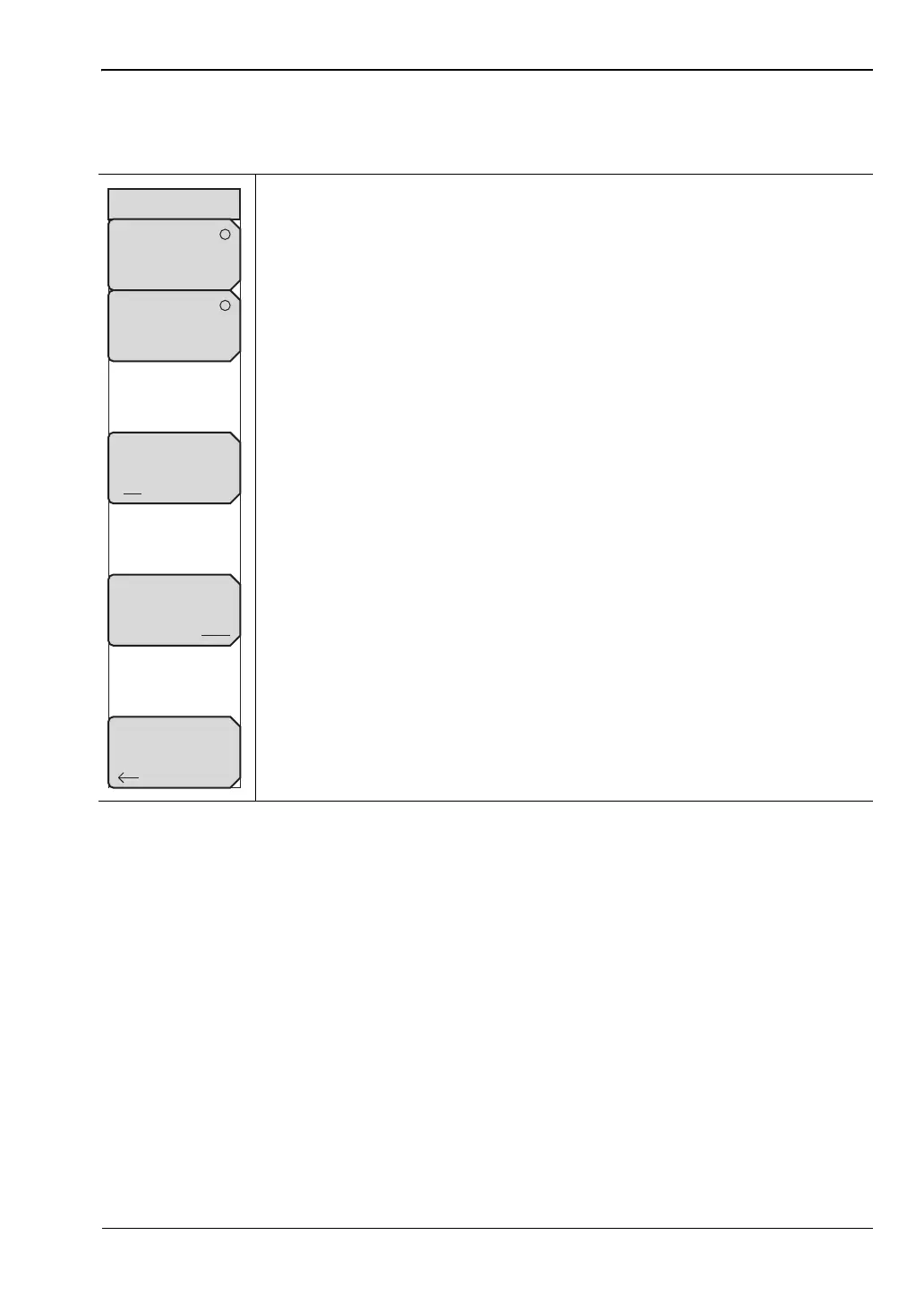
Over-The-Air Menu
Key Sequence: Measurements > OTA
Code Scan: Press this submenu key to display the 32 sync codes in table
format. Displayed below the table are DwPTS Power (in dBm) and Pilot
Dominance (in dB).
Tau Scan: Press this submenu key to display the code power versus Tau in
bar graph format. Code numbers are displayed at the top of each bar. A table
below the bar graph shows the 6 strongest codes (identified by number) and
the Tau (in µs) and the Ec/Io (in dB).
Record Off/On: Pressing this submenu key so that On is underlined
(selected) sets the instrument to automatically record all OTA measurements
that are taken while in the Run mode. Before recording occurs, the name of
a log file is flashed on the screen. This is the file in which all recorded data is
stored. Selecting Off stops all recording and closes the log file. When
pressed again, recording begins in a new file. If Record is turned On when
the measurement is a non-OTA measurement (such as Spectrum), then no
action is performed.
Run/Hold: Press this submenu key to set either Run mode or Hold mode.
Hold mode prevents the instrument from taking any new measurements and
freezes the current measurement. Run mode allows the instrument to
continually take measurements.
When Record is already toggled On, pressing the Run/Hold submenu key
toggles the taking of measurements on and off to continue appending new
measurements within the same log file, rather than creating a new log file.
Back: Press this submenu key to return to the “Measurements Menu” on
page 4-21.
Figure 4-24. TD-SCDMA/HSPA+ Over the Air Menu
Back
Record
Off On
Run/Hold
Hold Run
Over-The-Air
Code Scan
Tau Scan














 To Next Page