4-11 Measurements Menu TD-SCDMA/HSPA+ Signal Analyzer
4-26 PN: 10580-00234 Rev. T 3GPP MG
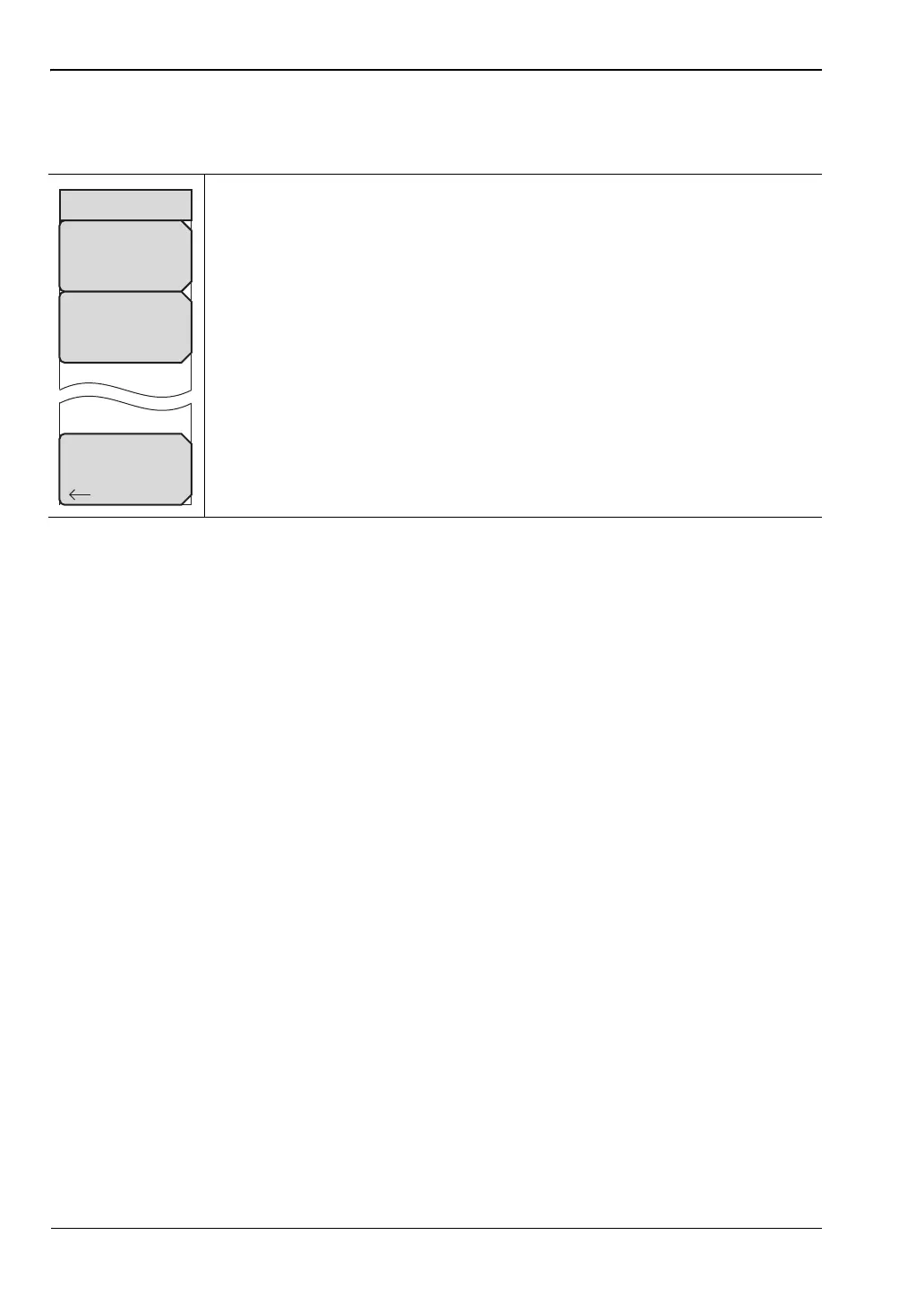
Pass Fail Mode Menu
Key Sequence: Measurements > Pass Fail Mode
Select Pass/Fail Test: Press this submenu key to open the Select Pass/Fail
Test selection window. Use the rotary knob or the arrow keys, or press the
touch screen to highlight the desired test (PASS_FAIL_RF,
PASS_FAIL_DEMOD, or PASS_FAIL_ALL), then press the Select Test
submenu key. Press Esc to return to the Pass/Fail Mode menu without
initiating a test.
Reset: Press this submenu key to restart the measurement or to begin a
new pass/fail test measurement.
Back: Press this submenu key to return to the “Measurements Menu” on
page 4-21.
Figure 4-25. TD-SCDMA/HSPA+ Pass Fail Mode Menu
Pass/Fail Mode
Select
Pass/Fail
Test
Back
Reset














 To Next Page