LTE Signal Analyzer 5-4 LTE Modulation Measurements
3GPP MG PN: 10580-00234 Rev. T 5-13
Control Channel Power
1. Press the Measurements main menu key.
2. Press the Modulation submenu key.
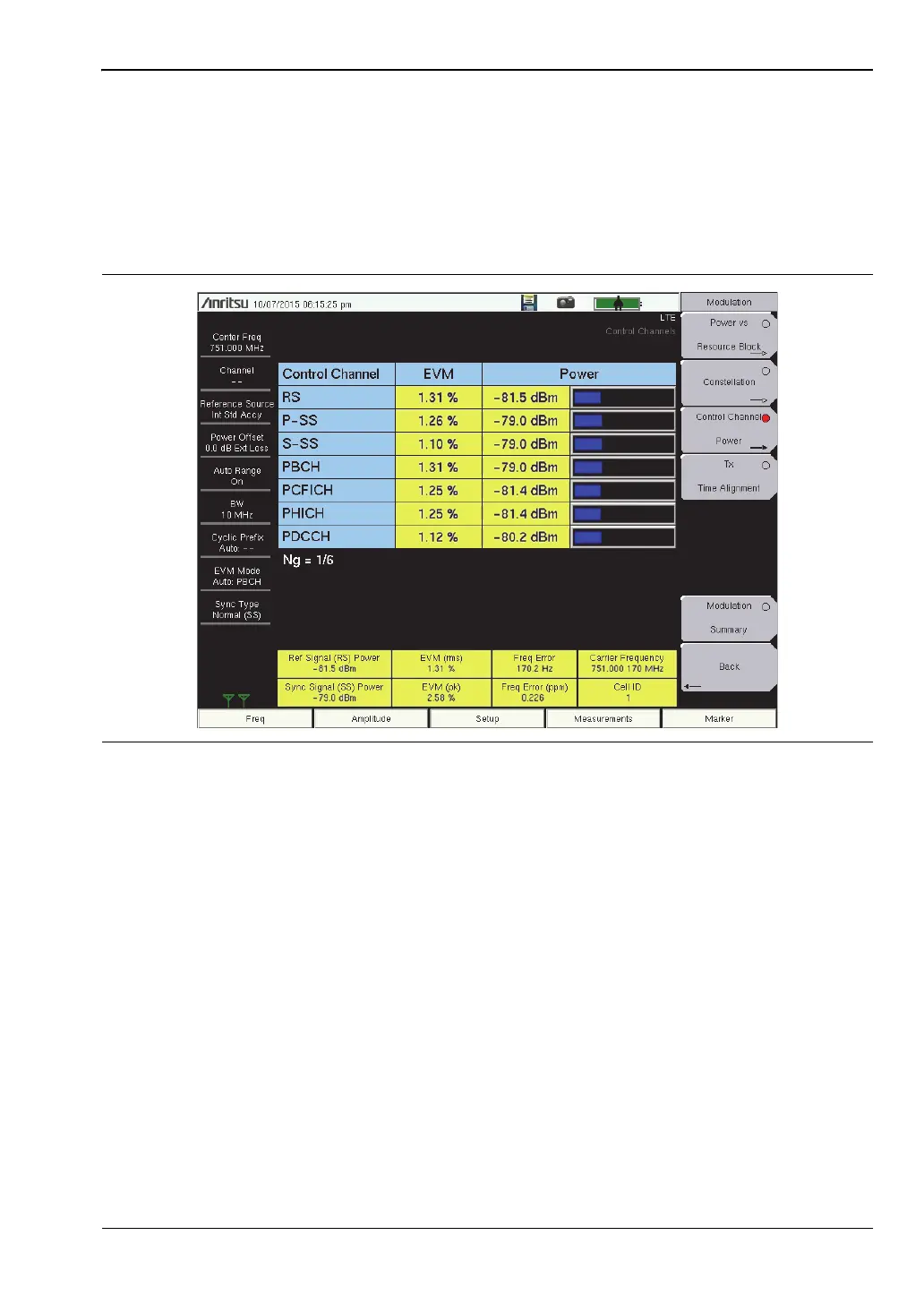
3. Press the Control Channel Power submenu key to activate the Control Channel Power
display (Figure 5-8). Press the key again to view or change the Display Mode and
Control Channel EVM settings.
4. Press the Back submenu key to return to the Modulation menu.
Figure 5-8. Control Channel Power














 To Next Page