LTE Signal Analyzer 5-12 Measurements Menu
3GPP MG PN: 10580-00234 Rev. T 5-35
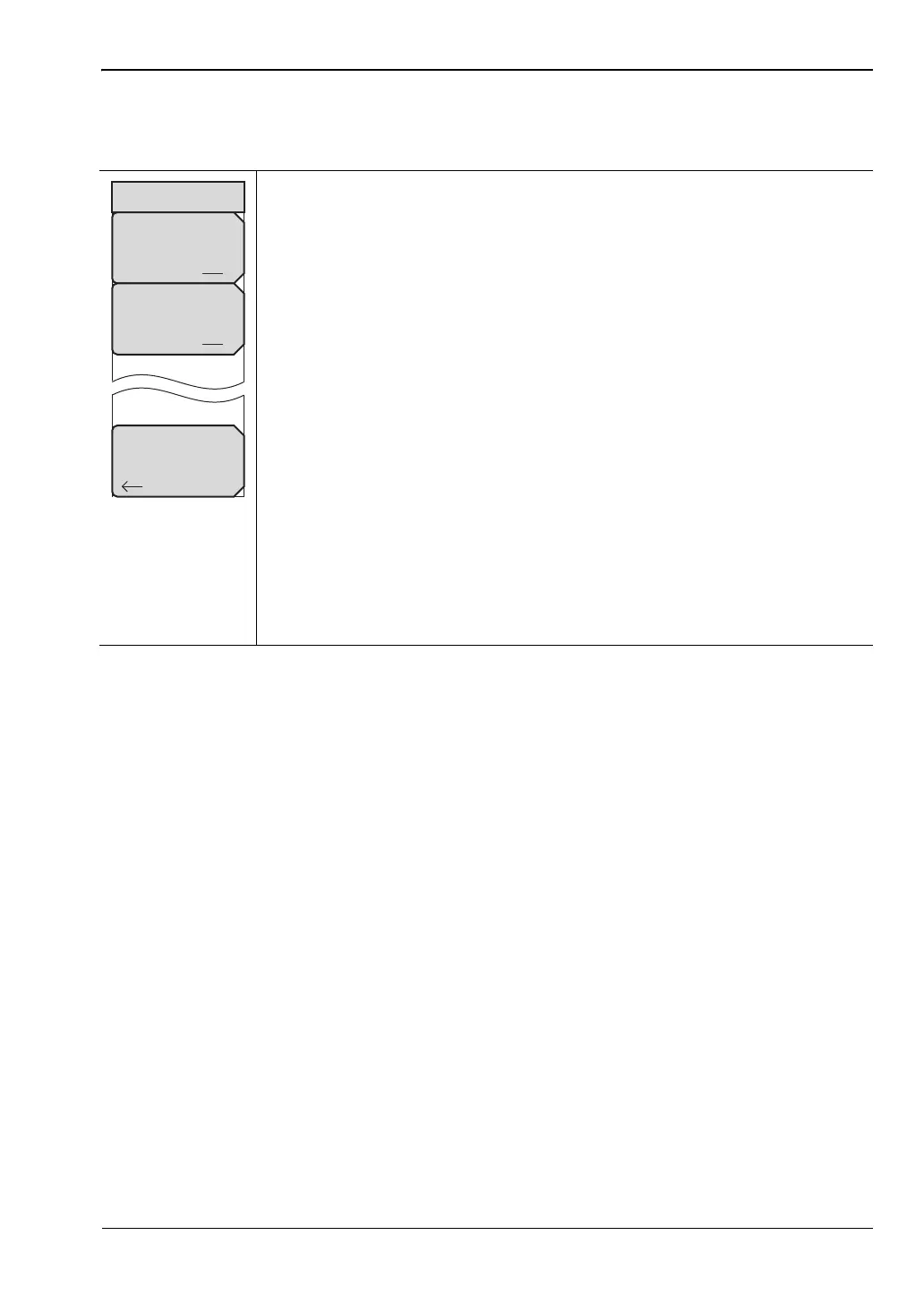
Constellation Menu
Key Sequence: Measurements > Modulation > Constellation
Reference Points: Press this submenu key to display reference points
(small white circles) for the various constellations. On is the default state.
Data Legend: Turns the legend box in the top right corner of the
constellation graph On and Off. On is the default state.
Back: Press this submenu key to return to the “Modulation Menu” on
page 5-33.
The constellations are color coded as follows:
QPSK is shown in purple
16-QAM is shown in green
64-QAM is shown in yellow
Values for the following measurements are shown beneath the graph:
Ref. Signal (RS) Power
EVM (rms)
Freq Error
Carrier Frequency
Sync Signal (SS) Power
EVM (pk)
Freq Error (ppm)
Cell ID
Figure 5-27. LTE Constellation Menu
Back
Constellation
Reference Points
Off On
Data Legend
Off On














 To Next Page