5-12 Measurements Menu LTE Signal Analyzer
5-36 PN: 10580-00234 Rev. T 3GPP MG
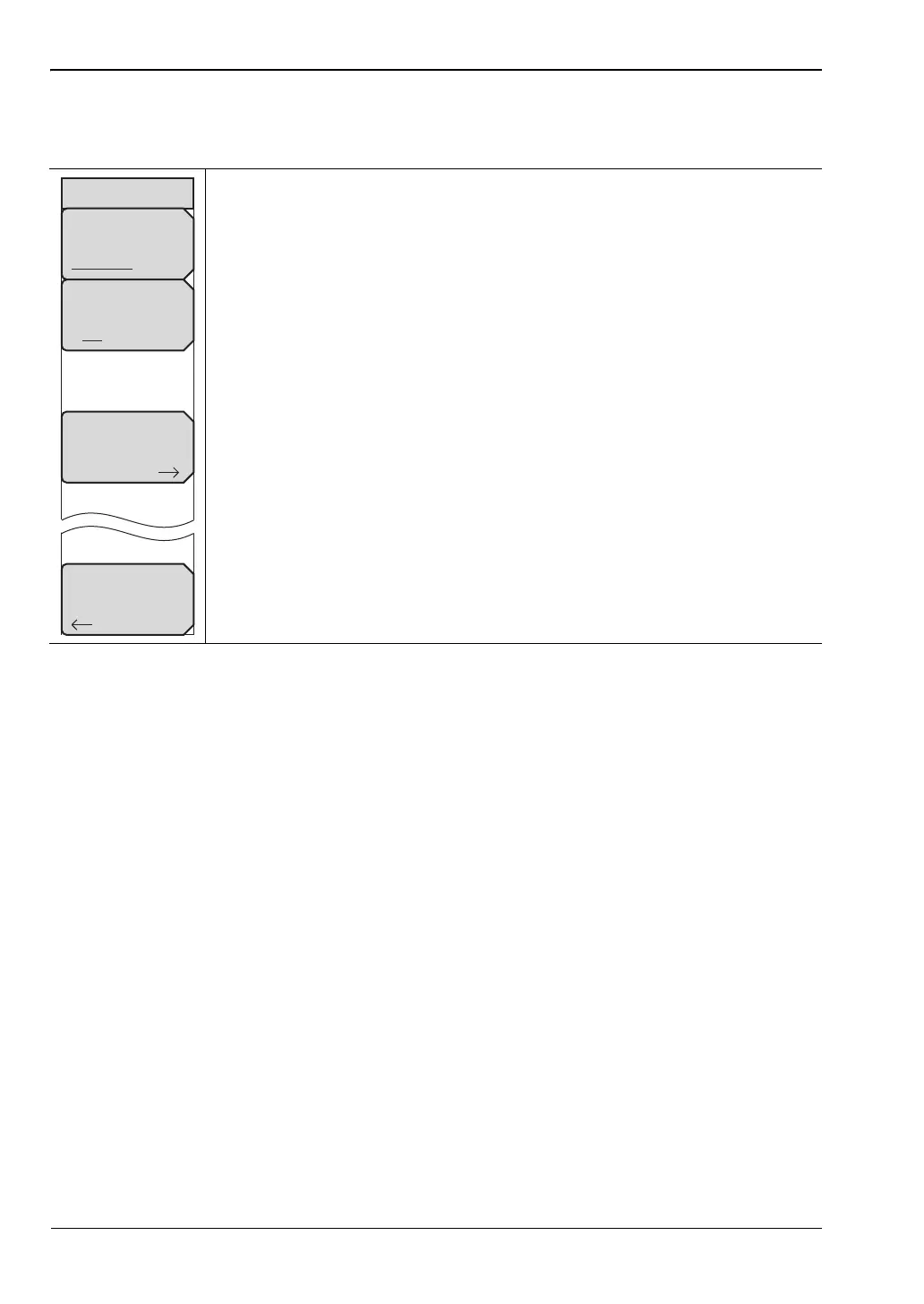
Control Channel Power Menu
Key Sequence: Measurements > Modulation > Control Channel Power
Display Mode: Select Bar Graph or Table as the desired view.
Control Channel EVM On Off: When On, the EVM column is included to
display the EVM of each control channel. The EVM column is included for
either Bar Graph or Table displays.
Ng (1/6): Determines the number of PHICH groups in a LTE sub-frame.
Back: Press this submenu key to return to the “Modulation Menu” on
page 5-33.
Figure 5-28. LTE Control Channel Menu
Control Channels
Display Mode
Bar Graph Table
Control Channel
EVM
On Off
Ng
(1/6)
Back














 To Next Page