7-3 Coverage Mapping LTE and TD-LTE Coverage Mapping
7-10 PN: 10580-00234 Rev. T 3GPP MG
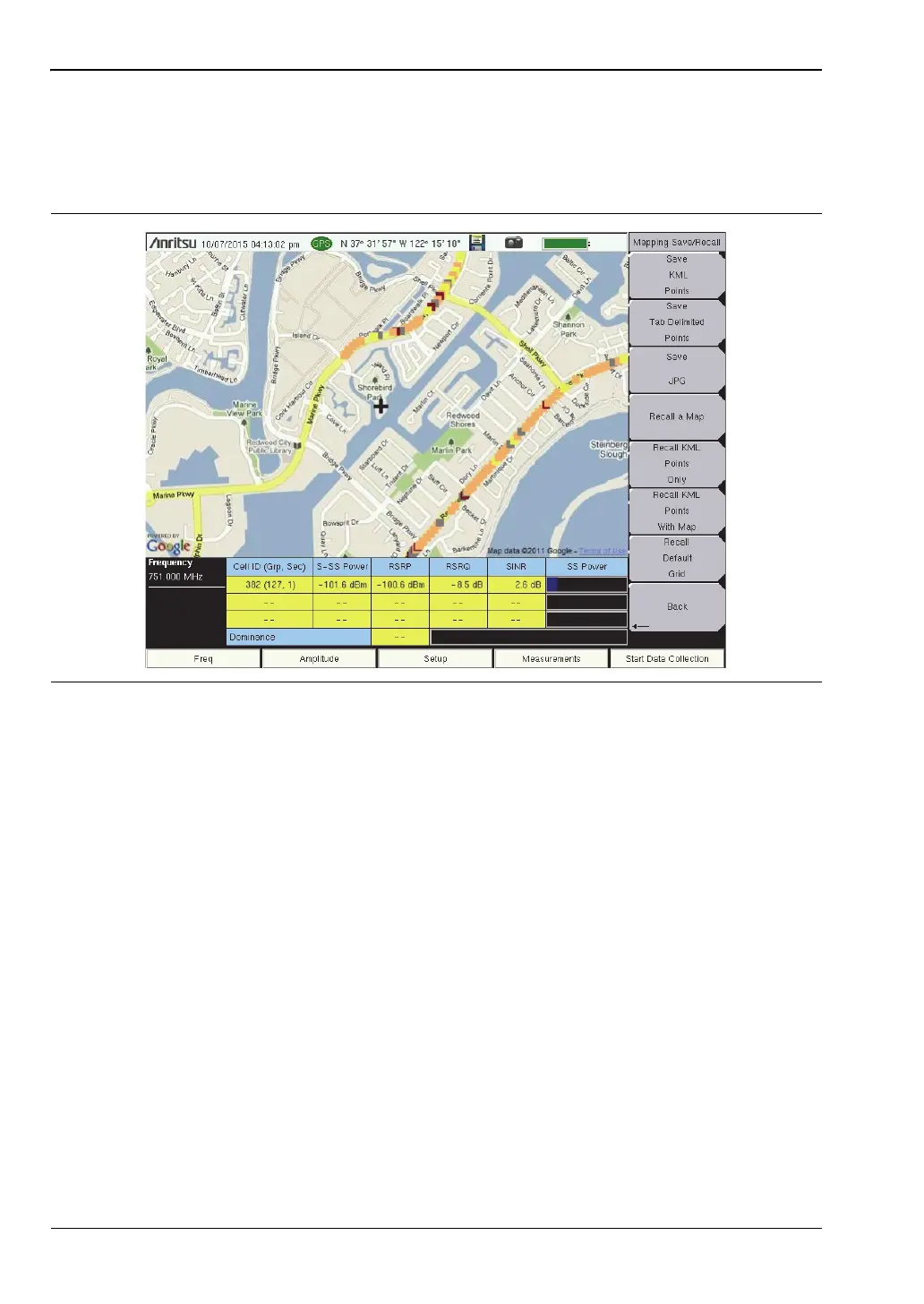
Save JPG
In the Coverage Mapping submenu, press Save/Recall Points/Map, then Save JPG. In the Save
dialog, change the file name as appropriate, then press Enter. A .jpg file of the current screen
is saved to the default location.
Figure 7-6. Coverage Mapping Measurement Saved as a .jpg File














 To Next Page