LTE and TD-LTE Coverage Mapping 7-3 Coverage Mapping
3GPP MG PN: 10580-00234 Rev. T 7-9
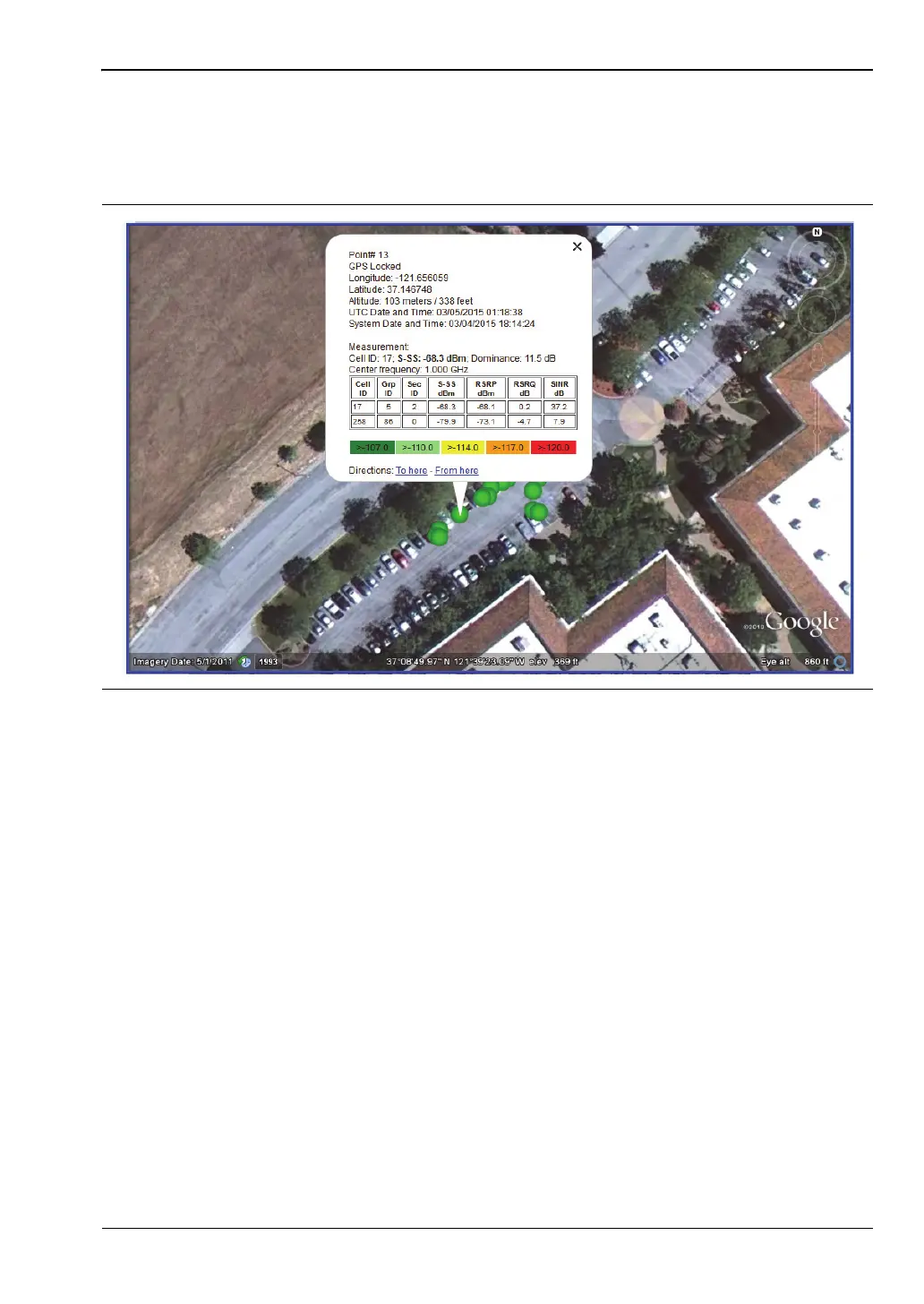
Opening the .kml file automatically launches Google Earth if the application is not currently
open. Figure 7-5 illustrates a sample coverage mapping .kml file viewed in Google Earth.
You can also view the file with Google Maps, provided you have the appropriate plug-in for
your browser.
Save Tab Delimited Points
In the Coverage Mapping submenu, press Save/Recall Points/Map, then Save Tab Delimited
Points. In the Save dialog, change the file name as appropriate, then press Enter. A tab
delimited text file (.mtd) of the coverage mapping data currently displayed on the screen will
be saved to the default location.
Figure 7-5. Sample Coverage Mapping KML File in Google Earth














 To Next Page