Cable and Antenna Analyzer 2-2 Cable and Antenna Measurement Setup
Cable & Antenna Analyzer MG PN: 10580-00241 Rev. B 2-7
Limit Lines
Pressing the Shift key and the Limit (6) key brings up the Limit menu. The cable and antenna
analyzer supports both single limit and multi-segment limit lines. The multi-segment limit
lines can have as many as 40 segments across the entire frequency or distance span.
Limit lines can be used for visual reference , or for pass/fail criteria using the limit alarm.
Limit alarm failures are reported whenever a signal is above the upper limit line or below the
lower limit line. Limit lines are stored with setups and can be recalled at a later time.
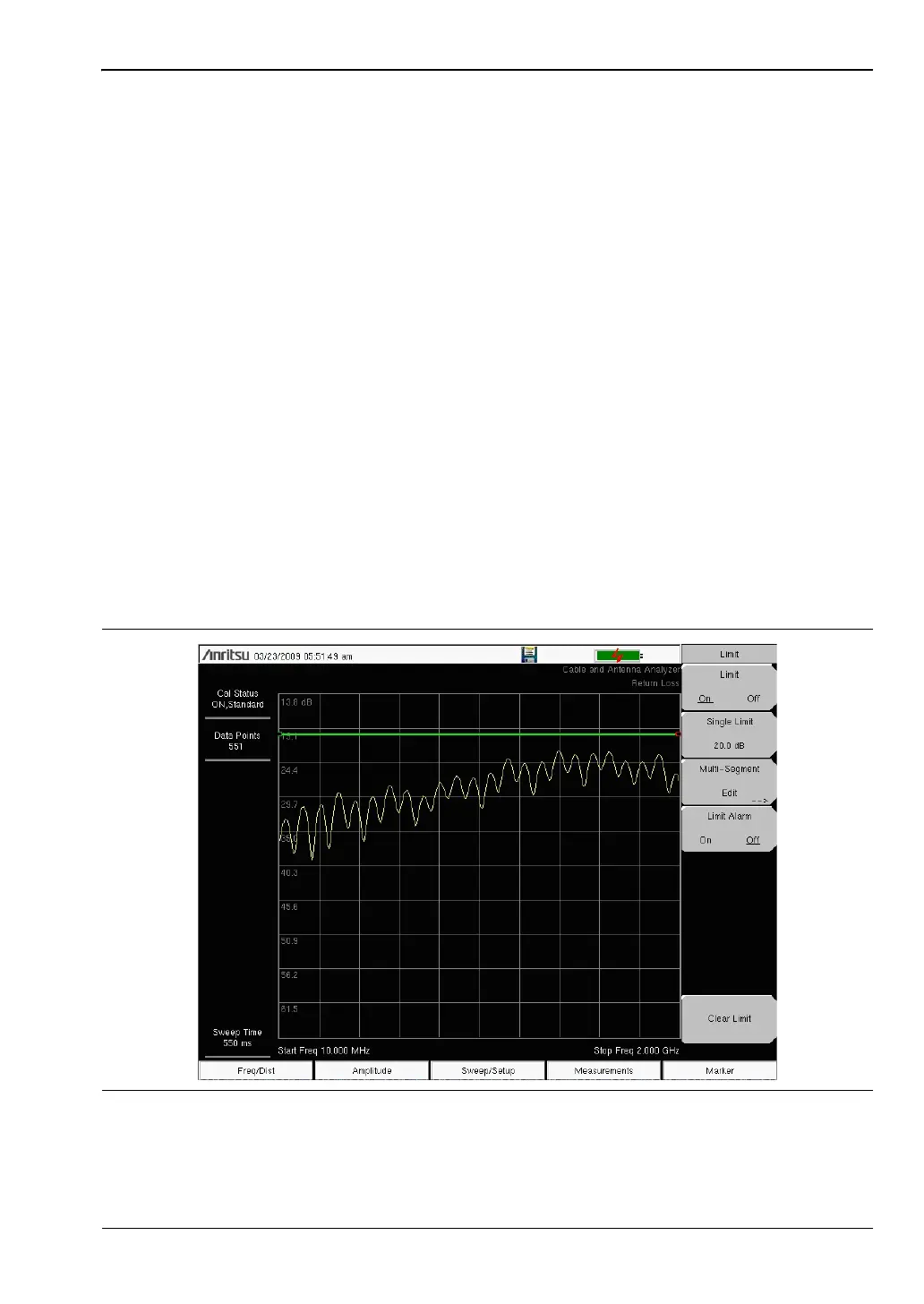
Single Limit Line
1. Press Shift and then Limit (6) to enter the Limit menu.
2. Press the Limit On/Off key to turn on the Limit.
3. Press Single Limit and then use the numeric keypad, Up/Down arrow keys, or the
rotary knob followed by Enter to change the limit value.
4. Press the Limit Alarm key to turn on or off the Limit Alarm.
Adjusting the Volume of Limit Alarm
1. Press Shift and then System (8)
2. Select the System Options submenu.
3. Press the Volume key.
4. Use the Up/Down arrow keys, rotary knob, or enter a value between 1 and 9 to adjust
the volume.
Figure 2-3. Single Limit Lines














 To Next Page