Cable and Antenna Analyzer 2-17 Trace Menu
Cable & Antenna Analyzer MG PN: 10580-00241 Rev. B 2-35
2-16 Measure Menu
This menu open the “Measurement Menu” on page 2-33.
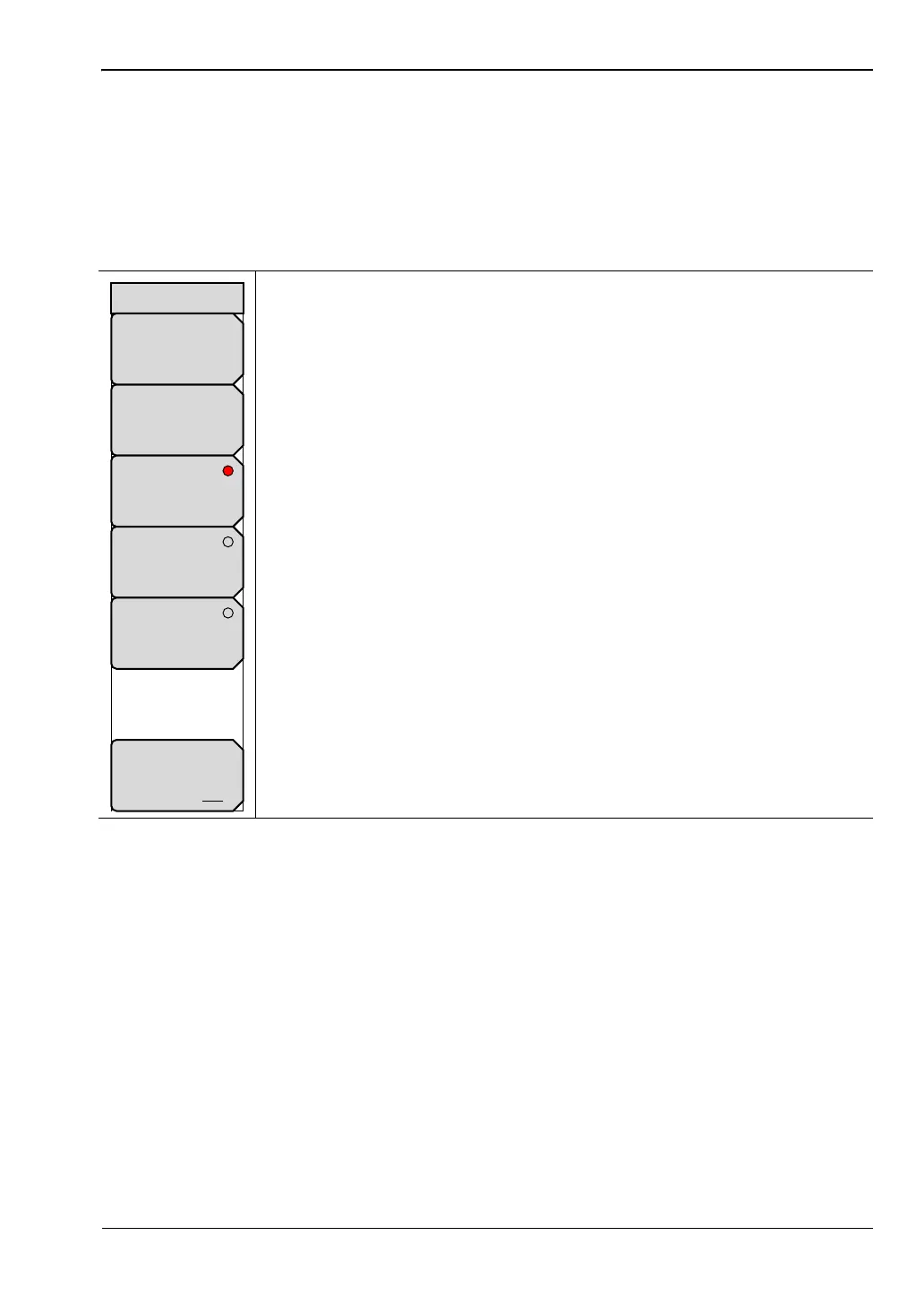
2-17 Trace Menu
Key Sequence: Shift > Trace (5) key
Recall Trace: Opens the Recall dialog box to recall a previously saved
measurement. See the User Guide for more information about recalling
measurements. If the setup of the recalled trace is the same as the current
settings, the trace is displayed in white and copied to display memory for
use in Trace Math.
Copy Trace to Memory: Copies the current trace display to memory for
use in Trace Math.
No Trace Math: The active trace is shown with as is with no math
functions.
Trace + Memory: Displays the results of logarithmic adding of the active
trace and the trace in memory.
Trace – Memory: Displays the difference between the active trace and the
trace in memory.
Trace Overlay: Displays both the recalled trace (white) if a trace is stored
in memory and the current trace (yellow).
Figure 2-29. Trace Menu
Trace
Copy Trace
To Display
Memory
No
Trace
Math
Trace
+
Memory
Trace
-
Memory
Recall
Trace
Trace Overlay
On Off














 To Next Page