2-14 Marker Menu Cable and Antenna Analyzer
2-34 PN: 10580-00241 Rev. B Cable & Antenna Analyzer MG
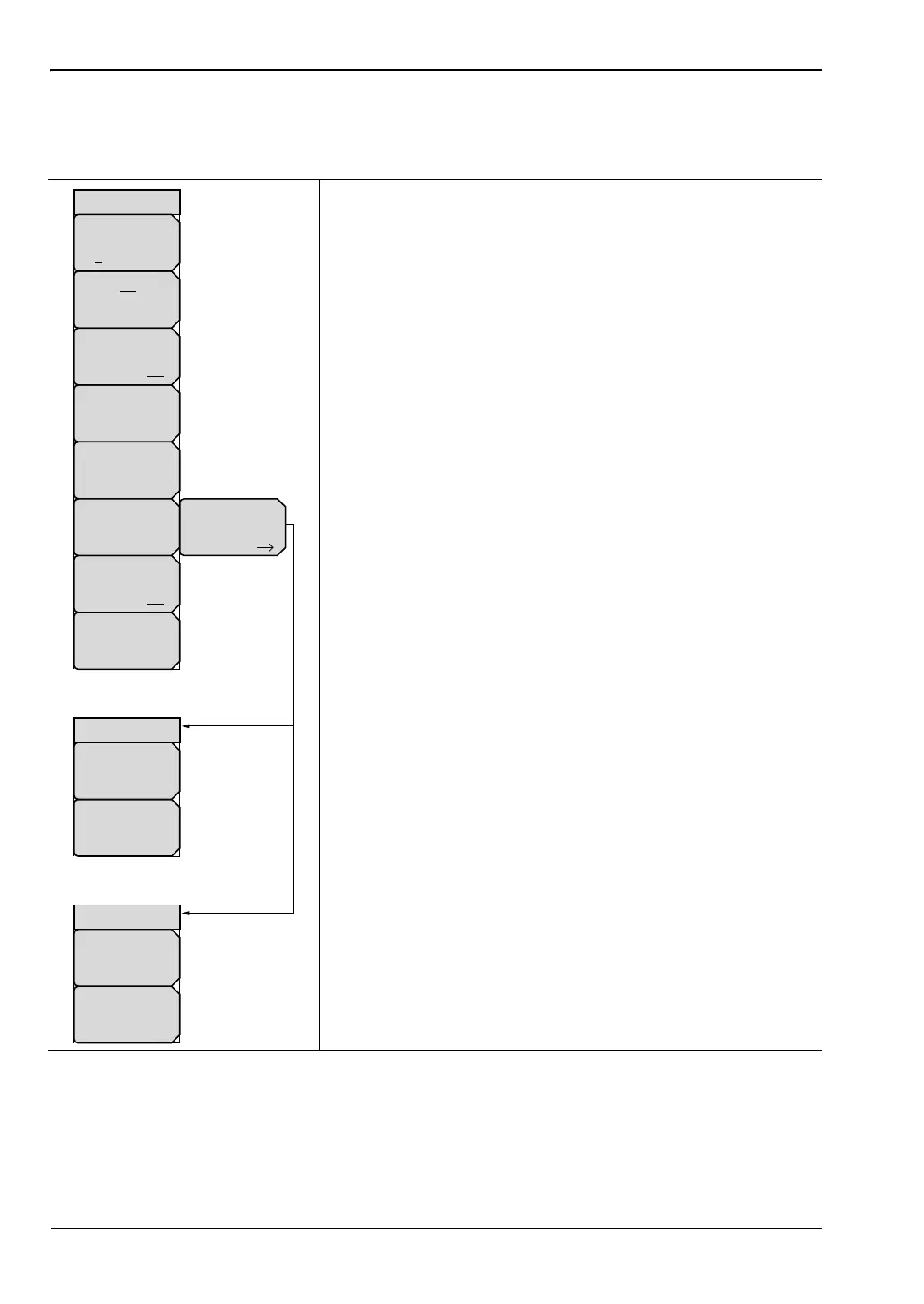
2-14 Marker Menu
Key Sequence: Marker
2-15 Sweep Menu
This menu open the “Sweep/Setup Menu” on page 2-32.
Marker: Press the marker key the select M1 to M6 on the
touch screen to choose the active marker. The underlined
marker number is the active marker.
On/Off: Turns the selected marker underlined in the Marker
key On or Off.
Delta: Turns on a delta marker.
Marker to Peak: This submenu key places the currently
active marker on the highest signal amplitude currently
displayed on screen.
Marker to Valley: This soft key places the currently active
marker on the lowest signal amplitude currently displayed on
screen.
Peak/Valley Auto (Markers 1 through 4 Active):
Automatically set Marker 1 to peak and Marker 2 to valley.
Note: Not available in DTF measurements.
Marker Options (Marker 5 or 6 Active): Displays the
Marker Options submenu.
Marker 5 Active
Peak Between M1&M2: Place Marker 5 at the peak
between Marker 1 and Marker 2.
Valley Between M1&M2: Place Marker 5 at the valley
between Marker 1 and Marker 2.
Marker 6 Active
Peak Between M3&M4: Place Marker 6 at the peak
between Marker 3 and Marker 4.
Valley Between M3&M4: Place Marker 6 at the valley
between Marker 3 and Marker 4.
Marker Table: Causes a table to be displayed below the
sweep window. The table is automatically sized to display all
markers that are turned on. In addition to the marker
frequency and amplitude, the table also shows delta
frequencies and amplitude deltas for all markers that have
deltas entered for them.
All Markers Off: Turns off all markers.
Figure 2-28. Marker Menu
Marker Table
On Off
Marker
On
Off
Marker
To
Peak
Marker
To
Valley
Peak/Valley
Auto
Marker
1 2 3 4 5 6
Delta
On Off
All Markers
Off
Marker
Options
When Marker 5 or
Marker 6 is Active
Valley
Between
M1&M2
Peak
Between
M1&M2
Marker Options
When Marker 5
is Active
Valley
Between
M3&M4
Peak
Between
M3&M4
Marker Options
When Marker 6
is Active














 To Next Page