Calibration 3-6 InstaCal Module Verification
Cable & Antenna Analyzer MG PN: 10580-00241 Rev. B 3-5
3-6 InstaCal Module Verification
Verifying the InstaCal module before any line sweeping measurements is critical to the
measured data. InstaCal module verification identifies any failures in the module due to
circuitry damage or failure of the control circuitry. This test does not attempt to characterize
the InstaCal module, which is performed at the factory or the service center.
The performance of the InstaCal module can be verified by the Termination method which is
similar to testing a bad load against a known good load.
Termination Method
The Termination method compares a precision load against the InstaCal module and provides
a baseline for other field measurements. A precision load provides better than 42 dB
directivity.
1. Set the instrument frequency for the device under test.
2. Press the Measurements main menu key and select Return Loss.
3. Connect the InstaCal module to the instrument’s RF Out port and calibrate the
Site Master using the InstaCal module requiring verification.
4. Remove the InstaCal module from the RF Out port and connect the precision load to the
RF Out port.
5. Measure the return loss of the precision load. The level should be less than 35 dB across
the calibrated frequency range.
6. Press the Marker main menu key and set Marker1 to Marker To Peak. The M1 value
should be less than 35 dB return loss.
3-7 Calibrate Menu
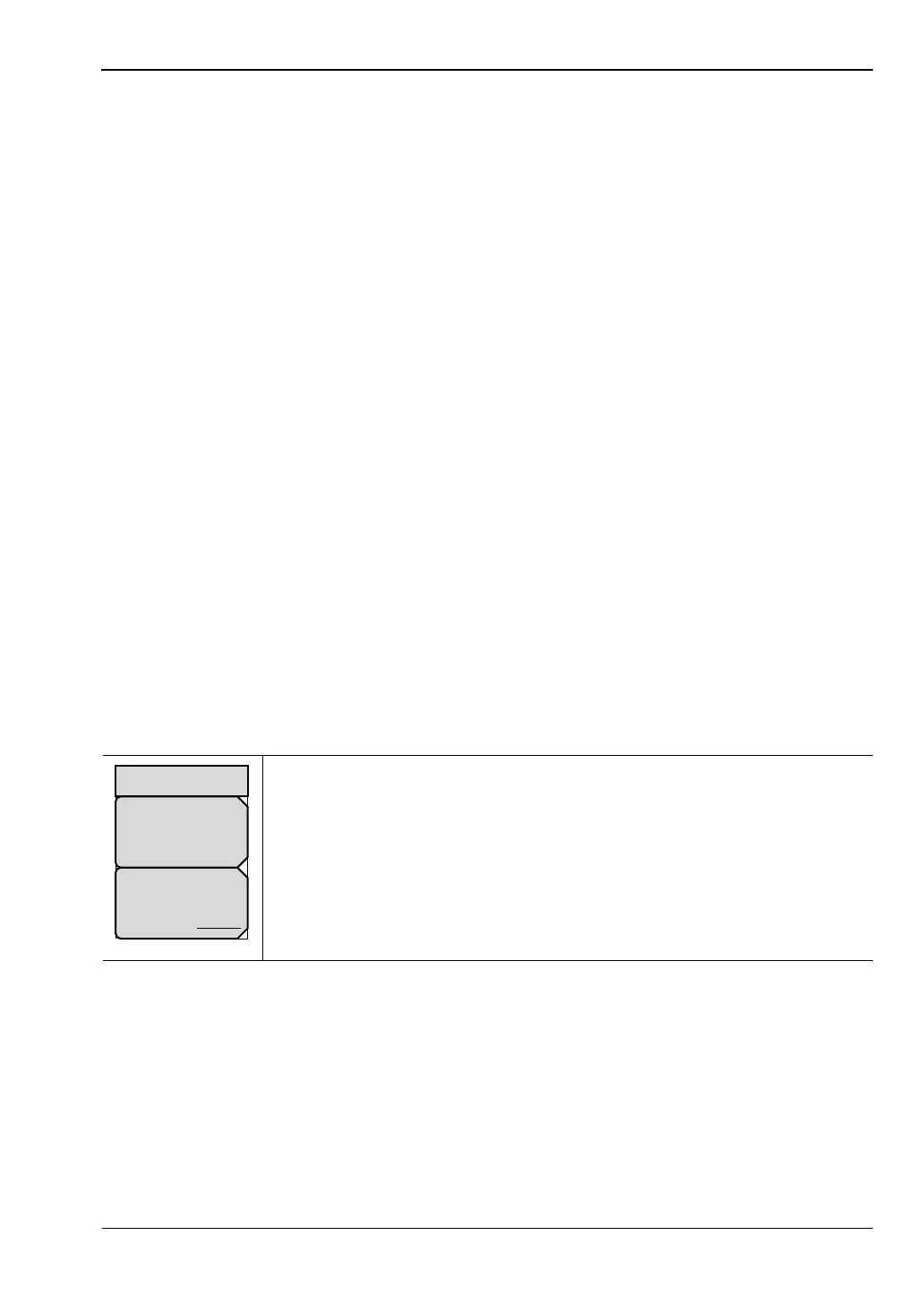
Key Sequence: Calibrate .
Start Cal: Press this submenu key and follow the instruction on screen.
Cal Type: Toggles between Standard Cal and FlexCal. See Table 3-1
on page 3-2 for details.
Figure 3-3. Calibrate Menu
Cal Type
Standard FlexCal
Calibration
Start Cal














 To Next Page