3-5 Calibration Procedures Calibration
3-4 PN: 10580-00241 Rev. B Cable & Antenna Analyzer MG
InstaCal Module Calibration Procedures (Standard and FlexCal)
1. Press the Freq/Dist main menu key and enter the appropriate frequency range.
2. Press Shift then Cal (2) key.
3. Select Standard or FlexCal.
4. Press Start Cal. The message “Connect OPEN or InstaCal to RF Out port” will appear on
screen.
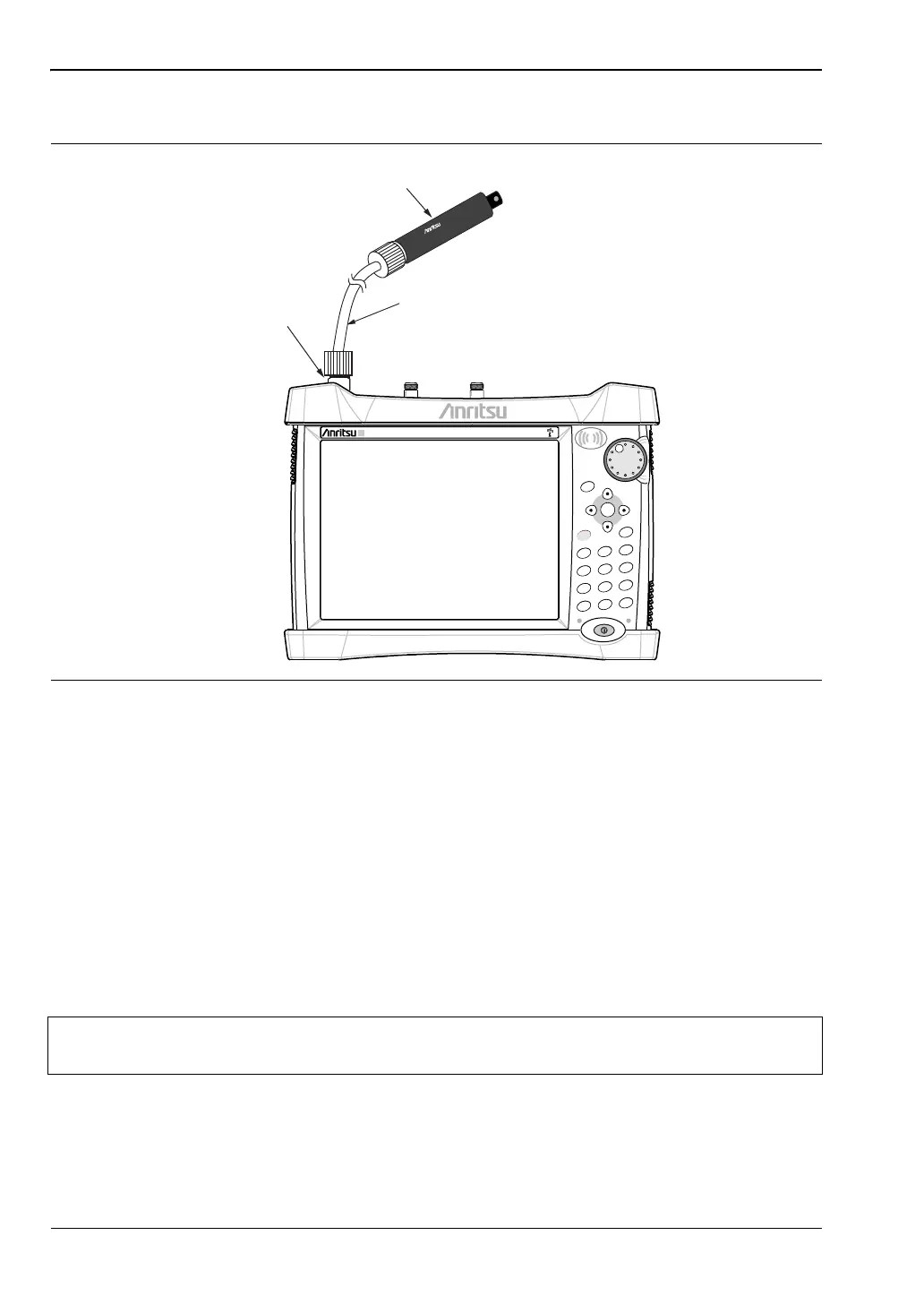
5. Connect the InstaCal module to RF Out and press the Enter key.
6. The instrument senses the InstaCal module and automatically calibrates the unit using
the OSL procedure. An audible tone will sound when the calibration is complete.
7. Verify that the calibration has been properly performed by checking that the Cal Status
message is now displaying “ON, Standard, Insta” or “ON, Flex, Insta”.
Figure 3-2. Calibration Setup InstaCal
Note
The InstaCal module is not a discrete calibration component and it can not be used
at the top of the tower to perform line sweep measurements.
Power Charge
+/-
.
0
3
Sweep
2
Calibrate
1
Preset
6
Limit
5
Trace
4
Measure
9
Mode
8
System
7
File
Shift
Esc
Enter
Menu
RF OUT/REFLECTION
TEST PORT
SiteMaster
S331E
InstaCal MODULE
INSTALCAL
MODEL ICN508
S/N 601010
TEST PORT CABLE (OPTIONAL)














 To Next Page