Battery Information 6-2 Battery Pack Removal and Replacement
MT8212E and MT8213E MM PN: 10580-00255 Rev. J 6-3
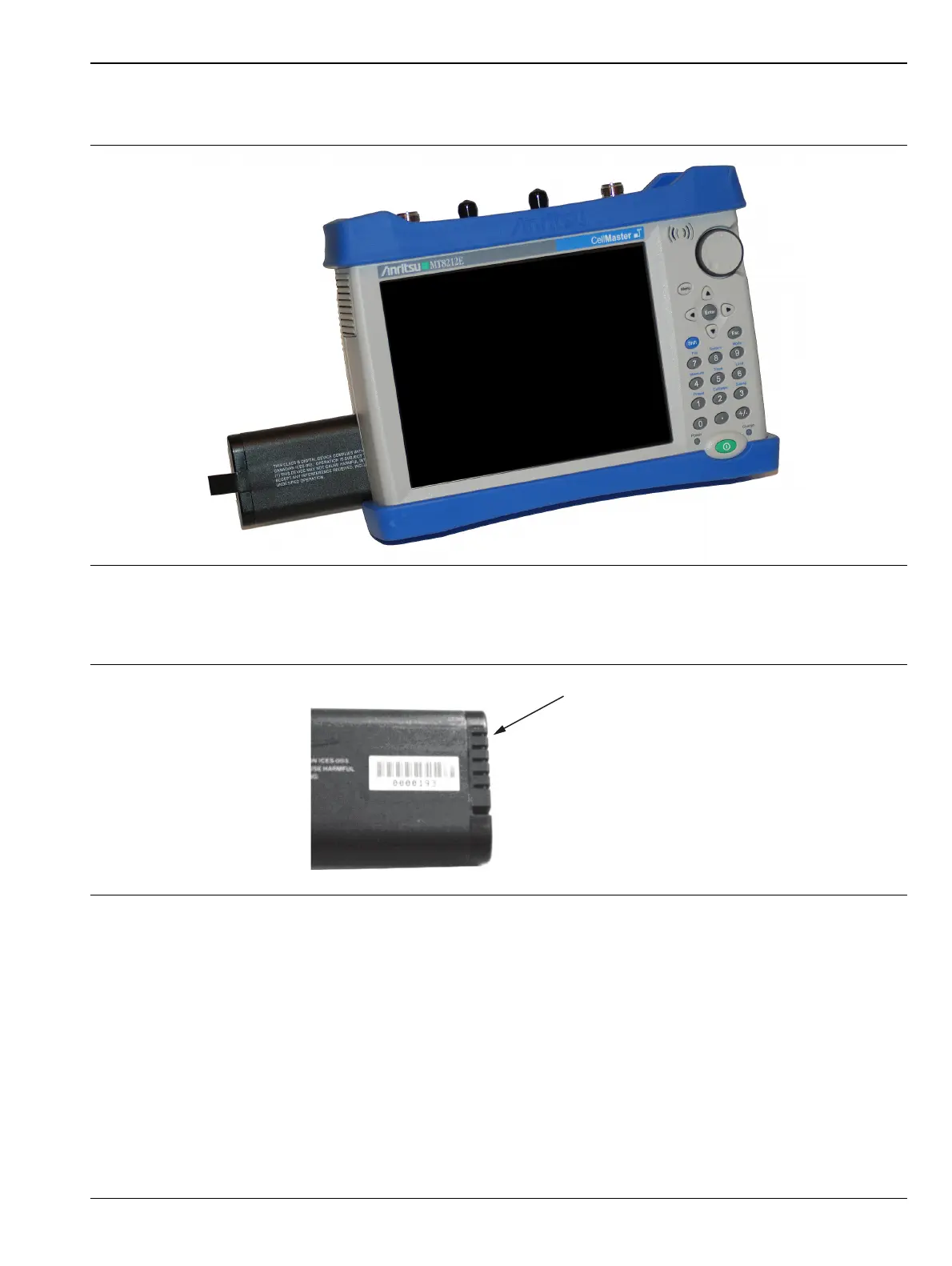
4. With the battery access door completely removed, grasp the battery lanyard and pull the battery straight
out of the instrument, as illustrated in Figure 6-3.
5. Replacement is the opposite of removal. Note the orientation of the battery contacts, and be sure to insert
the new battery with the contacts facing the front of the instrument, as illustrated in Figure 6-4.
Figure 6-3. Removing the Battery
Figure 6-4. Battery Contacts














 To Next Page