CPS100 SERIES OPERATION MANUAL
SECTION 6:
Front Panel Operation
Entire Contents Copyright 2018 by Adaptive Power Systems, Inc. (APS) • All Rights Reserved • No reproduction without written authorization from APS.
APS CPS100 Series Power Source Operation Manual Page 119 of 231
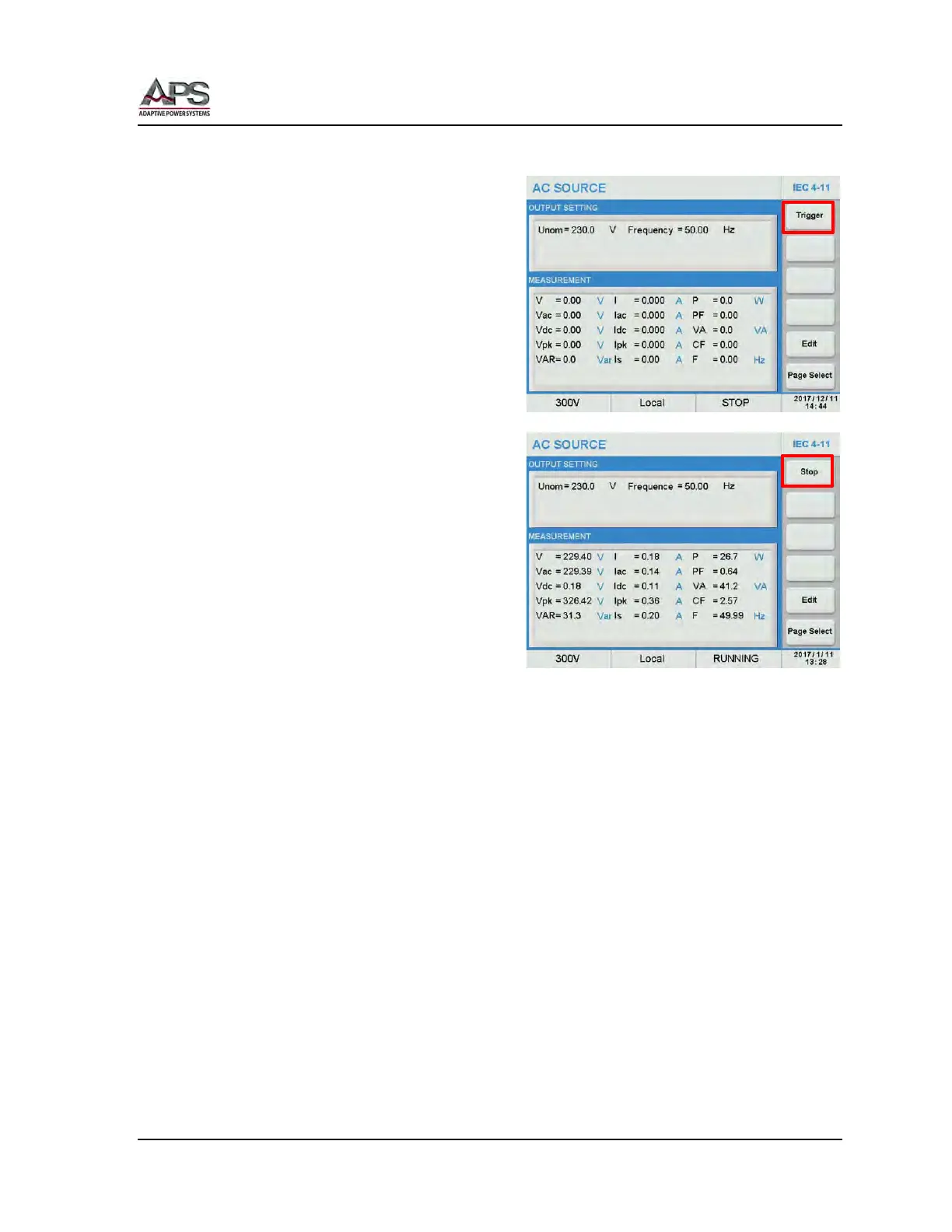
Running an IEC 4-11 Variations test
To execute the IEC 4-11 test, press the [Esc]
key to exit the Edit mode and return to the
main IEC 4-11 test screen.
Start the test by pressing the Trigger soft
key. Once pressed, it changes to Stop.
The test will now run until completed. Total
test time is a function of the count, interval,
td, ti and ds.
At the completion of the entire sequence,
the Stop soft key will revert to Trigger. To
abort a test in progress, press the Stop soft
key during a test run.



 To Next Page