CPS100 SERIES OPERATION MANUAL
SECTION 6:
Front Panel Operation
Entire Contents Copyright 2018 by Adaptive Power Systems, Inc. (APS) • All Rights Reserved • No reproduction without written authorization from APS.
APS CPS100 Series Power Source Operation Manual Page 81 of 231
The following measurement parameters are available to choose from:
Total Current (Iac + Idc)
Apparent Power ( VA = P + VAR)
Table 6-2: Available Measurements and Units
The following four Soft keys are available in the Measurement Settings screen:
• I Range
• Average
• Is Delay
• Is Interval
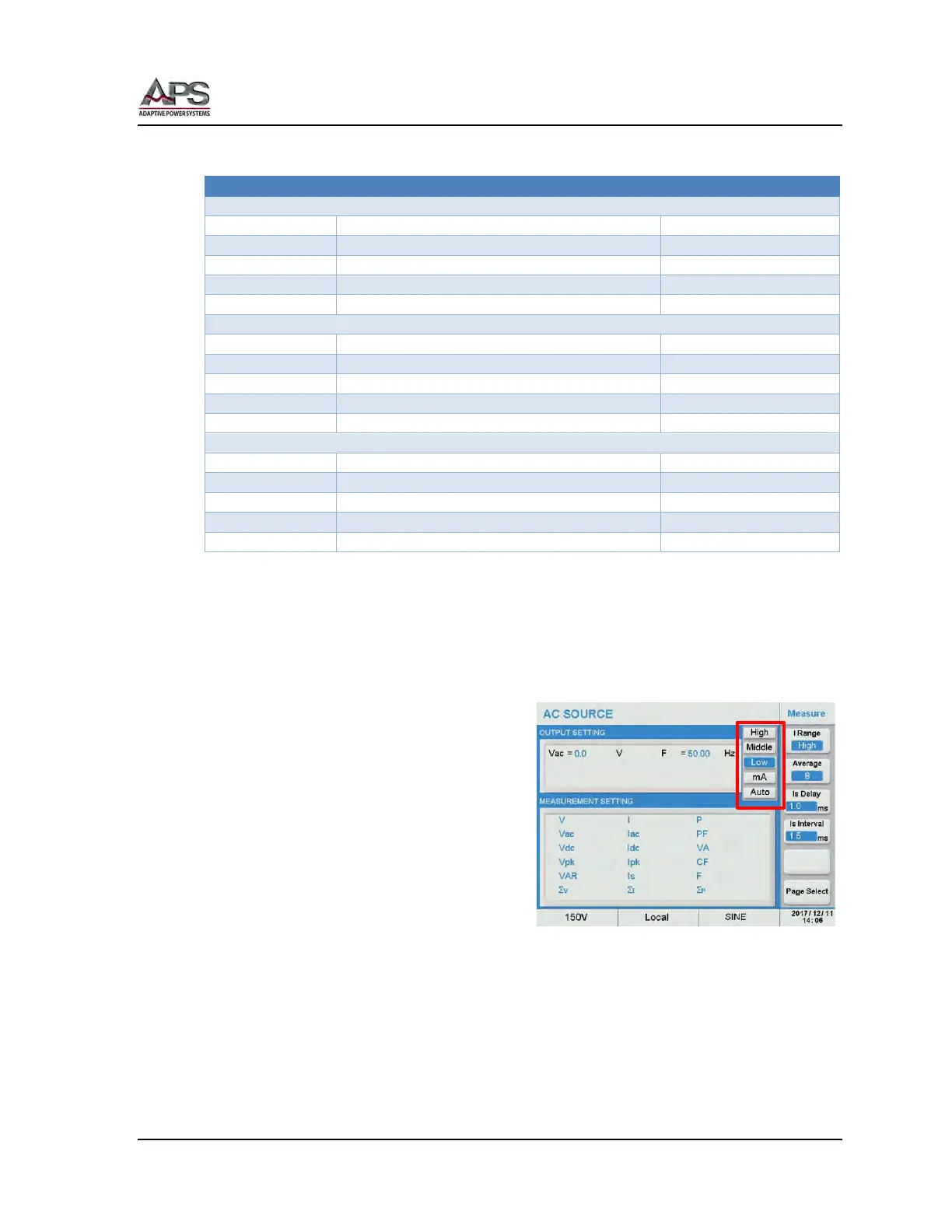
6.7.2.1 I Range Setting
The I Range soft key allows selection of the
current measurement range. Available settings
are:
• High
• Middle
• Low
• Auto
• mA
Actual measurement ranges of each of these settings may vary by model. Consult the
Technical data section for data by model.
To select a current range, press the I Range soft key and select a range from the available
list.
Note: The Auto Range selection will only switch between High and Middle ranges. To
change settings between High/Middle and Low/mA ranges, the power source must
be turned off first.



 To Next Page