CPS100 SERIES OPERATION MANUAL
SECTION 6:
Front Panel Operation
Entire Contents Copyright 2018 by Adaptive Power Systems, Inc. (APS) • All Rights Reserved • No reproduction without written authorization from APS.
APS CPS100 Series Power Source Operation Manual Page 84 of 231
MENU Screens
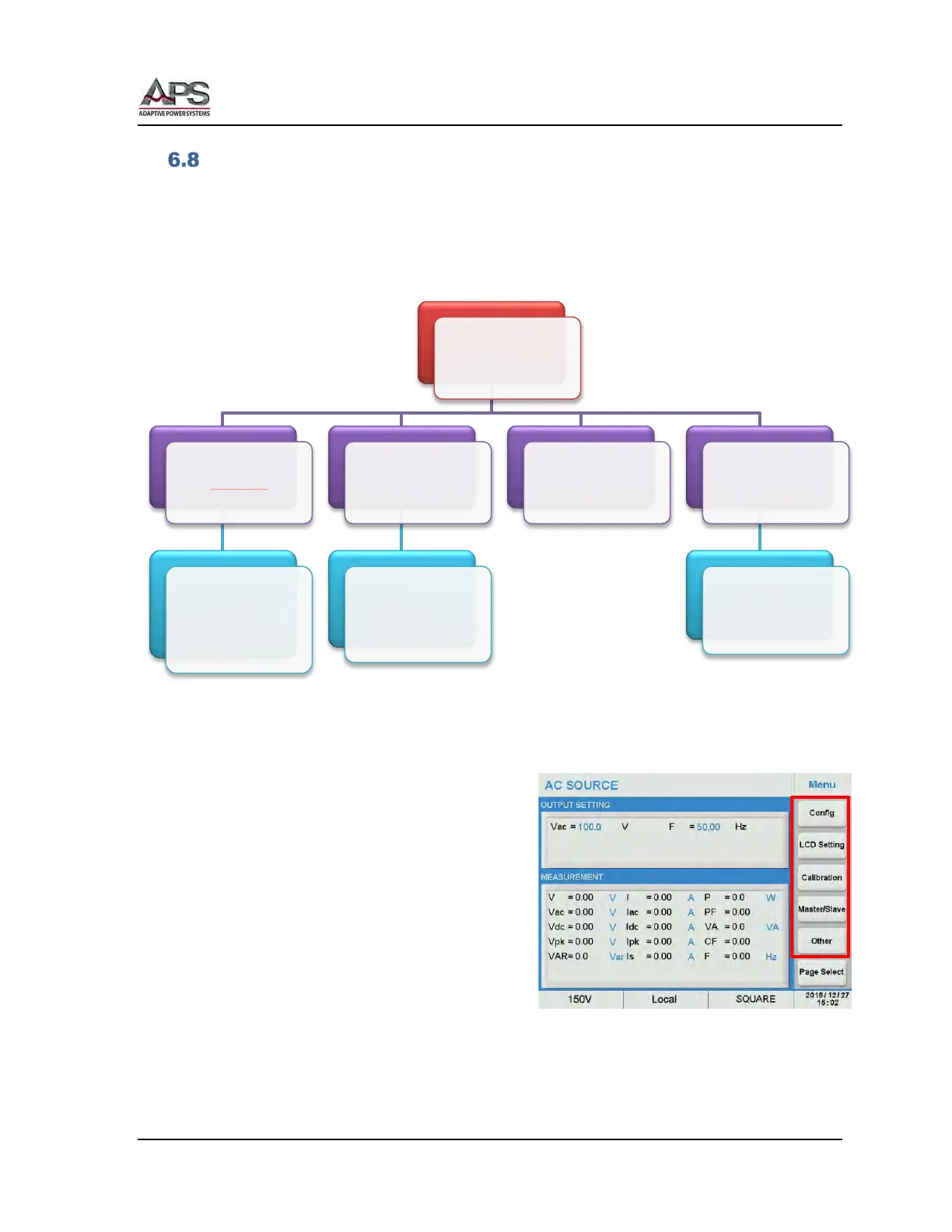
The MENU screen is used to configure system level settings such as interfaces, LCD screen
contrast, External input modes, Calibration etc. These are settings that are not related to the
power source output. The Menu structure is shown in the diagram below.
Figure 6-5: Menu Structure
The following Soft Keys are available in the
Menu screen to access these settings.
• Config
• LCD Setting
• Calibration
• Master/Slave
• Other
Menu
Config
• Remote Control
• System Setting
• System Info
• External Control
• Protection
LCD Setting
• Display
• Date/Time
• Screen Calibration
• Screen Color Test
Calibration Other
• Recall Defaults
• Warning Log
• License
• Firmware Update



 To Next Page