www.ayyeka.com | +1 (310) 876-8040 | info@ayyeka.com 100
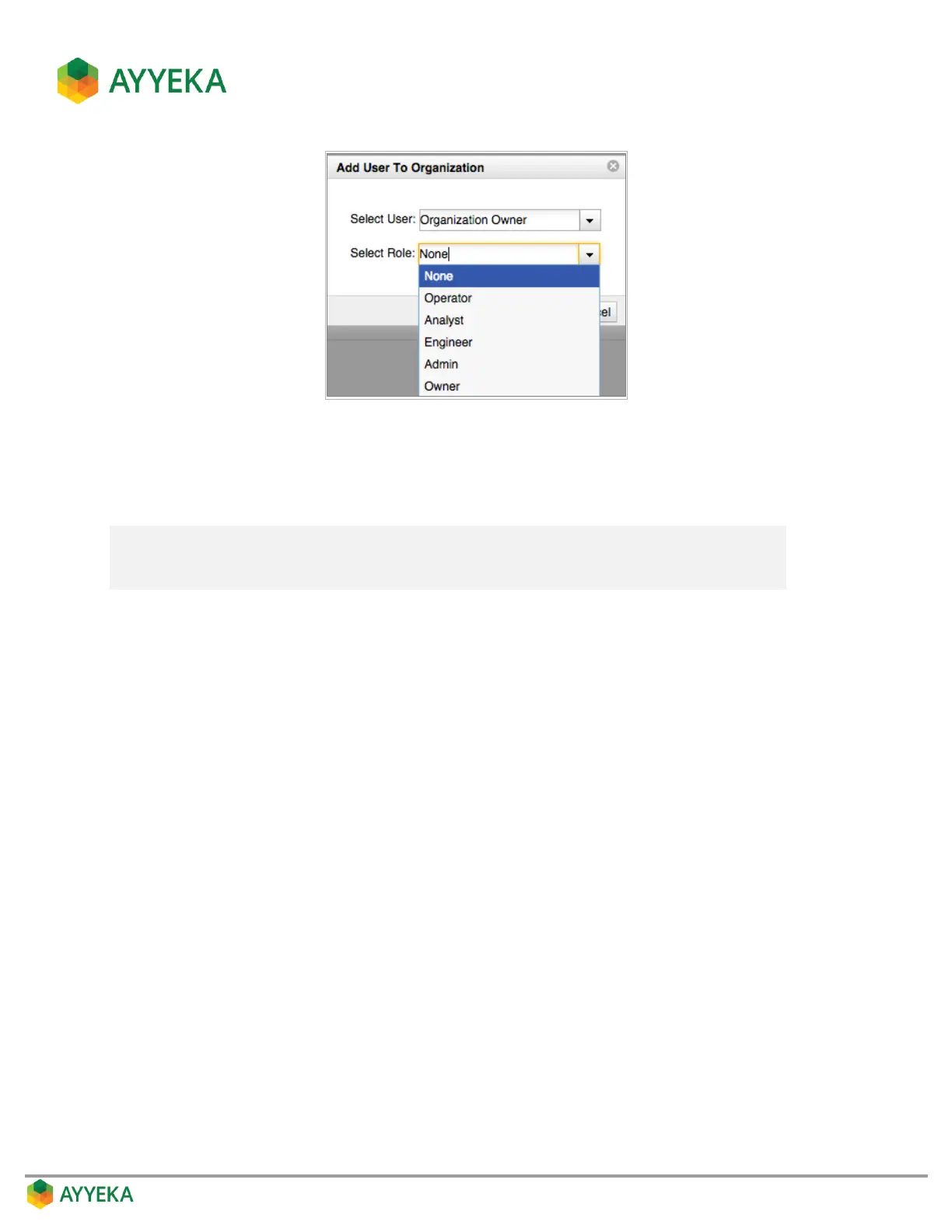
Figure 85: Assigning a role to a user
4. In the Select User drop-down list, specify which user to add to the organization.
5. In the Select Role drop-down list, specify the user’s role in this organization.
Note: If the role assigned here is not identical to the role assigned to the user upon
user creation, the system grants him permissions to the organization’s assets
that correspond to the higher of the two roles.



 To Next Page